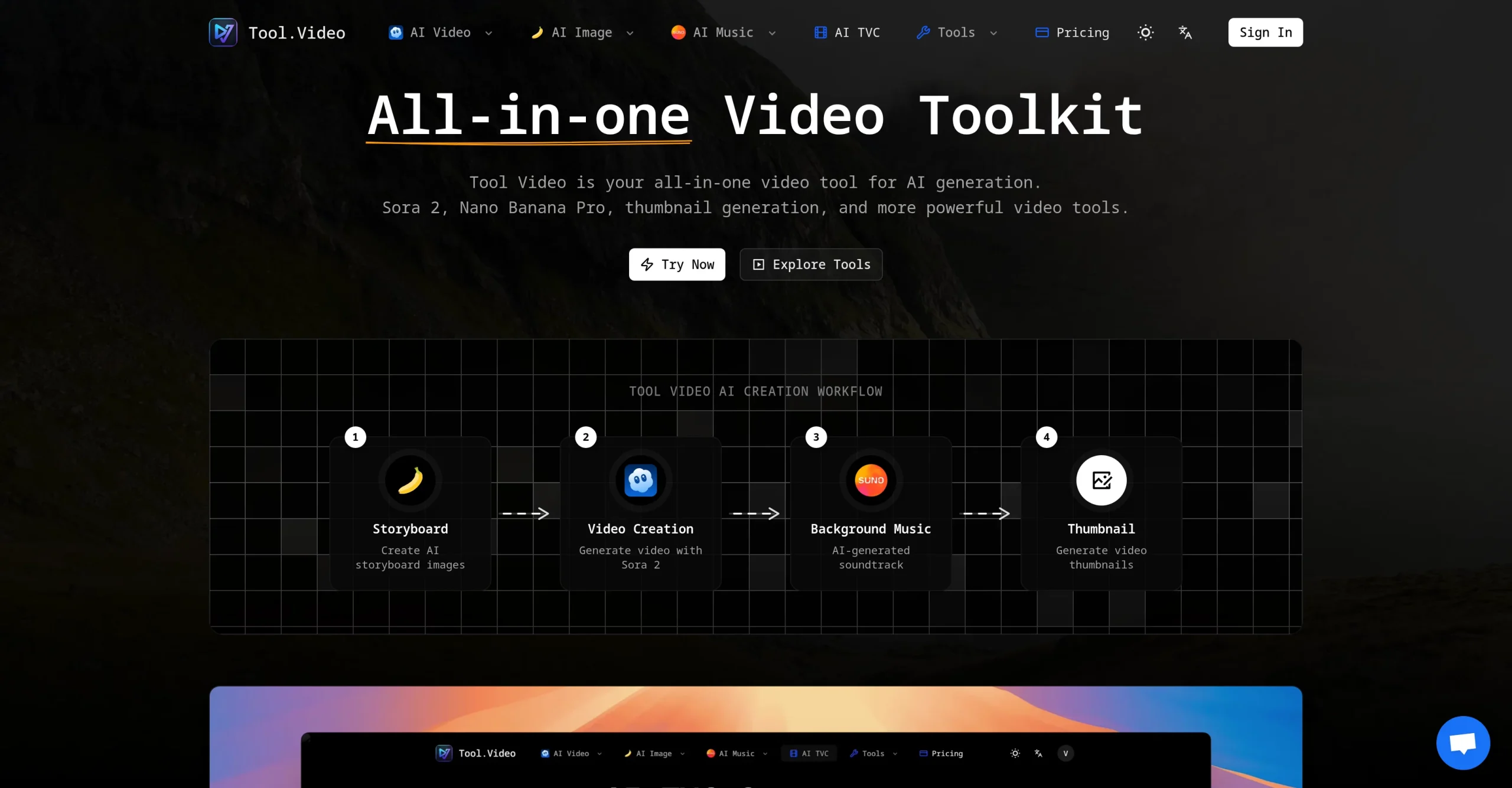
Tool.Video brings together generation and editing tools for video, images, music, and social assets. Its model selection includes options for AI video, image generation, and music, alongside practical utilities for thumbnails, trimming, and adding or removing watermarks.
The platform uses credits so creators can move between different media workflows within one account. It is suited to short-form production, marketing assets, music experiments, and fast browser-based edits.
Research basis:
This is a source-based directory listing prepared from public product information; it is not represented as a hands-on test. Last updated August 8, 2026. Read our methodology.
How to use this tool
Choose the focused generator or utility and upload the required rights-cleared video, image, or audio source, or enter a detailed prompt.
Select the model, duration, resolution, aspect ratio, and output settings after reviewing the displayed credit cost.
Generate a draft and inspect motion, continuity, faces, text, audio, thumbnail claims, and similarity to protected source material.
Use trimming, thumbnail, watermark, or regeneration tools only where needed, and do not remove ownership marks from content without authorization.
Download or call the API for the approved result after confirming the active plan commercial license and retaining source and consent records.
Core Features
✓Text-to-video, image-to-video, and video-to-video generation through multiple models.
✓Sora 2 video creation with configurable prompts and supported durations.
✓Nano Banana Pro text-to-image and image-to-image generation.
✓Suno music generation for soundtrack and audio experiments.
✓AI storyboard and thumbnail creation for a start-to-finish content workflow.
✓Video trimming with multiple input formats and quality-preserving copy mode.
✓Watermark addition and eligible Sora watermark-removal utilities.
✓REST API access, 4K output, MCP integration, and bulk processing on higher tiers.
Use Cases
#1Generate a short social video
#2Create campaign images and thumbnails
#3Produce an AI music draft
#4Remove or add a video watermark
#5Trim a clip without desktop software
Frequently Asked Questions
Tool.Video is a browser toolkit for AI video, image, music, storyboard, and thumbnail generation plus practical video editing utilities.
Its official pages currently highlight Sora 2 for video, Nano Banana Pro for images, and Suno 5 for music.
Yes. Available workflows include text-to-video, image-to-video, video-to-video, text-to-image, and image-to-image.
Yes. Tool pages include REST endpoints using bearer API keys and credit-based usage; API access is listed from Standard.
The trimmer lists MP4, MOV, AVI, MKV, and WebM inputs with MP4 or WebM output.
Starter is $4 monthly or $3 per month on annual billing, with 100 credits per month.
Standard is $15 monthly or $10 per month annually, with 500 monthly credits, API access, priority processing, and 4K output.
Premium is $50 monthly or $33 per month annually, with 2,000 monthly credits, MCP, bulk processing, priority support, and a commercial license.
The Starter examples include about ten 10-second Sora videos, five Suno generations, or ten Nano Banana Pro images, although actual mixes depend on tool costs.
A Sora watermark-removal tool is offered, but users must have the legal right and platform permission to alter or remove a watermark.
Tool.Video Support Email & Customer service contact & Refund contact etc.