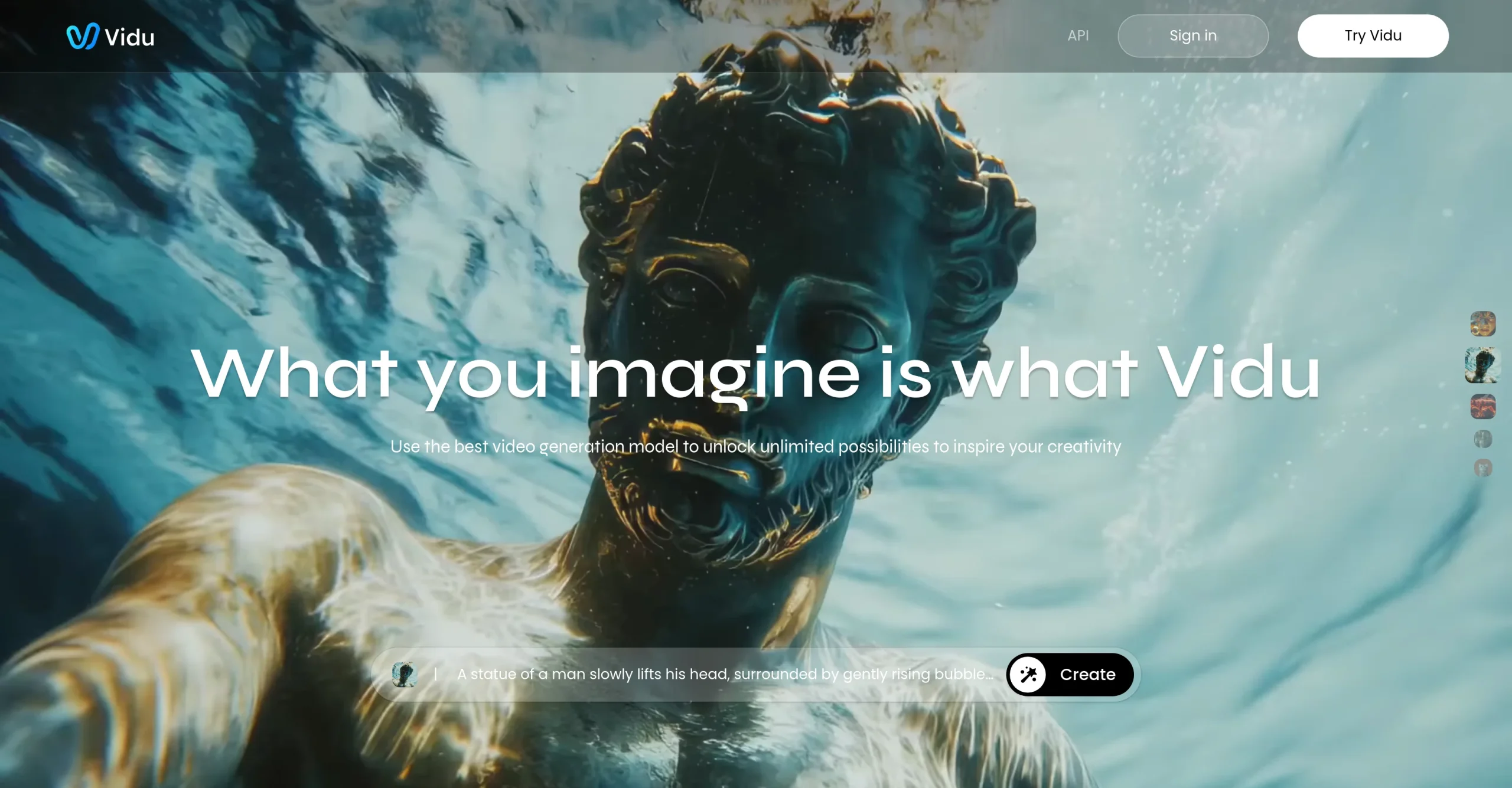
Introduction:Vidu is a browser-based AI video generator for text, images, multiple visual references, start-and-end frames, consistent subjects, animation, and sound-enabled clips.
Vidu creates short videos from prompts, still images, or multiple visual references. Its workflows include text-to-video, image-to-video, reference-to-video, start-and-end-frame control, animation, templates, and newer models that can generate coordinated visual and audio content.
Reference consistency reduces—but does not eliminate—identity drift and visual errors. Upload only licensed material, obtain consent for people and voices, test motion in short drafts, inspect each frame, verify captions and product details, and confirm the paid plan’s watermark, commercial-use, and resolution terms before delivering client work.
Research basis:
This is a source-based directory listing prepared from public product information; it is not represented as a hands-on test. Last updated August 8, 2026. Read our methodology.
How to use this tool
Select text, image, reference, or start-and-end-frame mode according to the approved assets and the type of continuity required.
Describe subject, motion, camera, composition, duration, resolution, visual style, sound, and exclusions in a bounded shot brief.
Generate a low-cost or off-peak draft first and use multiple references only when their ownership and identity consent are documented.
Confirm the applicable commercial license and disclosure rules, then archive the prompt, source assets, and approved output before publishing.
Core Features
✓Text-to-video generation
✓Image-to-video animation
✓Reference-to-video consistency
✓Start-and-end-frame control
✓Multi-reference subjects
✓Fast generation modes
✓2D animation workflows
✓Sound and audiovisual generation
Use Cases
#1Animate a branded still image
#2Create a consistent character clip
#3Prototype a product demonstration
#4Generate a short animated scene
#5Test a start-to-end visual transition
Frequently Asked Questions
Vidu is an AI video platform supporting text, images, multiple references, start-and-end frames, consistent subjects, animation, and sound-enabled clips.
It uses supplied images to guide recurring subjects, objects, or visual elements through a generated clip.
Yes. Official pricing information describes signup and daily-login credits as well as activity bonuses.
They are credits included with a subscription and are valid for 30 days.
Official pricing says additional purchased credits remain valid for two years.
Yes. Official materials describe reduced-cost or free off-peak generation depending on the product mode and current offer.
Yes. The official API platform sells credits at $0.005 each and publishes model-specific consumption tables.
The reviewed official page did not expose reliable current amounts, so the outdated $8.50 card is removed rather than guessed.
The current pricing FAQ says subscriptions are not refundable and must be cancelled to prevent future automatic charges.