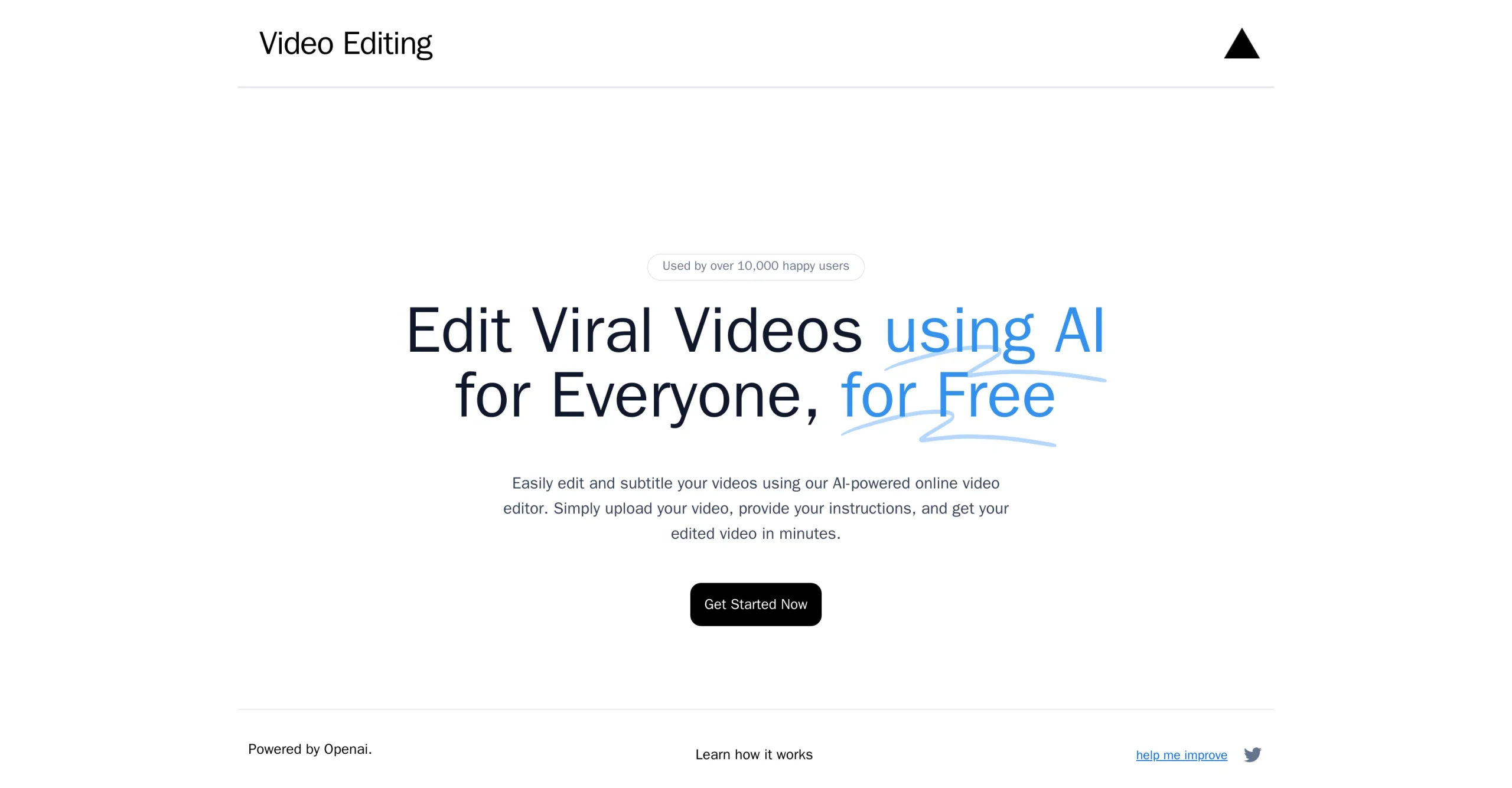
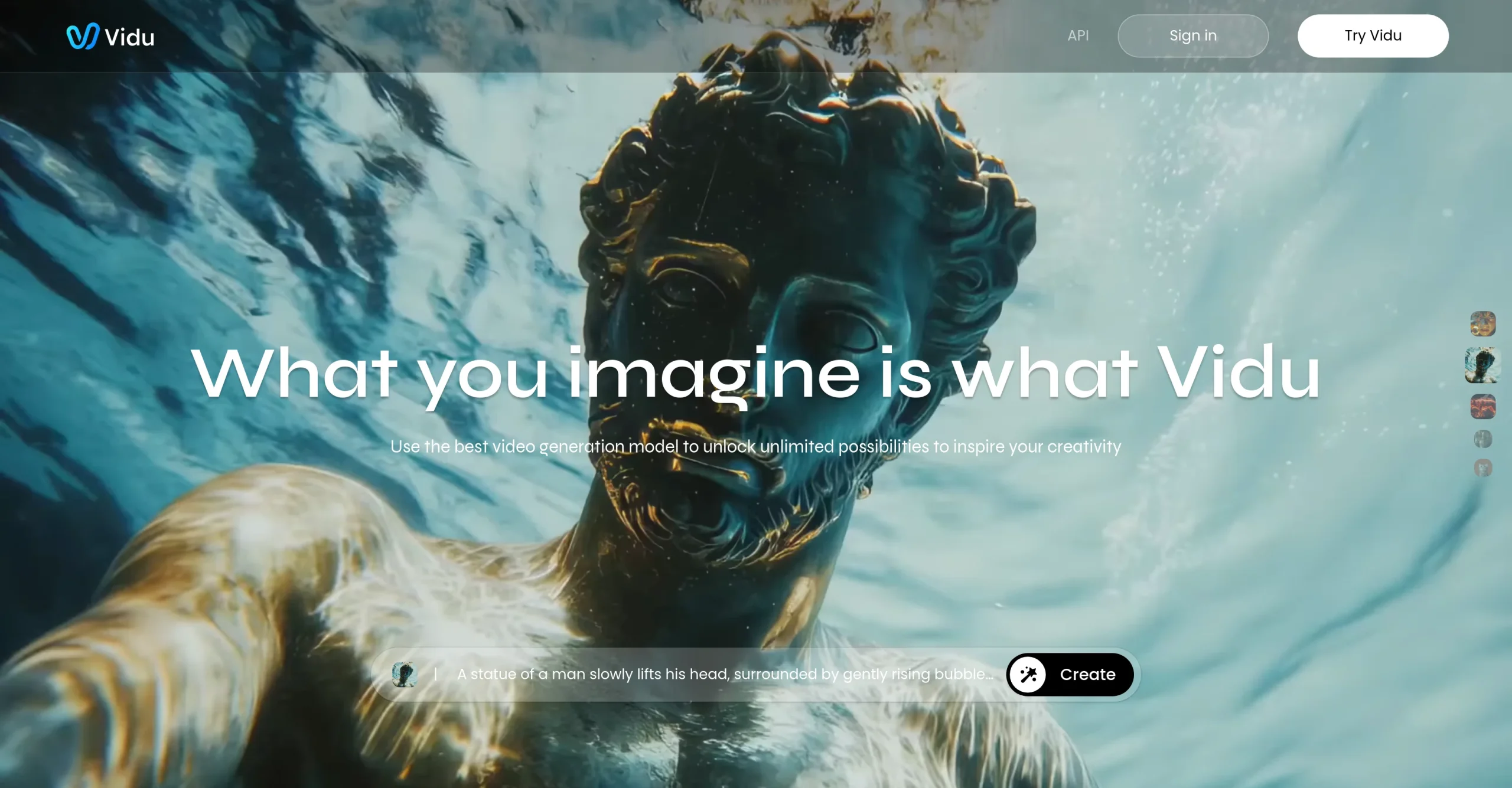
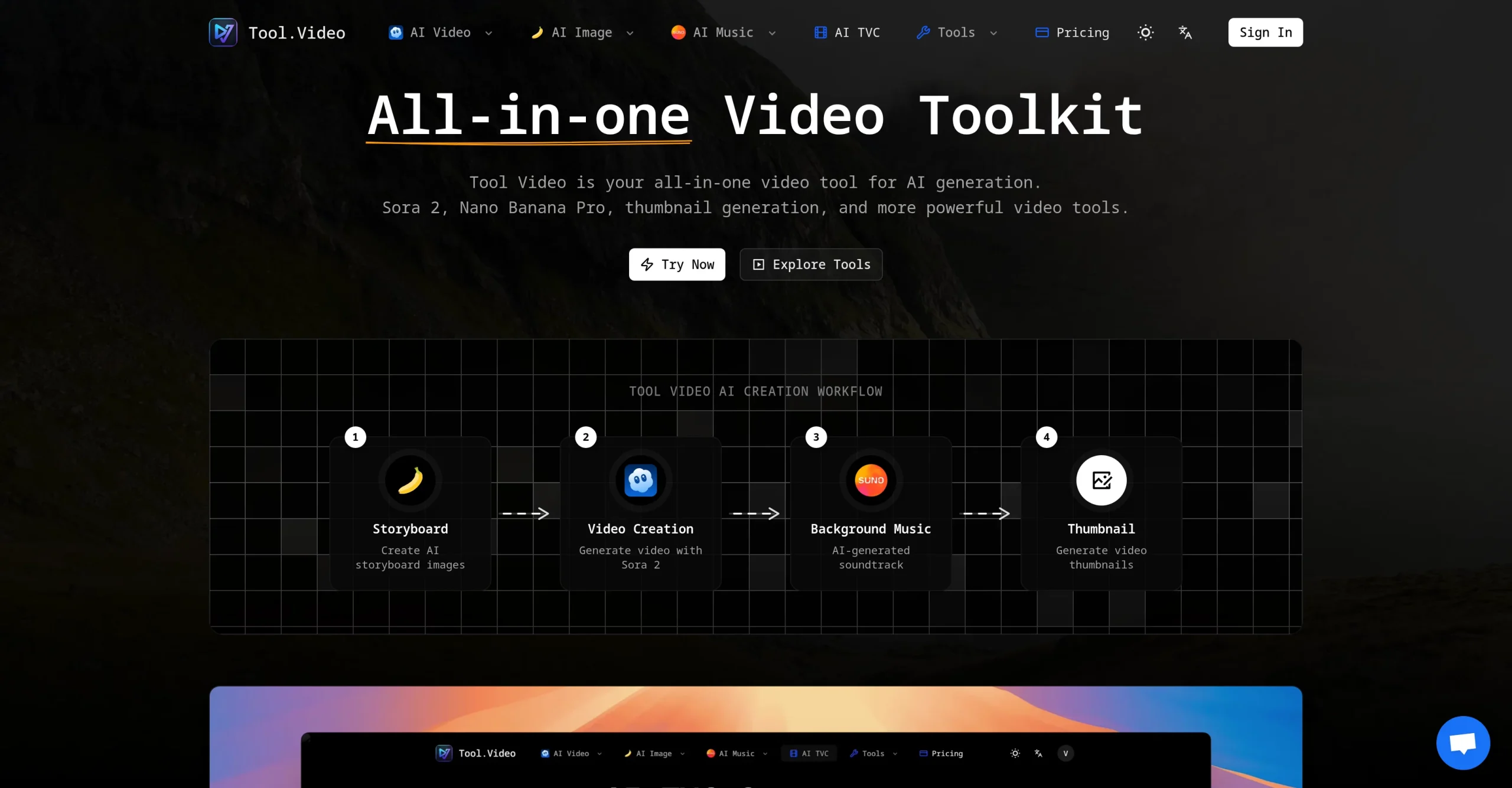
Introduction:DojoClip is a browser-based AI content studio for editing and generating video, music, images, subtitles, voiceovers, sound effects, and creator-ready assets.
DojoClip brings video editing, AI video generation, music, images, subtitles, voiceovers, sound effects, motion control, and design workflows into one browser-based studio. Creators can add or translate captions, revise a scene with text, animate a character image, generate music and supporting visuals, or use local browser utilities for tasks such as trimming, looping, resizing, extracting audio, and removing backgrounds. Its credit system lets users divide an allowance among different generation tools, while failed AI generation jobs are automatically refunded.
The platform can shorten production time, but generated media and automated edits still need human review. Users should check subtitles, translations, timing, visual continuity, audio quality, factual claims, and usage rights before publishing, and should not upload confidential or restricted material without authorization. Model outputs may contain artifacts, stereotypes, inaccuracies, or elements that resemble protected works, so commercial projects require appropriate consent, licensing, brand review, and platform-specific checks.
Research basis:
This is a source-based directory listing prepared from public product information; it is not represented as a hands-on test. Last updated August 8, 2026. Read our methodology.
How to use this tool
Define the owner, success measure, approval boundary, and rights before providing licensed footage, scripts, brand rules, platform targets, and export requirements to DojoClip.
Configure a limited pilot using AI video editing that changes a clip’s look, background, props, or campaign style from text instructions. and Video generation and motion-control workflows for ads, storyboards, product scenes, mascots, and avatars. with minimum permissions and non-sensitive material.
Test Turn a speaking clip into a polished multilingual social video with captions and translated subtitles. and Produce motion concepts, product-launch scenes, or storyboard tests before committing to a full shoot., recording inputs, settings, usage, expected results, and source references.
Review edited clips, captions, reframed videos, and publish-ready exports for accuracy, privacy, security, originality, accessibility, policy compliance, and commercial rights.
Monitor prices, limits, integrations, and product changes; review media rights, cuts, captions, disclosure, platform rules, and final rendering.
Core Features
✓AI video editing that changes a clip’s look, background, props, or campaign style from text instructions.
✓Video generation and motion-control workflows for ads, storyboards, product scenes, mascots, and avatars.
✓Automatic captions, subtitle translation, styling, and export tools for multilingual video workflows.
✓AI music, music-video, sound-effect, voiceover, and voice-cloning tools in the same creator workspace.
✓Image generation, photo editing, and a conversational design agent for campaign and ecommerce visuals.
✓Browser utilities for trimming, looping, resizing, converting, extracting audio, and inspecting video files.
✓Fixed credit costs by generation type with automatic credit refunds when an AI task fails.
✓Local-processing tools for selected jobs that can work without uploading the source file to the service.
Use Cases
#1Turn a speaking clip into a polished multilingual social video with captions and translated subtitles.
#2Produce motion concepts, product-launch scenes, or storyboard tests before committing to a full shoot.
#3Create music, sound effects, and a voiceover that match an advertisement, tutorial, or short-form edit.
#4Develop thumbnails, product scenes, posters, and campaign directions alongside the related video assets.
#5Complete quick browser-based video jobs such as trimming, resizing, looping, or extracting audio.
Frequently Asked Questions
DojoClip is a browser-based AI content studio for editing and generating video, music, images, subtitles, voiceovers, sound effects, and creator-ready assets.
AI video editing that changes a clip’s look, background, props, or campaign style from text instructions., Video generation and motion-control workflows for ads, storyboards, product scenes, mascots, and avatars., Automatic captions, subtitle translation, styling, and export tools for multilingual video workflows., AI music, music-video, sound-effect, voiceover, and voice-cloning tools in the same creator workspace., Image generation, photo editing, and a conversational design agent for campaign and ecommerce visuals..
Turn a speaking clip into a polished multilingual social video with captions and translated subtitles., Produce motion concepts, product-launch scenes, or storyboard tests before committing to a full shoot., Create music, sound effects, and a voiceover that match an advertisement, tutorial, or short-form edit., Develop thumbnails, product scenes, posters, and campaign directions alongside the related video assets..
Licensed footage, scripts, brand rules, platform targets, and export requirements.
Edited clips, captions, reframed videos, and publish-ready exports.
Free credits are available; Plus costs $20 monthly or $200 yearly.
Yes. The current record includes Free; verify live limits before relying on it.
Confirm billing, renewal, taxes, credits, usage limits, support, cancellation, refunds, data handling, commercial rights, and external costs on the official checkout.
Review media rights, cuts, captions, disclosure, platform rules, and final rendering.
No. Responsible use still requires source permission, factual and quality review, privacy and security checks, policy compliance, and final human approval.
DojoClip Support Email & Customer service contact & Refund contact etc.