Small businesses rarely have extra time or staff for repetitive work. The right AI tools can help owners draft customer communications, organize information, create marketing assets, analyze data, and complete routine tasks faster.
AI software for small businesses now covers much more than text generation. Business owners can use specialized products for customer support, sales prospecting, bookkeeping, social media, website creation, e-commerce, meetings, workflow automation, and research.
AI should still support human judgment rather than replace it. Owners need to review important outputs, protect customer information, verify financial and business-critical details, and keep people responsible for decisions that affect customers, employees, and the company.
Quick Picks
- Best overall AI tool for small businesses: ChatGPT
- Best AI assistant for long documents and planning: Claude
- Best for Google-based business productivity: Google Workspace with Gemini
- Best for business knowledge and documentation: Notion AI
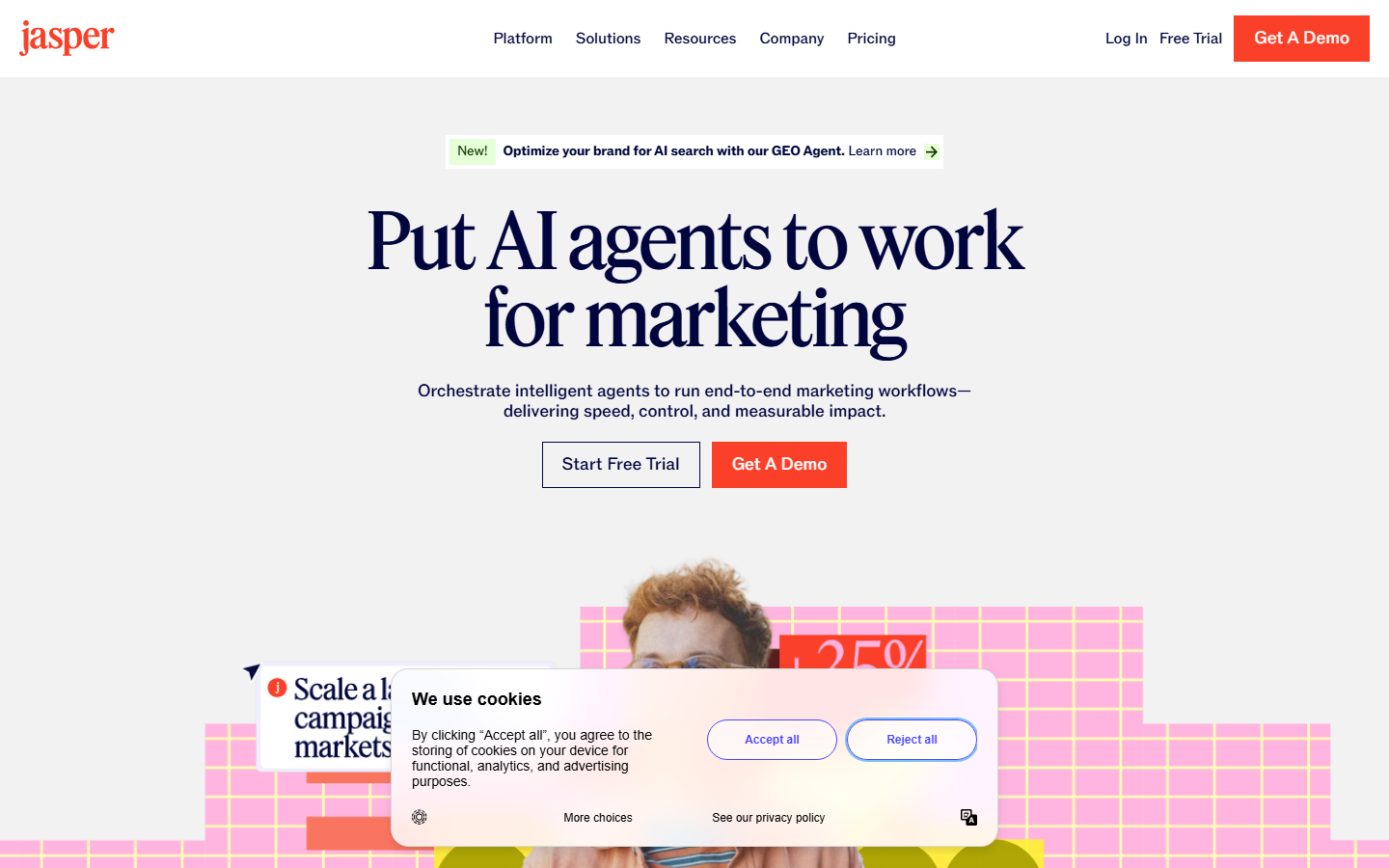
- Best for AI marketing campaigns: Jasper
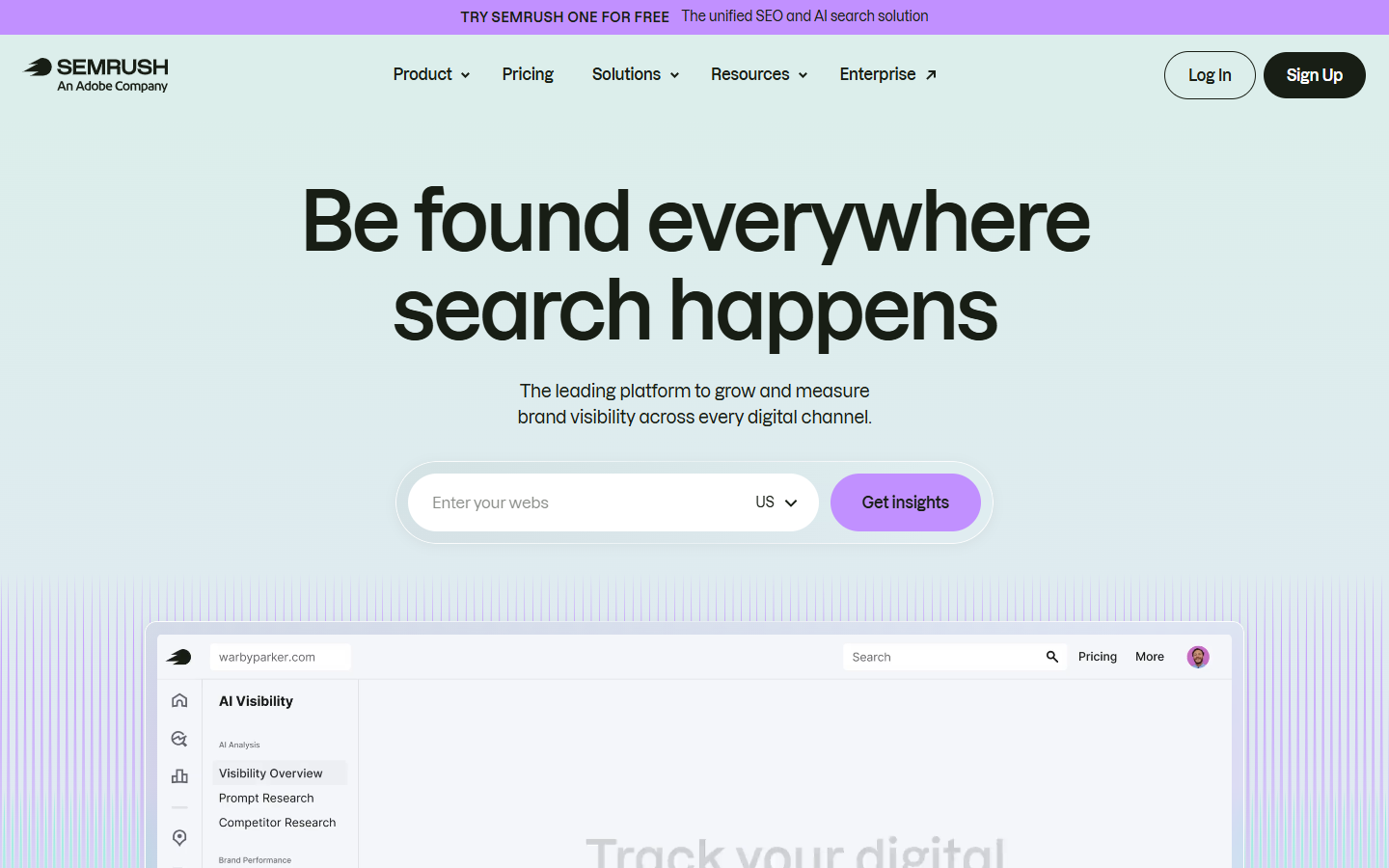
- Best for SEO and competitor research: Semrush
- Best for customer-facing writing: Grammarly
- Best for social media management: Buffer
- Best for email marketing: Mailchimp
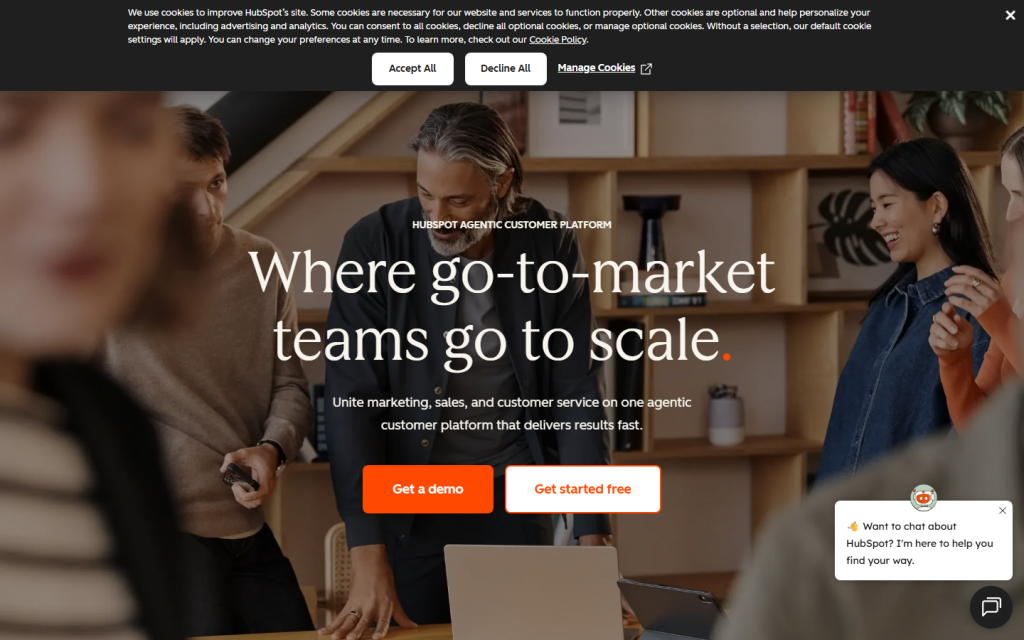
- Best for CRM and customer growth: HubSpot Agent Hub
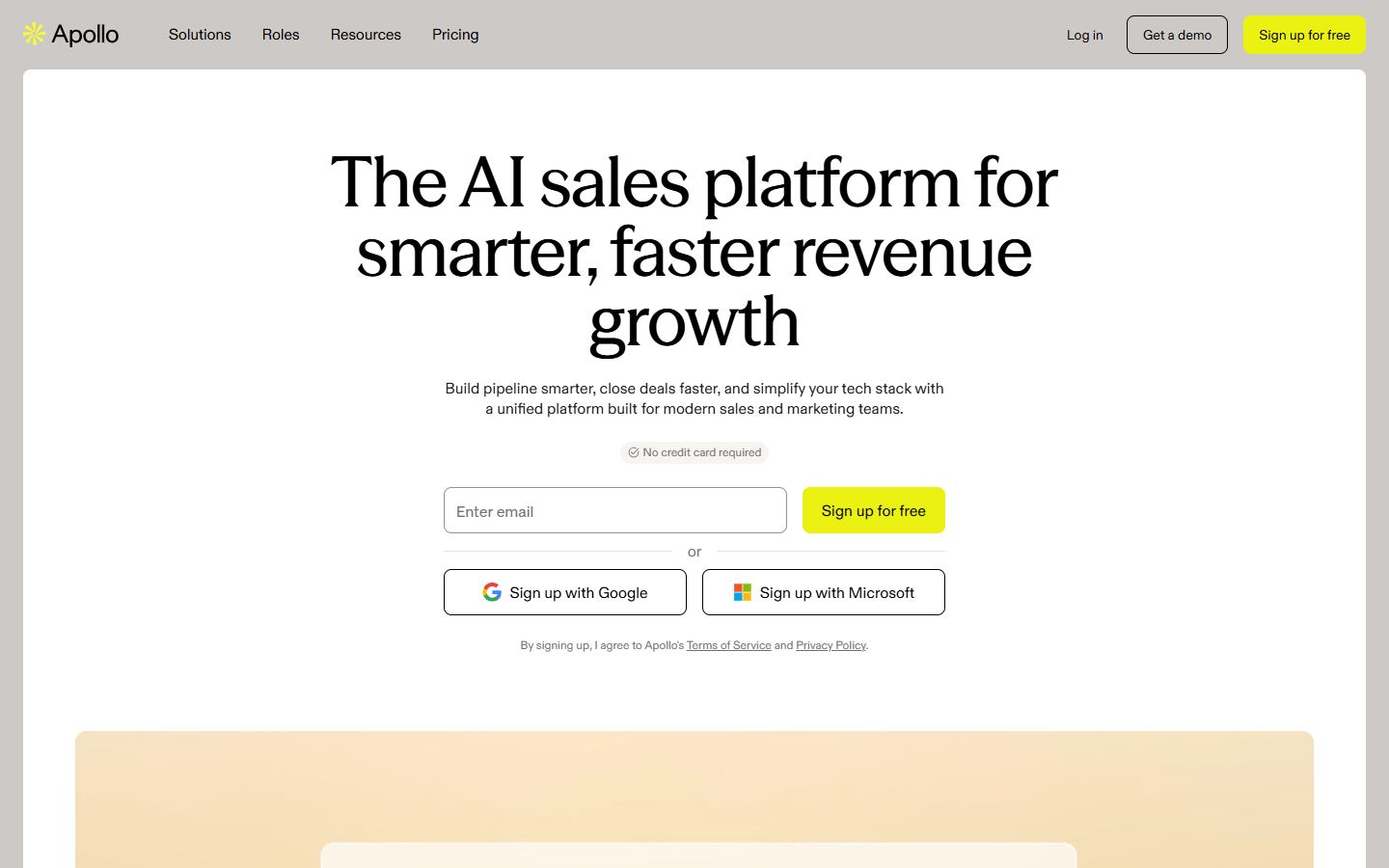
- Best for B2B sales prospecting: Apollo
- Best for customer support: Tidio Lyro AI Agent
- Best for workflow automation: Zapier
- Best for meetings and transcription: Otter.ai
- Best for project management: ClickUp Brain
- Best for bookkeeping and finance: QuickBooks Online
- Best for graphic design: Canva AI
- Best for small-business websites: Wix Harmony
- Best for e-commerce: Shopify Sidekick
- Best for research: Perplexity
1. ChatGPT

 ChatGPTBest for small businessesSee the Tool Details →
Best for: General business assistance across multiple workflows
ChatGPT is a general-purpose AI assistant for writing, research, analysis, document creation, problem-solving, and everyday business tasks. OpenAI positions its business offering for work across marketing, sales, operations, finance, data analysis, and other functions.
A small business can use it as a flexible first stop when a task does not require a dedicated platform. It can turn rough notes into usable drafts, help structure decisions, analyze uploaded business information, and create repeatable instructions for common work.
How small businesses can use ChatGPT
- Draft customer emails, proposals, service descriptions, and follow-up messages.
- Turn a rough marketing idea into a campaign brief with channels, audiences, and deliverables.
- Summarize uploaded reports, contracts, policies, or meeting notes for internal review.
- Analyze spreadsheet exports and explain sales, expense, or customer trends in plain language.
- Build reusable prompt templates for onboarding, support replies, and recurring administrative tasks.
- Research a business question and organize findings into a decision memo with assumptions and open issues.
Main Benefit
ChatGPT gives a small team one adaptable workspace for many writing, research, analysis, and planning tasks, reducing the need to start with a different specialized tool for every problem.
2. Claude

 ClaudeBest for small businessesSee the Tool Details →
Best for: Reviewing long documents and developing structured business plans
Claude is an AI assistant designed for writing, analysis, coding, and working with substantial amounts of information. Its Artifacts feature can produce editable documents, diagrams, code, single-page websites, and interactive components in a separate workspace.
It is especially useful when an owner needs to synthesize long source material or iterate on a detailed deliverable. A service business, consultant, or small agency can use Claude to develop plans, policies, client documents, internal tools, and structured analyses without losing the context of the larger project.
How small businesses can use Claude
- Compare several proposals, research reports, or policy documents and summarize the differences.
- Develop a detailed business plan from notes about the market, offer, customers, and operating model.
- Turn a long client brief into a project scope, milestone plan, and list of unresolved questions.
- Create an editable calculator, checklist, or lightweight internal tool as an Artifact.
- Rewrite complex procedures into clear standard operating instructions for staff or contractors.
- Review a large collection of customer feedback and group recurring problems, requests, and objections.
Main Benefit
Claude is particularly valuable when a business task involves long documents, complex context, or a deliverable that needs several rounds of structured revision.
3. Google Workspace with Gemini

 Google Workspace with GeminiBest for small businessesSee the Tool Details →
Best for: AI assistance inside Gmail, Docs, Sheets, Meet, and Drive
Google Workspace with Gemini brings AI into the productivity applications many small businesses already use. Google describes Gemini-assisted workflows across Gmail, Docs, Sheets, Slides, Meet, Drive, Calendar, Vids, and related Workspace products.
This makes it practical for teams that want AI support without constantly moving work into a separate application. Gemini can help draft messages, summarize files, analyze spreadsheet information, prepare presentations, and capture meeting information within an existing Google-based workflow.
How small businesses can use Google Workspace with Gemini
- Draft and refine customer replies directly in Gmail using the context of an email thread.
- Summarize long documents or collections of files stored in Google Drive.
- Create first drafts of proposals, policies, and marketing plans in Google Docs.
- Analyze revenue, inventory, campaign, or staffing data in Google Sheets.
- Prepare presentation outlines and slide content from source documents.
- Capture meeting notes and turn decisions into follow-up actions for the team.
Main Benefit
Google Workspace with Gemini reduces context switching by placing AI assistance inside the email, document, spreadsheet, presentation, storage, and meeting tools a small team may already depend on.
4. Notion AI

 Notion AIBest for small businessesSee the Tool Details →
Best for: Organizing business knowledge, projects, and meeting information
Notion AI adds search, writing, research, meeting notes, and agent-style assistance to Notion’s connected workspace. Notion highlights enterprise search, AI meeting notes, research, and content creation as core AI capabilities for work.
For a small team, the main advantage is keeping AI-generated work close to projects, tasks, operating procedures, customer notes, and internal documentation. Owners can build a central business knowledge base instead of leaving useful information scattered across chat threads and separate files.
How small businesses can use Notion AI
- Turn meeting transcripts into summaries, decisions, owners, and due dates.
- Search across project pages, policies, notes, and uploaded files for a direct answer.
- Draft standard operating procedures from an employee’s rough process notes.
- Summarize weekly project updates and identify blocked or overdue work.
- Create a reusable client onboarding workspace with checklists and explanatory content.
- Organize product ideas, customer feedback, and research into a structured knowledge base.
Main Benefit
Notion AI helps a small business preserve and reuse institutional knowledge, making it easier for a lean team to find information and coordinate work as the company grows.
5. Jasper
 JasperBest for small businessesSee the Tool Details →
Best for: Coordinating multi-channel marketing content
Jasper is an AI marketing platform built around campaigns, brand context, content creation, and marketing workflows. Its product includes marketing agents and tools that can use brand, audience, and company knowledge to guide outputs across channels.
A small marketing team can use Jasper when it needs more consistency than a blank general-purpose chatbot provides. It can help turn one campaign brief into coordinated landing-page copy, emails, advertisements, social posts, and blog content while keeping the same positioning and voice.
How small businesses can use Jasper
- Turn a campaign brief into coordinated email, social, ad, landing-page, and blog drafts.
- Create a defined brand voice that writers can apply across recurring marketing content.
- Produce product or service messaging for several audience segments from one core offer.
- Repurpose a webinar, report, or article into channel-specific promotional assets.
- Build repeatable content workflows for launches, seasonal promotions, and lead generation.
- Refresh existing marketing copy to reflect new positioning, offers, or customer priorities.
Main Benefit
Jasper gives small businesses a more structured way to scale marketing production while preserving shared brand and campaign context across different formats.
6. Semrush
 SemrushBest for small businessesSee the Tool Details →
Best for: SEO, market visibility, and competitor research
Semrush is a digital marketing platform with tools for keyword research, competitive analysis, website visibility, content, social media, and related marketing workflows. Its small-business materials focus on understanding competitors, finding search opportunities, and improving online visibility without requiring a large marketing department.
A local company, online business, or service provider can use Semrush to decide what customers search for, which competitors attract attention, and where its website may be missing opportunities. AI-assisted features can support content and social workflows, but the platform’s main value comes from combining those functions with marketing and search data.
How small businesses can use Semrush
- Find search terms connected to products, services, locations, and customer questions.
- Compare a website’s search visibility with direct local or online competitors.
- Identify content topics competitors cover that the business has not addressed.
- Audit website pages for technical and on-page SEO problems.
- Track important keyword positions and changes in search visibility over time.
- Plan and draft social content using insights from broader marketing research.
Main Benefit
Semrush helps a small business make marketing decisions from competitive and search data instead of relying only on intuition or generic AI-generated suggestions.
7. Grammarly

 GrammarlyBest for small businessesSee the Tool Details →
Best for: Clear and consistent customer-facing communication
Grammarly is an AI writing assistant that helps users draft, rewrite, edit, and improve business communication. Its business features include style guidance, tone support, brand consistency, generative drafting, and tools for customer-facing teams.
It fits small businesses that communicate across email, documents, support platforms, browsers, and workplace applications. Instead of creating an entire marketing operation, Grammarly concentrates on making daily writing clearer, more accurate, and more consistent with the company’s preferred voice.
How small businesses can use Grammarly
- Improve the clarity and tone of customer emails before sending them.
- Rewrite difficult support responses so they sound calm, direct, and helpful.
- Apply shared style guidance to proposals, policies, and marketing copy.
- Draft short replies from the context of an existing message or document.
- Edit website and product copy for grammar, readability, and consistency.
- Help contractors and team members follow the same terminology and brand tone.
Main Benefit
Grammarly improves the quality of high-volume business writing at the point where employees already compose it, making it useful for everyday communication rather than only occasional content projects.
8. Buffer

Best for: Creating, scheduling, and repurposing social media content
Buffer is a social media management platform for planning, publishing, engagement, and analytics. Its AI Assistant can generate ideas, rewrite posts, repurpose content, and adapt copy for different social platforms.
It is well suited to owners who need a steady social presence but do not have a dedicated social media employee. A business can develop posts in batches, schedule them across channels, review performance, and respond to comments from a more organized workflow.
How small businesses can use Buffer
- Generate post ideas from a promotion, event, new product, or customer question.
- Turn one blog post or newsletter into several social updates.
- Rewrite the same message for the conventions of LinkedIn, Instagram, Facebook, or other channels.
- Schedule a week or month of approved posts in advance.
- Organize draft ideas and collaborate on approvals before publishing.
- Review post performance to identify topics and formats worth repeating.
Main Benefit
Buffer combines AI-assisted content creation with practical scheduling and channel management, helping a small business maintain a consistent social presence with less manual work.
9. Mailchimp

Best for: Email marketing and customer journey automation
Mailchimp is an email marketing and automation platform with AI-assisted campaign creation, segmentation, analytics, and customer journey tools. In 2026, Intuit announced additional conversational analytics and expanded AI-assisted ways to build and understand campaigns.
It can support a small business from basic newsletters through more targeted customer communication. Owners can collect contacts, group audiences, trigger messages from customer behavior, and connect email activity with e-commerce or customer data rather than sending every campaign manually.
How small businesses can use Mailchimp
- Draft newsletters, promotional emails, and subject-line variations from a campaign goal.
- Build audience segments based on customer attributes or behavior.
- Send automated welcome, follow-up, re-engagement, or post-purchase messages.
- Create product recommendations and promotional content for e-commerce customers.
- Review campaign analytics and ask questions about audience or performance trends.
- Coordinate email, forms, landing pages, and customer journeys from one marketing system.
Main Benefit
Mailchimp gives small businesses an accessible path from one-off email broadcasts to more organized, data-informed customer journeys and recurring marketing automation.
10. HubSpot Agent Hub

 HubSpot Agent HubBest for small businessesSee the Tool Details →
Best for: AI-assisted CRM, marketing, sales, and service workflows
HubSpot Agent Hub is the current home for HubSpot’s AI agents across its customer platform. HubSpot identifies Agent Hub as the successor to Breeze Agents and offers agents for customer support, prospecting, data research, and custom CRM-centered workflows, with access through Breeze Assistant.
This is useful for a small company that wants marketing, sales, and service activity connected to the same customer records. HubSpot’s agents and Breeze Assistant can help staff research companies, summarize tickets and records, prepare outreach, and work from the context stored in HubSpot.
How small businesses can use HubSpot Agent Hub
- Summarize a contact’s emails, calls, tickets, and sales activity before a conversation.
- Research a prospect or company and add relevant context to CRM records.
- Draft personalized sales emails using known information about the lead.
- Create marketing content connected to campaigns, audiences, and customer data.
- Answer common support questions and route cases that need a human response.
- Identify incomplete, inconsistent, or useful customer data for follow-up and reporting.
Main Benefit
HubSpot Agent Hub applies AI to a shared CRM context, helping a small team coordinate marketing, sales, and customer service without maintaining separate customer histories in disconnected tools.
11. Apollo
 ApolloBest for small businessesSee the Tool Details →
Best for: Finding and contacting B2B prospects
Apollo is a B2B sales platform that combines prospect data, sales engagement, sequences, calling, scheduling, and workflow automation. Its engagement tools support multi-step outreach across email, calls, and LinkedIn tasks, along with AI-assisted personalization.
A founder-led sales team can use Apollo to define an ideal customer profile, build a prospect list, prepare relevant messages, and manage follow-up from one workflow. It is most appropriate for businesses selling to other companies rather than local consumer businesses with little outbound sales activity.
How small businesses can use Apollo
- Build prospect lists using company, role, industry, location, and other business criteria.
- Research target accounts before deciding which prospects deserve outreach.
- Create multi-step sequences that combine emails, calls, and LinkedIn tasks.
- Draft personalized outreach using buyer and company signals.
- Route new leads into appropriate follow-up workflows based on defined conditions.
- Track sales tasks and responses so a small team does not lose promising opportunities.
Main Benefit
Apollo puts prospect discovery and outreach execution in the same system, which can reduce the manual research and list management that slows down small B2B sales teams.
12. Tidio Lyro AI Agent

 Tidio Lyro AI AgentBest for small businessesSee the Tool Details →
Best for: Answering routine customer questions and handing off complex cases
Tidio is a customer service platform that includes live chat, help desk tools, automations, and the Lyro AI Agent. Tidio states that Lyro can be trained on verified business information, answer in context, align with brand voice, and work alongside human support.
A small e-commerce or service business can use Lyro to provide immediate answers when staff are unavailable, while keeping a route to human help. The system is most useful when the business has accurate FAQs, policies, product information, and support content that the agent can use as approved knowledge.
How small businesses can use Tidio Lyro AI Agent
- Answer recurring questions about shipping, returns, services, hours, and policies.
- Use approved FAQ and knowledge-base content as the source for customer replies.
- Collect lead details or booking information from website visitors outside business hours.
- Hand complex, sensitive, or unresolved conversations to a human team member.
- Organize support tickets from chat and other connected service channels.
- Review unanswered questions to identify missing help content or recurring customer friction.
Main Benefit
Tidio Lyro can extend a small support team’s availability while preserving human escalation for conversations that require judgment, empathy, or exceptions.
13. Zapier

 ZapierBest for small businessesSee the Tool Details →
Best for: Connecting applications and automating repetitive business processes
Zapier is a workflow automation platform that connects business applications and can add AI steps to automated processes. Its current AI offering supports tasks such as lead qualification, support triage, content workflows, data extraction, and actions across thousands of connected applications.
The product is most valuable when a small business repeats the same handoff between forms, email, spreadsheets, CRM, project tools, and other systems. Instead of copying information manually, the owner can define triggers, conditions, AI processing, approval steps, and actions.
How small businesses can use Zapier
- Add website form submissions to a CRM and assign the correct follow-up task.
- Classify incoming support requests and route urgent cases to the right person.
- Extract order, invoice, or lead details from email and save them in a structured system.
- Generate a draft response after a new inquiry while requiring human approval before sending.
- Repurpose newly published content into social post drafts and a review queue.
- Connect e-commerce, accounting, project, calendar, and communication tools to reduce duplicate entry.
Main Benefit
Zapier lets a small business automate work across its existing software stack, making it one of the most practical AI automation tools for small businesses that cannot replace every system at once.
14. Otter.ai

 Otter.aiBest for small businessesSee the Tool Details →
Best for: Meeting transcription, summaries, and follow-up
Otter.ai is an AI meeting assistant that records and transcribes conversations, creates summaries, identifies action items, and supports questions across meeting content. It can work with common virtual meeting platforms and provide notes for later review.
For a small team, this reduces the burden of assigning one participant to take detailed notes. Owners can preserve customer interviews, sales calls, staff meetings, and vendor discussions, then turn the conversation into follow-up tasks and searchable information.
How small businesses can use Otter.ai
- Record and transcribe sales calls, consultations, interviews, and internal meetings.
- Generate concise summaries for teammates who could not attend.
- Extract action items, decisions, owners, and follow-up deadlines.
- Search previous conversations for a customer’s request or an agreed commitment.
- Draft a follow-up email from the discussion and identified next steps.
- Compare recurring themes across customer interviews or team meetings.
Main Benefit
Otter.ai converts spoken business conversations into searchable notes and follow-up material, helping a small team retain decisions without relying on memory or manual transcription.
15. ClickUp Brain

 ClickUp BrainBest for small businessesSee the Tool Details →
Best for: Managing projects, tasks, documents, and operational work
ClickUp Brain is the AI layer within ClickUp’s work management platform. It can work with tasks, documents, conversations, dashboards, connected applications, meeting notes, and workflow automation to help teams create, find, and summarize work.
A small company can use it when project management and AI assistance need to share the same operational context. Rather than generating isolated text, ClickUp Brain can help build tasks from discussions, summarize project status, create documents, and surface information tied to active work.
How small businesses can use ClickUp Brain
- Turn a client brief or meeting summary into tasks, subtasks, owners, and due dates.
- Summarize project status from task updates, comments, documents, and activity.
- Draft project plans, standard operating procedures, and internal announcements.
- Find answers across workspaces without manually opening each task or document.
- Create recurring automations for assignments, status changes, and follow-up reminders.
- Analyze exported or workspace data and present findings in a clear operational summary.
Main Benefit
ClickUp Brain connects AI assistance to the tasks and documents where daily operations are managed, helping lean teams move from discussion to execution with fewer manual handoffs.
16. QuickBooks Online

Best for: Bookkeeping workflows and financial visibility
QuickBooks Online is small-business accounting software with Intuit AI features that assist with bookkeeping, transaction categorization, anomaly detection, invoicing, reporting, and financial questions. Intuit describes AI-supported accounting workflows designed to work with the business’s QuickBooks data.
It can help owners spend less time organizing routine financial information and more time reviewing what needs attention. AI suggestions should still be checked by the business and, where appropriate, an accountant or tax professional before they affect books, filings, cash decisions, or financial statements.
How small businesses can use QuickBooks Online
- Categorize transactions and review suggested matches before posting them to the books.
- Identify unusual entries or incomplete records that may need investigation.
- Create and send invoices, then monitor their payment status.
- Ask plain-language questions about revenue, expenses, cash flow, or outstanding invoices.
- Generate financial reports for internal review or discussion with an accountant.
- Organize bookkeeping information before tax preparation or a financing conversation.
Main Benefit
QuickBooks Online applies AI inside an established accounting workflow, helping owners organize financial records while keeping the underlying transactions and reports available for human review.
17. Canva AI

 Canva AIBest for small businessesSee the Tool Details →
Best for: Creating branded graphics, presentations, and visual marketing assets
Canva AI brings conversational design, writing, image generation, editing, brand context, and other creative tools into Canva’s Visual Suite. It is designed to help users move from an idea or prompt to editable visual content while retaining direct control in the design workspace.
This is useful for small businesses that need professional-looking assets but do not have a full-time designer. Owners can start with templates or generated concepts, apply brand elements, adapt a design to several formats, and make manual edits before publishing.
How small businesses can use Canva AI
- Create social graphics, flyers, menus, posters, and promotional materials from a brief.
- Build a branded presentation for sales meetings, workshops, or partnerships.
- Generate and edit product, service, or campaign images for marketing use.
- Resize one approved design for several social and advertising formats.
- Draft short headlines and supporting copy inside a visual layout.
- Create reusable branded templates for staff, locations, or recurring campaigns.
Main Benefit
Canva AI makes common design work faster while keeping the final result editable, which is important for owners who need control over brand details and publishing quality.
18. Wix Harmony

Best for: Building and editing a small-business website with AI
Wix Harmony is Wix’s AI website builder, launched in 2026 as a system that combines conversational site creation with direct visual editing. Wix says it can generate full websites, pages, and sections while retaining access to business tools such as e-commerce, scheduling, payments, and SEO settings.
A local business, freelancer, or service provider can use it to move from a description of the company to an editable site structure and initial copy. The owner can then adjust layouts, branding, services, contact details, booking flows, and search settings rather than accepting a generated site unchanged.
How small businesses can use Wix Harmony
- Generate an initial website from the business type, services, audience, and desired style.
- Create and revise service, about, contact, FAQ, and location pages.
- Add appointment booking, forms, payments, or an online store where appropriate.
- Draft page copy and calls to action, then edit them for accuracy and brand voice.
- Adjust layouts and visual elements with both conversational instructions and direct editing.
- Configure page titles, descriptions, structured content, and other basic SEO elements.
Main Benefit
Wix Harmony shortens the path from business idea to functional website while preserving the owner’s ability to edit the design, content, and operational features directly.
19. Shopify Sidekick

Best for: AI assistance across e-commerce content and store operations
Shopify Sidekick is Shopify’s commerce assistant, designed to work with a merchant’s store data and take action in the Shopify admin. Its current capabilities cover product writing and images, marketing, store analysis, customer and company records, technical setup, and other commerce workflows.
For a small online retailer, the advantage is that AI assistance can draw on the store’s products, orders, customers, and settings. Merchants can create and edit content, investigate store questions, prepare campaigns, and complete certain Shopify tasks without transferring data into a separate general assistant.
How small businesses can use Shopify Sidekick
- Draft product descriptions from product details and the store’s preferred tone.
- Edit or generate product-image backgrounds for catalog and campaign use.
- Ask questions about products, orders, customers, and store performance.
- Prepare email campaign content based on products or promotions in the store.
- Draft responses to common customer messages in Shopify Inbox.
- Get guided help with store settings, domains, metafields, and routine administrative tasks.
Main Benefit
Shopify Sidekick places AI inside the commerce system where product, customer, and order context already exists, making the assistance more operationally relevant to an online store.
20. Perplexity

 PerplexityBest for small businessesSee the Tool Details →
Best for: Fast, source-linked business research
Perplexity is an AI research and answer platform that searches the web and presents synthesized responses with source citations. Its Research mode is designed for deeper multi-source investigation, while Projects can organize ongoing research, files, and instructions.
Small-business owners can use it to investigate markets, suppliers, regulations, competitors, trends, and customer questions before making decisions. The citations make it easier to open the original material, but the owner still needs to assess source quality, publication dates, local applicability, and conflicting evidence.
How small businesses can use Perplexity
- Research a market, customer segment, local trend, or competitor landscape.
- Compare suppliers, software options, or service providers using current source material.
- Investigate regulations or industry requirements and open the cited primary sources.
- Build a sourced briefing before entering a new location, category, or sales channel.
- Track an ongoing research topic in a Project with saved files and instructions.
- Gather background information for blog posts, presentations, proposals, or strategic planning.
Main Benefit
Perplexity makes web research faster and more traceable by attaching sources to its answers, giving owners a stronger starting point for verification than an uncited summary.
How We Chose the Best AI Tools for Small Businesses
The tools in this guide were selected for their ability to solve practical problems faced by owners, solopreneurs, and lean teams. The evaluation emphasized useful business workflows rather than popularity alone or the number of AI features a product advertises.
- Practical usefulness: The tool needed to support work that small businesses perform regularly.
- Time savings: Preference went to products that reduce repetitive writing, research, entry, coordination, or follow-up.
- Ease of use: The product needed to be reasonably accessible to owners and small teams without dedicated AI specialists.
- Marketing value: The selection considered content, email, social media, SEO, branding, and campaign workflows.
- Customer communication: Tools were evaluated for support, email, CRM context, and customer-facing writing.
- Sales support: The list includes products for prospecting, outreach, customer records, and follow-up.
- Operational fit: Project management, meetings, documentation, finance, websites, and commerce were considered.
- Automation and integrations: Strong tools could connect to existing workflows or automate work between systems.
- Distinctive capability: Specialized products were favored when they solved an important problem better than a general assistant.
- Current availability: Product names, positioning, official domains, and relevant features were checked against current first-party information in 2026.
No single platform is the best choice for every business function. Most small companies will get more value from one general assistant plus a few specialized tools that match their highest-volume or most expensive workflows.
How to Choose the Right AI Tool for Your Small Business
The right tool depends on the problem your small business needs to solve.
For general business assistance, start with ChatGPT for broad writing, analysis, and research tasks, or choose Claude when long documents and structured planning are especially important. Businesses already centered on Gmail, Docs, and Sheets may prefer Google Workspace with Gemini.
For business knowledge and project execution, use Notion AI when documentation and searchable knowledge are the priority. Choose ClickUp Brain when the business needs AI tied more directly to tasks, project status, assignments, and recurring operational workflows.
For marketing and content, Jasper fits coordinated campaign production, Grammarly improves everyday customer-facing writing, and Semrush supports SEO and competitor research. Mailchimp is better when the central need is email campaigns, customer journeys, and audience segmentation.
For social media and design, use Buffer to create, schedule, and review social posts. Use Canva AI for branded graphics, presentations, promotional materials, and adaptable visual assets.
For sales and CRM, HubSpot Agent Hub connects AI to marketing, sales, service, and shared customer records. Apollo is more specialized for B2B prospecting, outbound sequences, and founder-led sales outreach.
For customer support, Tidio Lyro AI Agent can answer recurring website questions from approved business information and transfer conversations to a person when needed.
For automation, Zapier is the strongest fit when repetitive work moves between forms, email, CRM, spreadsheets, project tools, e-commerce, and other applications.
For meetings and productivity, choose Otter.ai when transcription, summaries, action items, and searchable conversations are the main requirement.
For bookkeeping and financial operations, QuickBooks Online provides AI assistance within accounting records, invoicing, reporting, and transaction workflows. Important accounting and tax outputs still require review.
For websites and e-commerce, use Wix Harmony to create and edit a broader small-business site, including service and booking workflows. Choose Shopify Sidekick when products, orders, customers, and online-store operations are the center of the business.
For research, Perplexity is useful when the owner needs a source-linked overview of a market, competitor, supplier, regulation, or business question before examining the original sources.
Tips for Using AI Tools Responsibly in Your Small Business
AI can improve speed, but small businesses should establish clear review and data-handling practices before using it in customer-facing or business-critical work.
- Review AI-generated business content. Check emails, website copy, marketing claims, proposals, and policies for accuracy, tone, context, and promises the business can actually keep.
- Verify important information. Open primary sources and confirm dates, regulations, product details, market facts, and competitor claims before acting on AI-generated research.
- Protect customer data. Do not enter personal, payment, health, account, or other sensitive customer information unless the product, settings, permissions, and business policies support that use.
- Protect confidential business information. Limit access to contracts, credentials, financial records, employee information, trade secrets, and strategic plans, and understand how each vendor handles submitted data.
- Review automated customer communications. Test chatbots, email automations, and sales sequences, define clear escalation rules, and monitor conversations for inaccurate, inappropriate, or frustrating responses.
- Check financial and business-critical outputs. Treat AI-generated accounting, tax, legal, financial, forecasting, and operational advice as a draft or signal, not an automatically reliable conclusion; consult qualified professionals when necessary.
- Keep humans responsible for decisions. Owners and managers should remain accountable for hiring, pricing, customer exceptions, financial commitments, legal obligations, security, and other consequential choices.
Frequently Asked Questions
What is the best AI tool for small businesses?
ChatGPT is the best overall choice for many small businesses because it can support writing, research, analysis, planning, customer communication, and document work from one interface. It is broad enough to help across departments before a business is ready to buy several specialized products. The best tool still depends on the workflow. QuickBooks Online is more appropriate for bookkeeping, Zapier for cross-application automation, HubSpot Agent Hub for CRM-centered work, and Shopify Sidekick for an online store.
What is the best free AI tool for small businesses?
Several tools in this guide offer some form of free access, but availability, features, and usage limits can change. ChatGPT, Claude, Perplexity, Canva, Buffer, and other platforms may provide useful entry points for testing a workflow before a business commits to a paid plan. A free tool is only valuable when it solves a real problem and fits the company’s data and review requirements. Owners should compare current official plan details and avoid building a critical process around limits they have not confirmed.
How can small businesses use AI?
Small businesses can use AI to draft customer emails, create marketing content, summarize meetings, answer common support questions, organize leads, automate data entry, analyze spreadsheets, design graphics, research markets, build website content, and support bookkeeping workflows. The most effective starting point is usually one repetitive, measurable process. For example, a business might automate lead intake, create a weekly social workflow, or produce meeting summaries before expanding AI into more sensitive operations.
Which AI tools are best for marketing a small business?
Jasper is useful for coordinated marketing campaigns, Semrush for SEO and competitor research, Mailchimp for email marketing, Buffer for social media, Canva AI for visual assets, and Grammarly for polishing customer-facing copy. ChatGPT can also help with general planning, research, and first drafts. The right combination depends on the channel that drives the business. A local service company may prioritize search visibility and email follow-up, while an online brand may need stronger e-commerce, social, visual, and lifecycle marketing tools.
Can AI help automate a small business?
Yes. Zapier can move information between applications and add AI steps for classification, extraction, drafting, and routing. HubSpot, Mailchimp, Tidio, ClickUp, QuickBooks, and Shopify also automate work inside their specific customer, marketing, support, project, accounting, and commerce environments. Automation should begin with a documented process and include exception handling. Businesses should monitor results, require approval for sensitive actions, and maintain a manual path when the system encounters incomplete data or an unusual customer situation.
Can AI replace employees in a small business?
AI can reduce repetitive work and help employees handle more information, but it does not remove the need for people who understand customers, operations, quality, ethics, and business context. Many tasks also require empathy, negotiation, physical work, accountability, or professional judgment. A more realistic goal is to redesign work so employees spend less time copying data, producing routine drafts, and searching for information. People should remain responsible for important communication, decisions, exceptions, and outcomes.
Final Thoughts
The best AI tools for small businesses can make research, marketing, customer service, sales, design, meetings, finance, websites, and routine operations more efficient. The strongest results usually come from applying AI to a clearly defined workflow rather than adding it everywhere at once.
ChatGPT, Claude, and Google Workspace with Gemini provide broad assistance; Jasper, Semrush, Mailchimp, Buffer, Grammarly, and Canva AI support marketing; HubSpot Agent Hub, Apollo, and Tidio Lyro AI Agent strengthen customer workflows; and Zapier, Otter.ai, ClickUp Brain, and QuickBooks Online address automation and operations. Wix Harmony, Shopify Sidekick, and Perplexity cover websites, commerce, and source-linked research.
AI can accelerate execution, but small-business owners remain responsible for customer trust, data protection, financial accuracy, legal obligations, employee decisions, strategy, and the quality of what the company delivers. Every important output should be reviewed in the context of the actual business.
Continue exploring: Business Management AI tools Marketing & Advertising AI tools