AI tools now support nearly every stage of work for graphic designers, brand designers, illustrators, marketers, freelancers, and creative teams. The challenge is no longer finding an AI feature. It is choosing a tool that fits the real task, preserves creative control, and produces output that can be reviewed and improved.
This guide covers 15 active tools selected for distinct workflows rather than listing near-identical products. It focuses on practical capabilities, useful production scenarios, and the main reason each platform may deserve a place in a professional workflow.
AI output still requires human judgment. Facts, originality, licensing, brand standards, privacy, and final quality remain the responsibility of the person or team publishing the work.
Quick Picks
- Adobe Firefly: Professional generative image and design workflows.
- Canva AI: Fast layouts, social graphics, presentations, and brand assets.
- Midjourney: Stylized concept art and high-impact visual exploration.
- Recraft: Editable brand graphics, illustrations, and vector-oriented assets.
- Ideogram: Typography-aware image generation and poster concepts.
- Leonardo AI: Concept art, production assets, and image variations.
- DALL-E in ChatGPT: Conversational image creation and iterative editing.
- Kittl: Logo, merchandise, lettering, and template-based design.
- Figma AI: Interface design, prototyping, and collaborative design assistance.
- Adobe Photoshop: Generative fill, expansion, and production image editing.
- Remove.bg: Fast background removal for production assets.
- Clipdrop: Cleanup, relighting, upscaling, and quick image transformations.
- Photoroom: Product imagery, backgrounds, and ecommerce creative production.
- Looka: Rapid logo concepts and starter brand kits.
- Khroma: AI-assisted color palette discovery.
1. Adobe Firefly

 Adobe FireflyBest for graphic designersSee the Tool Details →
Best for: Professional generative image and design workflows
Adobe Firefly is designed for professional generative image and design workflows. It is most useful when the user begins with a clear brief, supplies relevant context, and treats the generated result as material to refine rather than a finished answer.
Its place in a workflow depends on the type of control required. Some users will value speed and idea generation, while others will use Adobe Firefly for revision, production support, or creating consistent variations across multiple deliverables.
Practical Uses for Adobe Firefly
- Create a structured first draft for a new project.
- Generate alternative angles, hooks, or visual directions.
- Rework an existing asset for a different audience or channel.
- Speed up repetitive production and revision tasks.
- Prepare variations for testing while keeping the core message consistent.
- Organize feedback and produce a cleaner final deliverable.
Main Benefit
The main benefit of Adobe Firefly is its ability to reduce the time between an initial idea and a reviewable working version, while leaving the final creative and editorial decisions with the user.
2. Canva AI

 Canva AIBest for graphic designersSee the Tool Details →
Best for: Fast layouts, social graphics, presentations, and brand assets
Canva AI is designed for fast layouts, social graphics, presentations, and brand assets. It is most useful when the user begins with a clear brief, supplies relevant context, and treats the generated result as material to refine rather than a finished answer.
Its place in a workflow depends on the type of control required. Some users will value speed and idea generation, while others will use Canva AI for revision, production support, or creating consistent variations across multiple deliverables.
Practical Uses for Canva AI
- Create a structured first draft for a new project.
- Generate alternative angles, hooks, or visual directions.
- Rework an existing asset for a different audience or channel.
- Speed up repetitive production and revision tasks.
- Prepare variations for testing while keeping the core message consistent.
- Organize feedback and produce a cleaner final deliverable.
Main Benefit
The main benefit of Canva AI is its ability to reduce the time between an initial idea and a reviewable working version, while leaving the final creative and editorial decisions with the user.
3. Midjourney

 MidjourneyBest for graphic designersSee the Tool Details →
Best for: Stylized concept art and high-impact visual exploration
Midjourney is designed for stylized concept art and high-impact visual exploration. It is most useful when the user begins with a clear brief, supplies relevant context, and treats the generated result as material to refine rather than a finished answer.
Its place in a workflow depends on the type of control required. Some users will value speed and idea generation, while others will use Midjourney for revision, production support, or creating consistent variations across multiple deliverables.
Practical Uses for Midjourney
- Create a structured first draft for a new project.
- Generate alternative angles, hooks, or visual directions.
- Rework an existing asset for a different audience or channel.
- Speed up repetitive production and revision tasks.
- Prepare variations for testing while keeping the core message consistent.
- Organize feedback and produce a cleaner final deliverable.
Main Benefit
The main benefit of Midjourney is its ability to reduce the time between an initial idea and a reviewable working version, while leaving the final creative and editorial decisions with the user.
4. Recraft

Best for: Editable brand graphics, illustrations, and vector-oriented assets
Recraft is designed for editable brand graphics, illustrations, and vector-oriented assets. It is most useful when the user begins with a clear brief, supplies relevant context, and treats the generated result as material to refine rather than a finished answer.
Its place in a workflow depends on the type of control required. Some users will value speed and idea generation, while others will use Recraft for revision, production support, or creating consistent variations across multiple deliverables.
Practical Uses for Recraft
- Create a structured first draft for a new project.
- Generate alternative angles, hooks, or visual directions.
- Rework an existing asset for a different audience or channel.
- Speed up repetitive production and revision tasks.
- Prepare variations for testing while keeping the core message consistent.
- Organize feedback and produce a cleaner final deliverable.
Main Benefit
The main benefit of Recraft is its ability to reduce the time between an initial idea and a reviewable working version, while leaving the final creative and editorial decisions with the user.
5. Ideogram
 IdeogramBest for graphic designersSee the Tool Details →
Best for: Typography-aware image generation and poster concepts
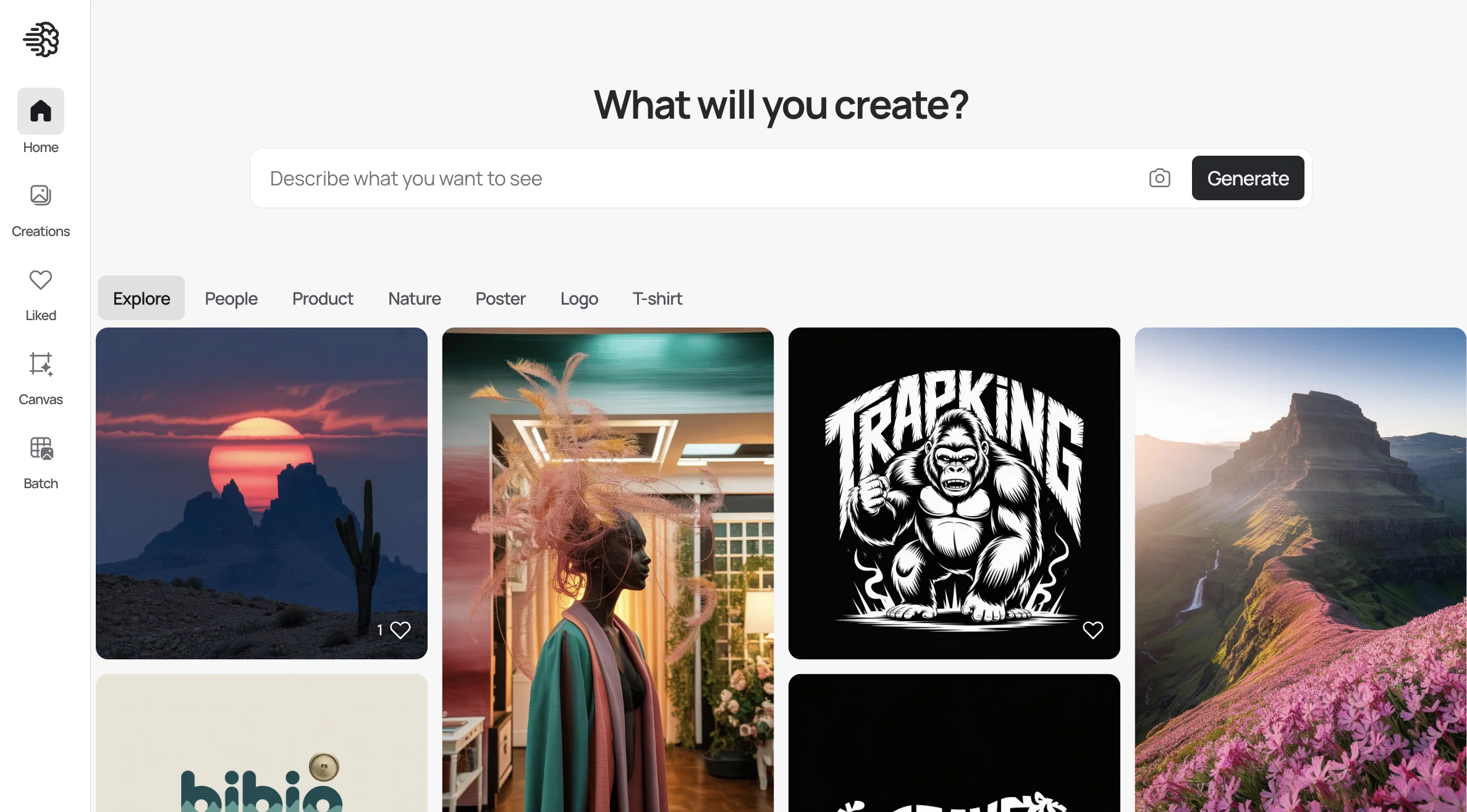
Ideogram is designed for typography-aware image generation and poster concepts. It is most useful when the user begins with a clear brief, supplies relevant context, and treats the generated result as material to refine rather than a finished answer.
Its place in a workflow depends on the type of control required. Some users will value speed and idea generation, while others will use Ideogram for revision, production support, or creating consistent variations across multiple deliverables.
Practical Uses for Ideogram
- Create a structured first draft for a new project.
- Generate alternative angles, hooks, or visual directions.
- Rework an existing asset for a different audience or channel.
- Speed up repetitive production and revision tasks.
- Prepare variations for testing while keeping the core message consistent.
- Organize feedback and produce a cleaner final deliverable.
Main Benefit
The main benefit of Ideogram is its ability to reduce the time between an initial idea and a reviewable working version, while leaving the final creative and editorial decisions with the user.
6. Leonardo AI

 Leonardo AIBest for graphic designersSee the Tool Details →
Best for: Concept art, production assets, and image variations
Leonardo AI is designed for concept art, production assets, and image variations. It is most useful when the user begins with a clear brief, supplies relevant context, and treats the generated result as material to refine rather than a finished answer.
Its place in a workflow depends on the type of control required. Some users will value speed and idea generation, while others will use Leonardo AI for revision, production support, or creating consistent variations across multiple deliverables.
Practical Uses for Leonardo AI
- Create a structured first draft for a new project.
- Generate alternative angles, hooks, or visual directions.
- Rework an existing asset for a different audience or channel.
- Speed up repetitive production and revision tasks.
- Prepare variations for testing while keeping the core message consistent.
- Organize feedback and produce a cleaner final deliverable.
Main Benefit
The main benefit of Leonardo AI is its ability to reduce the time between an initial idea and a reviewable working version, while leaving the final creative and editorial decisions with the user.
7. DALL-E in ChatGPT

Best for: Conversational image creation and iterative editing
DALL-E in ChatGPT is designed for conversational image creation and iterative editing. It is most useful when the user begins with a clear brief, supplies relevant context, and treats the generated result as material to refine rather than a finished answer.
Its place in a workflow depends on the type of control required. Some users will value speed and idea generation, while others will use DALL-E in ChatGPT for revision, production support, or creating consistent variations across multiple deliverables.
Practical Uses for DALL-E in ChatGPT
- Create a structured first draft for a new project.
- Generate alternative angles, hooks, or visual directions.
- Rework an existing asset for a different audience or channel.
- Speed up repetitive production and revision tasks.
- Prepare variations for testing while keeping the core message consistent.
- Organize feedback and produce a cleaner final deliverable.
Main Benefit
The main benefit of DALL-E in ChatGPT is its ability to reduce the time between an initial idea and a reviewable working version, while leaving the final creative and editorial decisions with the user.
8. Kittl
 KittlBest for graphic designersSee the Tool Details →
Best for: Logo, merchandise, lettering, and template-based design
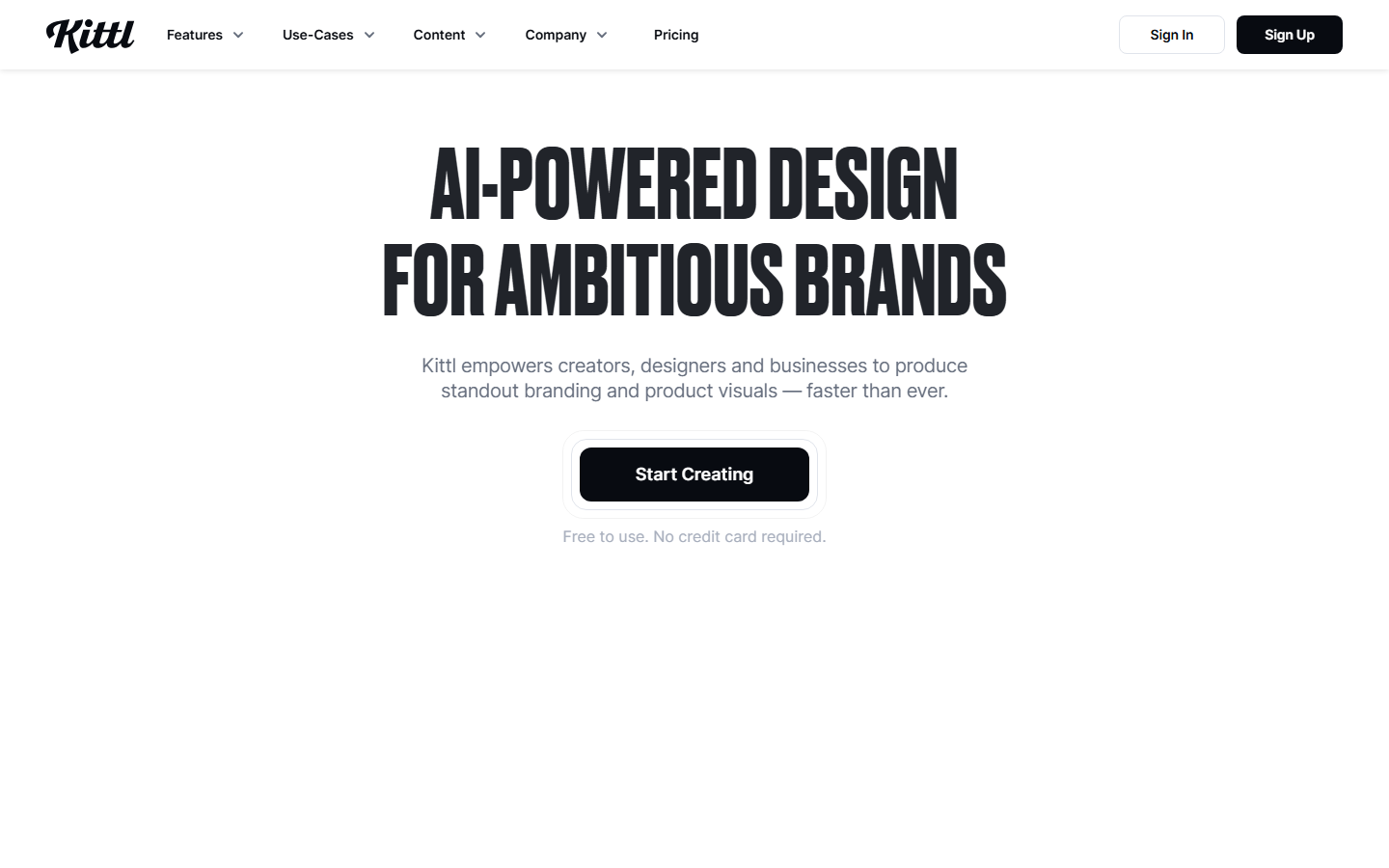
Kittl is designed for logo, merchandise, lettering, and template-based design. It is most useful when the user begins with a clear brief, supplies relevant context, and treats the generated result as material to refine rather than a finished answer.
Its place in a workflow depends on the type of control required. Some users will value speed and idea generation, while others will use Kittl for revision, production support, or creating consistent variations across multiple deliverables.
Practical Uses for Kittl
- Create a structured first draft for a new project.
- Generate alternative angles, hooks, or visual directions.
- Rework an existing asset for a different audience or channel.
- Speed up repetitive production and revision tasks.
- Prepare variations for testing while keeping the core message consistent.
- Organize feedback and produce a cleaner final deliverable.
Main Benefit
The main benefit of Kittl is its ability to reduce the time between an initial idea and a reviewable working version, while leaving the final creative and editorial decisions with the user.
9. Figma AI
 Figma AIBest for graphic designersSee the Tool Details →
Best for: Interface design, prototyping, and collaborative design assistance
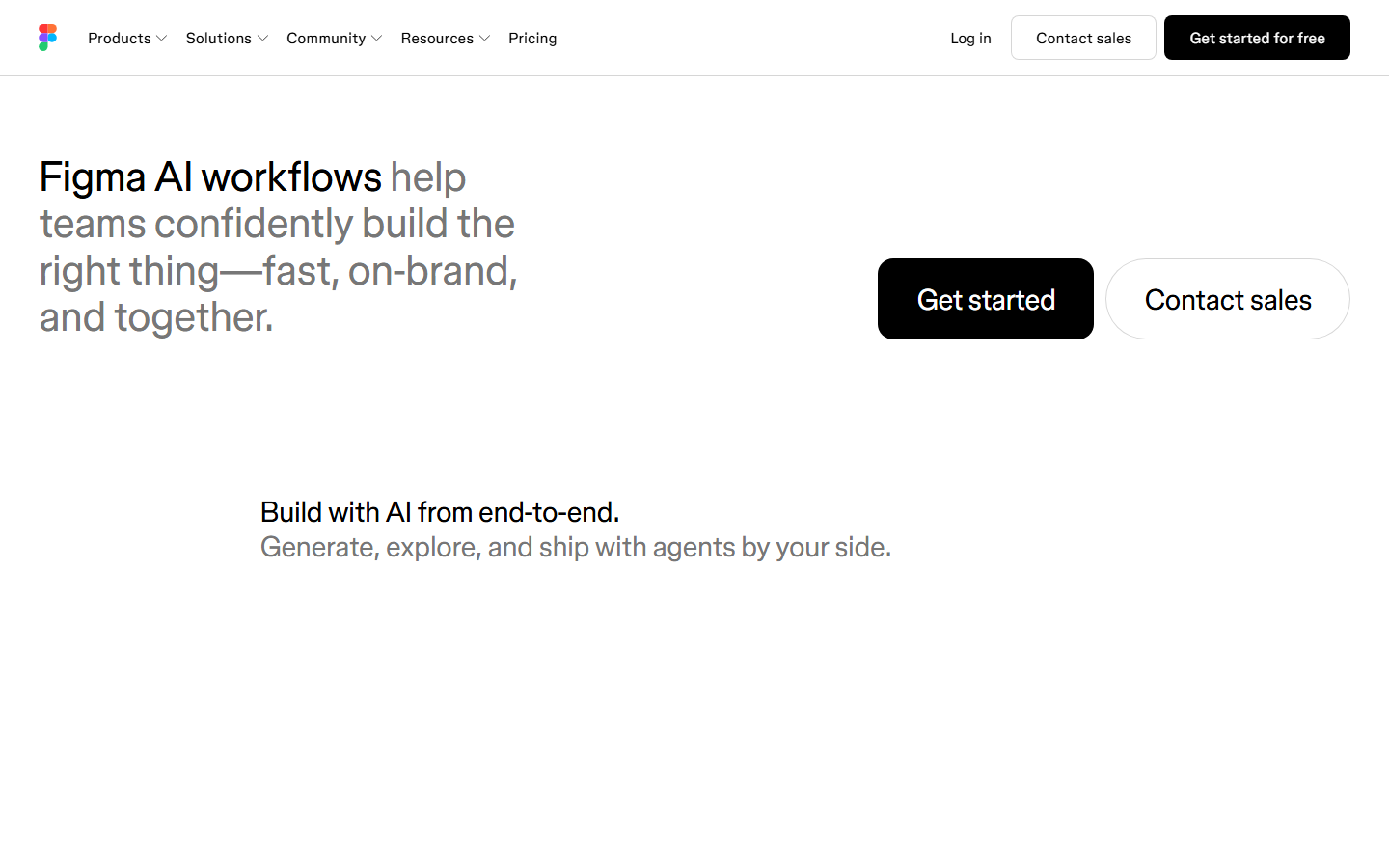
Figma AI is designed for interface design, prototyping, and collaborative design assistance. It is most useful when the user begins with a clear brief, supplies relevant context, and treats the generated result as material to refine rather than a finished answer.
Its place in a workflow depends on the type of control required. Some users will value speed and idea generation, while others will use Figma AI for revision, production support, or creating consistent variations across multiple deliverables.
Practical Uses for Figma AI
- Create a structured first draft for a new project.
- Generate alternative angles, hooks, or visual directions.
- Rework an existing asset for a different audience or channel.
- Speed up repetitive production and revision tasks.
- Prepare variations for testing while keeping the core message consistent.
- Organize feedback and produce a cleaner final deliverable.
Main Benefit
The main benefit of Figma AI is its ability to reduce the time between an initial idea and a reviewable working version, while leaving the final creative and editorial decisions with the user.
10. Adobe Photoshop

Best for: Generative fill, expansion, and production image editing
Adobe Photoshop is designed for generative fill, expansion, and production image editing. It is most useful when the user begins with a clear brief, supplies relevant context, and treats the generated result as material to refine rather than a finished answer.
Its place in a workflow depends on the type of control required. Some users will value speed and idea generation, while others will use Adobe Photoshop for revision, production support, or creating consistent variations across multiple deliverables.
Practical Uses for Adobe Photoshop
- Create a structured first draft for a new project.
- Generate alternative angles, hooks, or visual directions.
- Rework an existing asset for a different audience or channel.
- Speed up repetitive production and revision tasks.
- Prepare variations for testing while keeping the core message consistent.
- Organize feedback and produce a cleaner final deliverable.
Main Benefit
The main benefit of Adobe Photoshop is its ability to reduce the time between an initial idea and a reviewable working version, while leaving the final creative and editorial decisions with the user.
11. Remove.bg

 Remove.bgBest for graphic designersSee the Tool Details →
Best for: Fast background removal for production assets
Remove.bg is designed for fast background removal for production assets. It is most useful when the user begins with a clear brief, supplies relevant context, and treats the generated result as material to refine rather than a finished answer.
Its place in a workflow depends on the type of control required. Some users will value speed and idea generation, while others will use Remove.bg for revision, production support, or creating consistent variations across multiple deliverables.
Practical Uses for Remove.bg
- Create a structured first draft for a new project.
- Generate alternative angles, hooks, or visual directions.
- Rework an existing asset for a different audience or channel.
- Speed up repetitive production and revision tasks.
- Prepare variations for testing while keeping the core message consistent.
- Organize feedback and produce a cleaner final deliverable.
Main Benefit
The main benefit of Remove.bg is its ability to reduce the time between an initial idea and a reviewable working version, while leaving the final creative and editorial decisions with the user.
12. Clipdrop

 ClipdropBest for graphic designersSee the Tool Details →
Best for: Cleanup, relighting, upscaling, and quick image transformations
Clipdrop is designed for cleanup, relighting, upscaling, and quick image transformations. It is most useful when the user begins with a clear brief, supplies relevant context, and treats the generated result as material to refine rather than a finished answer.
Its place in a workflow depends on the type of control required. Some users will value speed and idea generation, while others will use Clipdrop for revision, production support, or creating consistent variations across multiple deliverables.
Practical Uses for Clipdrop
- Create a structured first draft for a new project.
- Generate alternative angles, hooks, or visual directions.
- Rework an existing asset for a different audience or channel.
- Speed up repetitive production and revision tasks.
- Prepare variations for testing while keeping the core message consistent.
- Organize feedback and produce a cleaner final deliverable.
Main Benefit
The main benefit of Clipdrop is its ability to reduce the time between an initial idea and a reviewable working version, while leaving the final creative and editorial decisions with the user.
13. Photoroom
 PhotoroomBest for graphic designersSee the Tool Details →
Best for: Product imagery, backgrounds, and ecommerce creative production
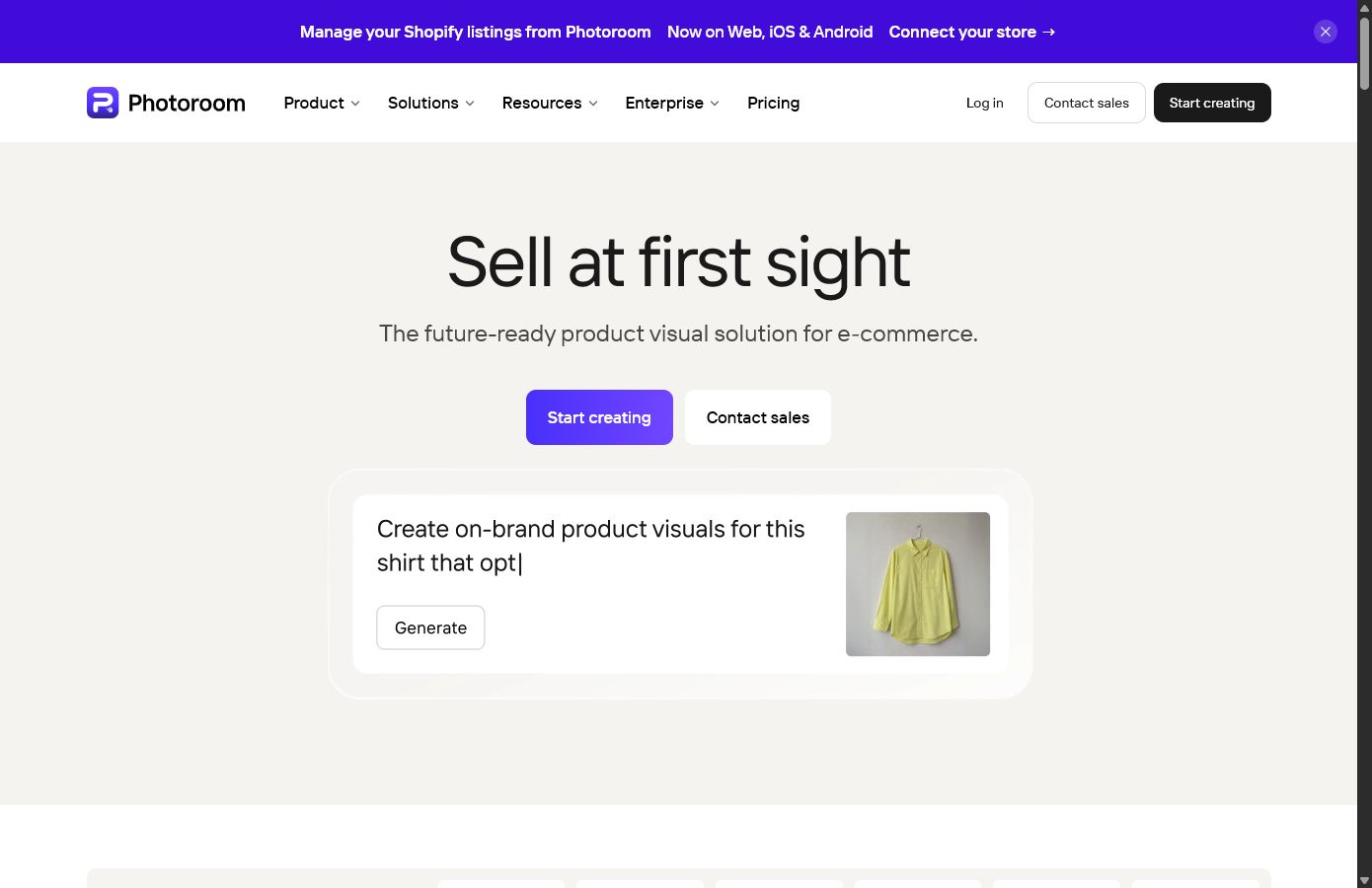
Photoroom is designed for product imagery, backgrounds, and ecommerce creative production. It is most useful when the user begins with a clear brief, supplies relevant context, and treats the generated result as material to refine rather than a finished answer.
Its place in a workflow depends on the type of control required. Some users will value speed and idea generation, while others will use Photoroom for revision, production support, or creating consistent variations across multiple deliverables.
Practical Uses for Photoroom
- Create a structured first draft for a new project.
- Generate alternative angles, hooks, or visual directions.
- Rework an existing asset for a different audience or channel.
- Speed up repetitive production and revision tasks.
- Prepare variations for testing while keeping the core message consistent.
- Organize feedback and produce a cleaner final deliverable.
Main Benefit
The main benefit of Photoroom is its ability to reduce the time between an initial idea and a reviewable working version, while leaving the final creative and editorial decisions with the user.
14. Looka

 LookaBest for graphic designersSee the Tool Details →
Best for: Rapid logo concepts and starter brand kits
Looka is designed for rapid logo concepts and starter brand kits. It is most useful when the user begins with a clear brief, supplies relevant context, and treats the generated result as material to refine rather than a finished answer.
Its place in a workflow depends on the type of control required. Some users will value speed and idea generation, while others will use Looka for revision, production support, or creating consistent variations across multiple deliverables.
Practical Uses for Looka
- Create a structured first draft for a new project.
- Generate alternative angles, hooks, or visual directions.
- Rework an existing asset for a different audience or channel.
- Speed up repetitive production and revision tasks.
- Prepare variations for testing while keeping the core message consistent.
- Organize feedback and produce a cleaner final deliverable.
Main Benefit
The main benefit of Looka is its ability to reduce the time between an initial idea and a reviewable working version, while leaving the final creative and editorial decisions with the user.
15. Khroma

Best for: AI-assisted color palette discovery
Khroma is designed for ai-assisted color palette discovery. It is most useful when the user begins with a clear brief, supplies relevant context, and treats the generated result as material to refine rather than a finished answer.
Its place in a workflow depends on the type of control required. Some users will value speed and idea generation, while others will use Khroma for revision, production support, or creating consistent variations across multiple deliverables.
Practical Uses for Khroma
- Create a structured first draft for a new project.
- Generate alternative angles, hooks, or visual directions.
- Rework an existing asset for a different audience or channel.
- Speed up repetitive production and revision tasks.
- Prepare variations for testing while keeping the core message consistent.
- Organize feedback and produce a cleaner final deliverable.
Main Benefit
The main benefit of Khroma is its ability to reduce the time between an initial idea and a reviewable working version, while leaving the final creative and editorial decisions with the user.
How We Chose the Best Tools
The selection focused on visual quality, editability, design control, workflow integration, commercial practicality, asset consistency, and responsible use. Each tool needed a clear use case and an active official product presence. The list intentionally avoids ranking products only by popularity.
How to Choose the Right AI Tool
Start with the task you repeat most often, then choose the tool that removes friction without taking away the control you need. A specialized platform may be better for a defined production step, while a general assistant may be more useful across research, planning, and revision. Check export options, collaboration needs, privacy requirements, and compatibility with your existing software before committing a workflow to one platform.
Tips for Using AI Tools Responsibly
- Verify factual claims, names, quotations, and references before publishing.
- Review licensing and commercial-use terms for generated material.
- Do not upload confidential client information without authorization.
- Keep human review in the workflow for quality, accuracy, and brand fit.
- Disclose synthetic media when context, policy, or audience trust requires it.
- Obtain permission before cloning a person’s voice, likeness, or distinctive work.
- Preserve source files and document important edits and approvals.
Frequently Asked Questions
What is the best overall AI tool in this list?
The best choice depends on the workflow. General tools are flexible, while specialized platforms usually provide more control for a specific production task.
Can these tools replace a professional?
They can accelerate research, drafting, editing, and repetitive production, but they do not replace professional judgment, strategy, taste, or accountability.
Are AI-generated results ready to publish?
Usually not. Generated output should be checked for accuracy, originality, consistency, legal risk, and technical quality before publication.
Should I use several AI tools together?
A small tool stack can be useful when each product has a distinct role, but too many overlapping subscriptions and workflows can create unnecessary complexity.
How should teams protect client data?
Use approved accounts and policies, minimize sensitive uploads, understand retention settings, and avoid placing confidential information into tools without permission.
How often should I review my tool stack?
Review it whenever your workflow changes or a product materially changes its capabilities, terms, integrations, or export options.
Final Thoughts
The best AI tools for this category are the ones that solve a specific production problem without weakening human control. Use the list as a starting point, then test the tools against a real project and a clear quality standard.
A strong workflow may combine one general assistant with one or two specialized platforms. The goal is not to automate every decision, but to reduce low-value work and create more time for strategy, judgment, and refinement.
Whatever tool you choose, keep verification, originality, consent, and final review at the center of the process. Those safeguards matter more than the speed of the first generated result.
Continue exploring: Art & Creative Design AI tools Image Generation & Editing AI tools