Yes, you can use Claude directly inside Google Sheets. The official way is the Claude for Sheets extension from Anthropic: you add your own Anthropic API key, then call Claude from any cell with the =CLAUDE() function to clean data, write formulas, classify text, summarize, translate and more.
One thing to know up front: Claude for Sheets doesn’t “read your whole spreadsheet” on its own like a chat assistant. It runs prompts cell by cell (or across a range you point it to), which is exactly what makes it powerful for repetitive tasks on hundreds of rows. This guide walks through the full setup and the most useful ways to use it, plus the alternatives if you’d rather have Claude edit a sheet conversationally.
What you need before you start

- A Google account with access to Google Sheets.
- An Anthropic Console account (separate from the Claude chat app) at console.anthropic.com.
- API credits. The extension uses Claude’s API, which is pay-as-you-go and billed by usage — not covered by a Claude Pro/Max chat subscription. You add a small amount of credit and each
=CLAUDE()call spends a fraction of a cent to a few cents depending on the model and text length. - 5–10 minutes for setup.
Step 1: Get your Anthropic API key

- Go to console.anthropic.com and sign in (or create an account).
- Add a payment method and a small amount of credit under Billing — the API won’t return results without available credit.
- Open API Keys (under Settings) and click Create Key.
- Give it a clear name, for example Claude for Sheets, and copy the key. You only see it once, so paste it somewhere safe for the next step.
Keep this key private. Anyone with it can spend your API credit, so don’t share the sheet’s settings or the key with people you don’t trust.
Step 2: Install the Claude for Sheets extension

- Open any Google Sheet.
- Go to Extensions → Add-ons → Get add-ons to open the Google Workspace Marketplace.
- Search for Claude for Sheets (published by Anthropic) and open the listing.
- Click Install, then allow the permissions Google requests so the add-on can run functions in your sheets.
- When it finishes, the add-on appears under Extensions → Claude for Sheets.
Step 3: Add your API key in the sidebar
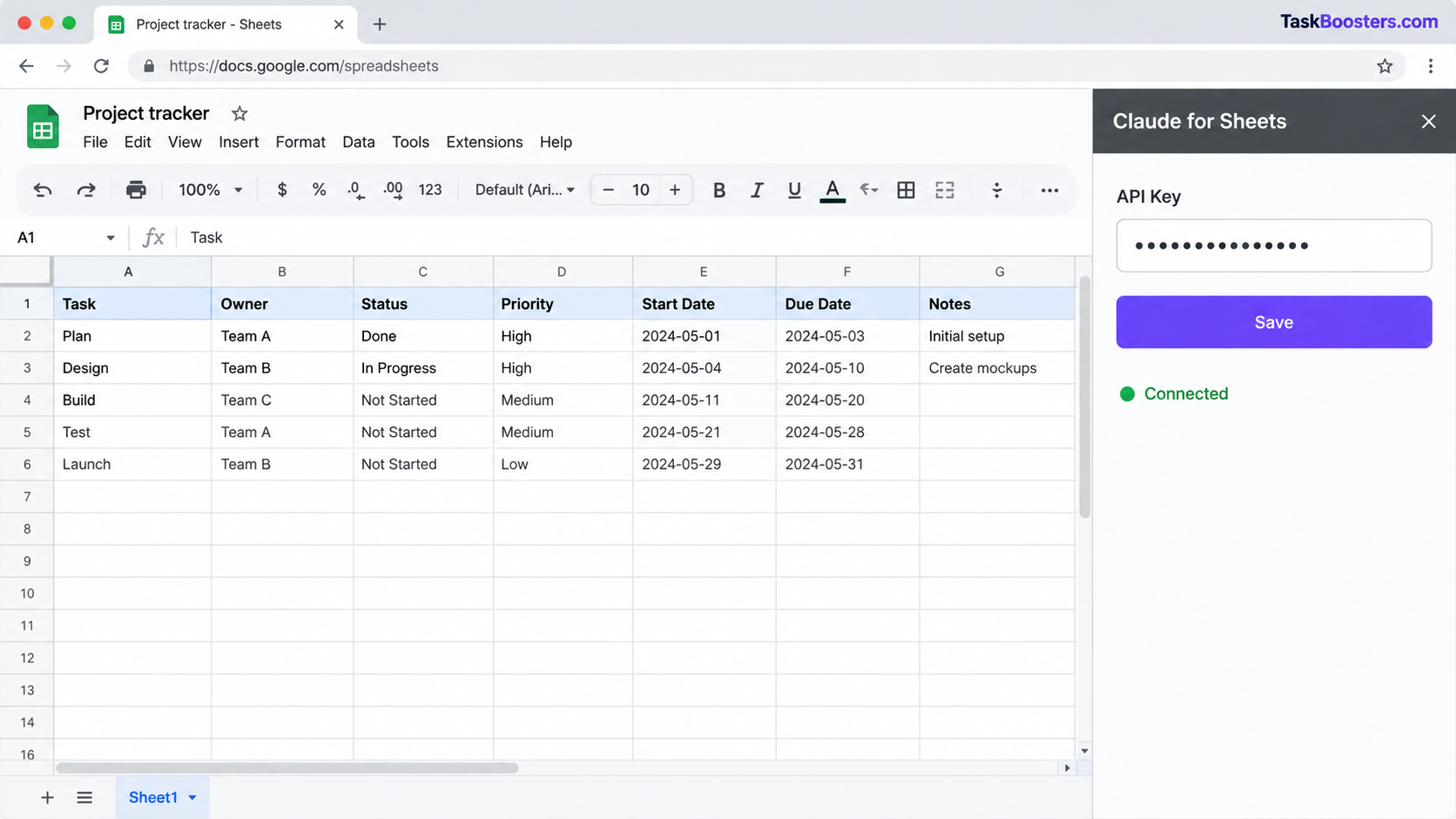
- Go to Extensions → Claude for Sheets → Open sidebar.
- Paste your Anthropic API key into the key field and save.
- The sidebar usually has a connection check or a sample call — run it to confirm the key works.
If the key is rejected, re-copy it from the Anthropic Console (keys can’t be viewed again after creation, so create a fresh one if you lost it) and make sure your account has credit.
Step 4: Use the =CLAUDE() function

Once connected, Claude works like any other spreadsheet function. The core one is =CLAUDE(), which takes a prompt and returns Claude’s answer in the cell.
=CLAUDE("Write a one-line product description for: " & A2)Here A2 is a cell with your input. Because it’s a normal formula, you can drag it down a column to run the same prompt across every row — that’s the real time-saver.
- Reference cells with
&to inject their values into the prompt, exactly like building any text formula. - Keep prompts specific (“Return only the country name”, “Answer yes or no”) so the output stays clean.
- You may need to run Extensions → Claude for Sheets → Recalculate so the custom functions are recognized.
- The sidebar lists the exact function names and any optional arguments (such as choosing the model); check it there, since these can change between versions.
5 practical things to do with Claude in Sheets

1. Clean and standardize messy data.
=CLAUDE("Return this phone number in +country format only: " & A2)2. Classify or tag rows (support tickets, reviews, leads):
=CLAUDE("Classify the sentiment as Positive, Neutral, or Negative. Return one word only: " & B2)3. Write formulas for you.
=CLAUDE("Write a Google Sheets formula that counts cells in A2:A100 where the date is in the last 7 days")4. Summarize long text.
=CLAUDE("Summarize this customer review in under 15 words: " & C2)5. Generate content at scale — meta descriptions, product blurbs, email subject lines, one prompt dragged down a column.
Tip: once the output looks right, copy the column and Paste special → Values only so the text stops recalculating (and stops spending API credit).
Does Claude for Sheets cost money?

The extension itself is free, but it runs on Claude’s API, which is pay-as-you-go. You’re billed by tokens sent and returned, so cost depends on the model and how long your prompts and answers are.
- Use a smaller, faster model for simple tasks like classification or formatting; save the most capable models for complex reasoning.
- Convert finished columns to values only so they don’t recalculate every time the sheet opens.
A Claude Pro or Max subscription for the chat app does not cover API usage. For current per-model prices, check Anthropic’s official pricing page before running large batches.
Claude for Sheets vs other ways to use Claude with spreadsheets

=CLAUDE() is best for running one prompt across many rows. If you’d rather have Claude read or edit a whole sheet conversationally, other methods fit better:
| Method | Best for | Needs API key? | Notes |
|---|---|---|---|
| Claude for Sheets (=CLAUDE) | Running a prompt across many rows | Yes | Official Anthropic add-on; cell-by-cell |
| Claude Drive / Workspace connector | Letting the Claude app read a sheet | No (uses your Claude login) | Read-focused; connect Google Drive in Claude |
| Third-party connector (GPT for Work, Sheets MCP) | Editing a sheet by chat | Varies | Extra tool in the middle |
| Automation (n8n, Zapier) | Moving data between apps | Yes | For pipelines, not ad-hoc edits |
| Claude for Excel | The same idea in Microsoft Excel | Varies | Use if your team is on Excel |
For most people doing bulk work in Sheets, the official =CLAUDE() extension is the simplest and most reliable choice.
Troubleshooting

- “Unknown function CLAUDE” or the function isn’t recognized. Re-open Extensions → Claude for Sheets → Open sidebar, then use Recalculate.
- #ERROR! or an authentication message. Your API key is missing, wrong, or has no credit. Re-paste the key and confirm your account has balance.
- Results are blank or cut off. The prompt may be too long or the model is rate-limited. Shorten the input, or add a short delay between large batches.
- Rate-limit errors on big runs. Fill a few hundred rows at a time, convert to values, then continue.
- Inconsistent output format. Make the prompt stricter: “Return only X”, “Answer in one word”, or give a tiny example.
Frequently asked questions
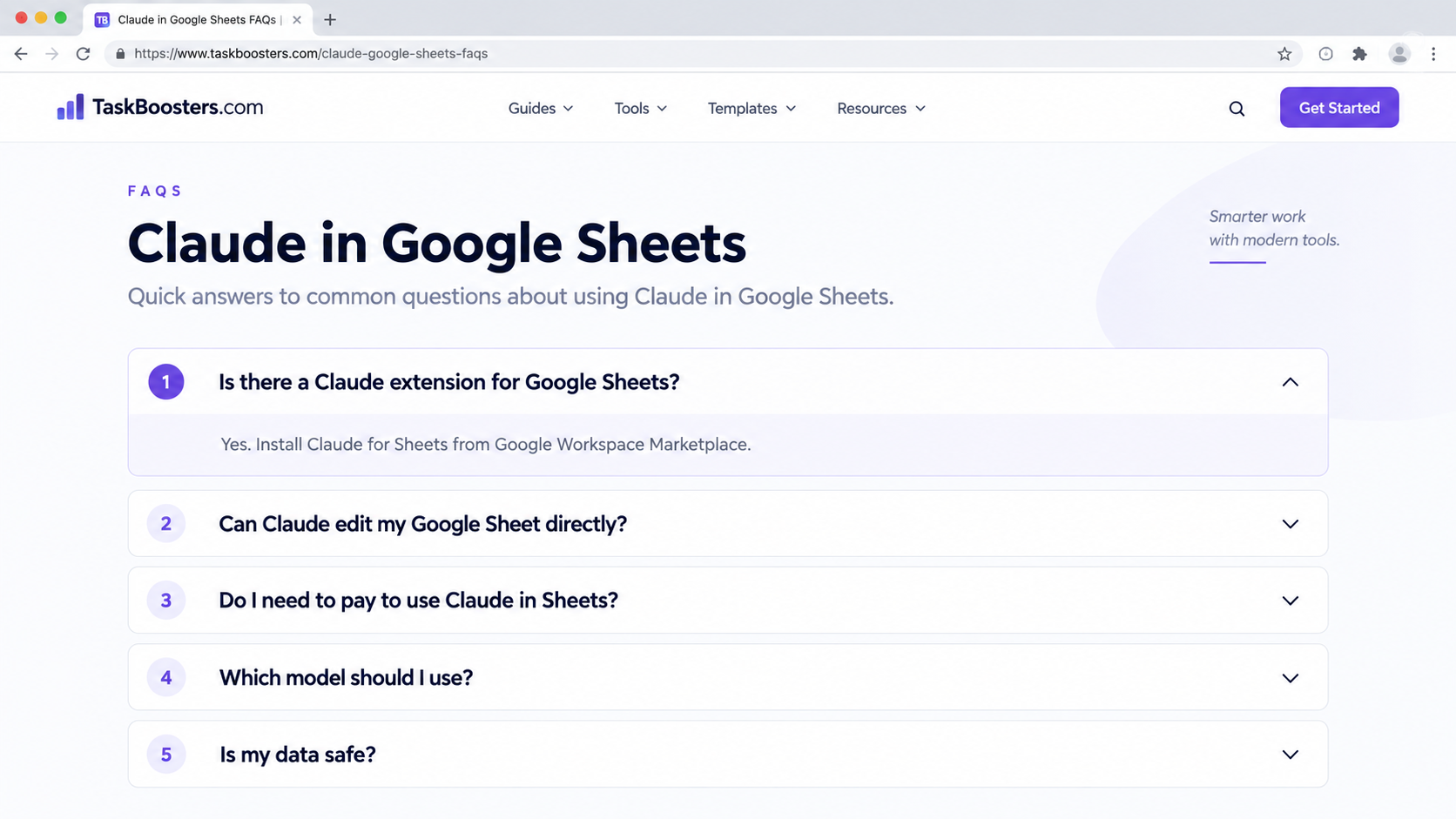
Is there a Claude extension for Google Sheets?
Yes. Anthropic publishes the official Claude for Sheets add-on on the Google Workspace Marketplace. Install it, add your API key, and call Claude with =CLAUDE().
Can Claude edit my Google Sheet directly?
The =CLAUDE() function returns answers into the cells where you place it. To have Claude read or change a sheet conversationally, connect Google Drive inside the Claude app or use a third-party connector.
Do I need to pay to use Claude in Sheets?
The add-on is free, but it uses Claude’s pay-as-you-go API, billed by usage. A Claude Pro/Max chat subscription does not include API usage.
Which model should I use?
Use a fast, low-cost model for simple tasks and a more capable model for reasoning or long text. You pick the model in the sidebar.
Can I use Claude in Excel too?
Yes — Claude for Excel covers the same idea for Microsoft Excel; the setup differs slightly.
Is my data safe?
Text you send through =CLAUDE() is processed by Anthropic’s API. Avoid sending sensitive personal or confidential data, and review Anthropic’s data-use terms.