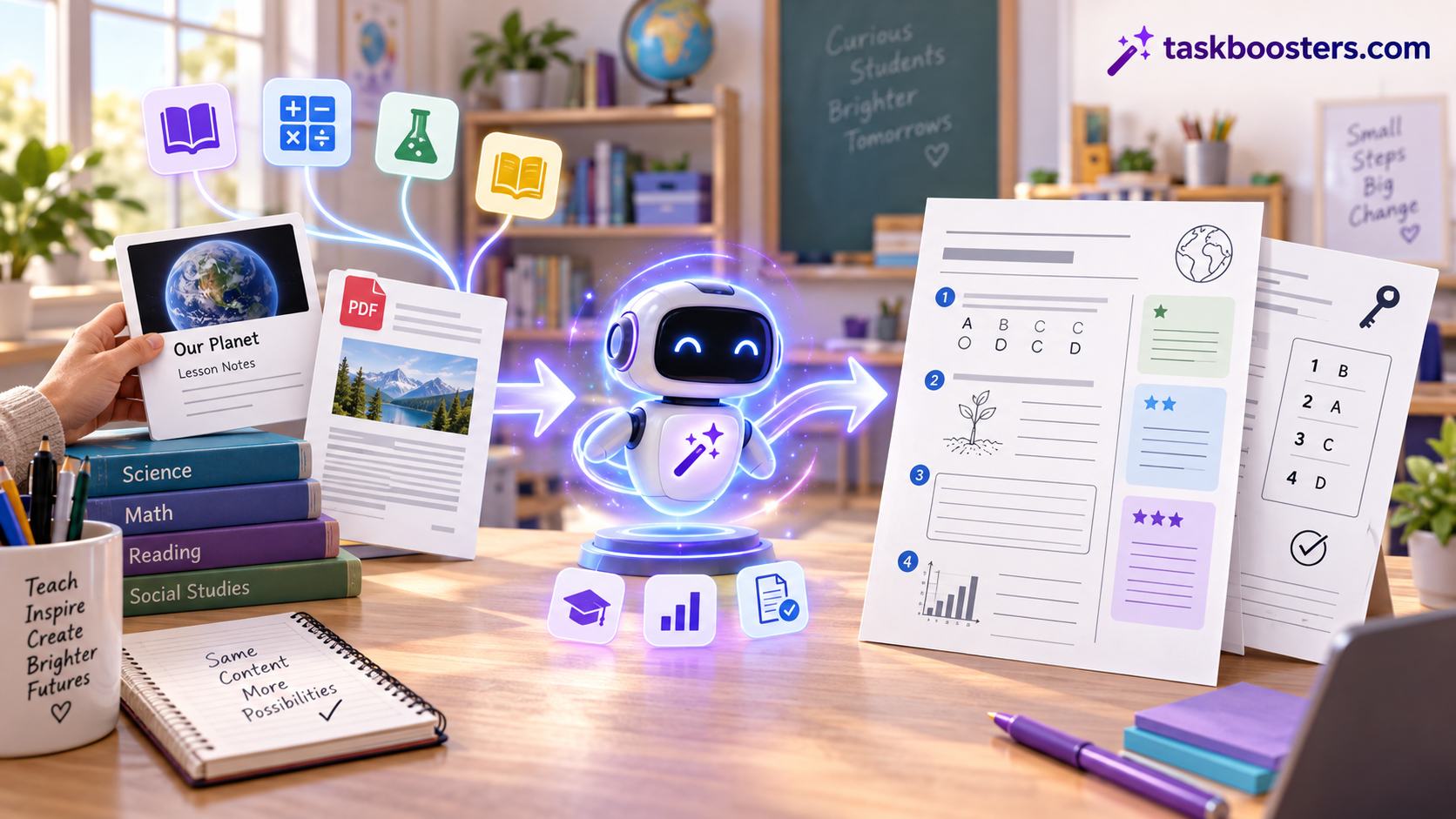
AI can turn a topic, a PDF, or a paragraph of text into a classroom-ready worksheet — with questions, instructions, and often an answer key — in about a minute. Several tools do this free, and a few need no sign-up at all.
Below are the best free AI worksheet generators for teachers, what each is best at, and a simple way to make a worksheet with any AI (including ChatGPT or Gemini) if you’d rather not use a dedicated tool. Quick picks:
- Best all-round for teachers: MagicSchool
- Best with no sign-up: NoteGPT
- Best for math worksheets: Monsha
- Best from your own files (PDF/scan): StudyGlen
- Best for well-formatted, differentiated worksheets: Diffit
- Best for design/printables: Canva
- Best free chatbot method: ChatGPT or Gemini with a good prompt
The best free AI worksheet generators compared
| Tool | Best for | Sign-up | Answer key | Input options |
|---|---|---|---|---|
| MagicSchool | All-round teacher toolkit | Yes (free) | Yes | Topic, grade, standard |
| NoteGPT | Quick, no-signup worksheets | No | Yes | Topic, text |
| Monsha | Math worksheets | Yes (free tier) | Yes | Files, YouTube, text |
| StudyGlen | Worksheets from your files | Yes (free) | Yes | PDF, paste, scan |
| Diffit | Differentiated, well-formatted | Yes (free tier) | Yes | Topic, text, article, grade level |
| Canva | Design & printables | Yes (free) | Manual | Templates + AI |
| TeachShare | Standards-based worksheets | Yes (free) | Yes | Topic, text, standard |
| ChatGPT / Gemini | Flexible, prompt-driven | Free account | If asked | Anything you describe |
Most teachers end up using two: a dedicated generator for speed, and a chatbot for anything custom.
The tools in detail
MagicSchool — A full teacher toolkit with a dedicated worksheet generator plus dozens of other classroom tools (rubrics, lesson plans, IEP helpers). Free for teachers. Best if you want one platform for many tasks.
NoteGPT — A free, no-signup worksheet generator for math, science and language, with auto answer keys. Great when you just need a worksheet right now without creating an account.
Monsha — Focused on math worksheets, and can build them from files, YouTube videos, articles or plain text. Strong choice for math teachers who want problems generated from their own material.
StudyGlen — Turns your own content into worksheets: upload a PDF, paste text, or scan a page. Best when you want the worksheet based on exactly what you teach.
Diffit — Popular with teachers for producing well-formatted, differentiated resources at any grade level from a topic, text or article. Good for adapting the same content to different reading levels.
Canva — Not AI-first, but its free worksheet maker (templates + AI features) is the best pick when design and printable layout matter.
ChatGPT / Gemini — The most flexible free option with the right prompt. Gemini can pull from your Google Docs; ChatGPT can draft questions, answer keys and rubrics. See the step-by-step below.
How to create a worksheet with AI (step by step)
You can make a solid worksheet with any AI chatbot in a few minutes:
- Pick the source. A topic (“fractions for grade 4”), a paste of your lesson text, or a link/PDF the tool can read.
- Prompt with the specifics. Include grade level, skill, number and type of questions, and whether you want an answer key.
Create a grade 4 math worksheet on adding fractions with like denominators.
10 questions: 6 practice problems, 2 word problems, 2 challenge problems.
Include clear instructions and a separate answer key.- Ask for differentiation if needed: “Give an easier version and a harder version of the same worksheet.”
- Request a clean format: “Format as a printable worksheet with numbered questions and space to write.”
- Check every answer before printing, then copy into Google Docs/Canva or export to PDF.
Dedicated tools automate steps 2–4, but the chatbot method gives you full control over wording and difficulty.
Tips for teachers (so the worksheet is actually usable)
- Always check the answer key. AI can produce confidently wrong math or facts — verify before it reaches students.
- Match your standard/curriculum. Tell the tool the exact standard or textbook chapter so questions align.
- Watch reading level. Ask for a specific grade level, and skim for vocabulary that’s too hard or too easy.
- Avoid putting student data in. Don’t paste names or personal information into third-party tools.
- Keep a human touch. Add one or two of your own questions so the worksheet fits how you actually taught the lesson.
Frequently asked questions
What is the best free AI tool for teachers to make worksheets?
MagicSchool is the strongest all-round free option; NoteGPT is best if you want no sign-up; Monsha is best for math.
Is there a free worksheet generator with no sign-up?
Yes — NoteGPT generates worksheets (with answer keys) free and without an account.
Can ChatGPT make worksheets?
Yes. Give it the grade, topic, number and type of questions, and ask for an answer key. It won’t format like a dedicated tool, but you can paste the result into Google Docs or Canva.
How do I create a worksheet with AI?
Choose a source (topic, text or file), prompt with the specifics (grade, skill, question count, answer key), ask for the format you want, then check the answers before printing.
Are AI-generated worksheets accurate?
Mostly, but not always — AI can make mistakes, especially in math. Always review the answer key before giving it to students.
Can these tools make worksheets from a PDF?
Yes — StudyGlen and Monsha can build worksheets from an uploaded PDF, and several others accept pasted text.