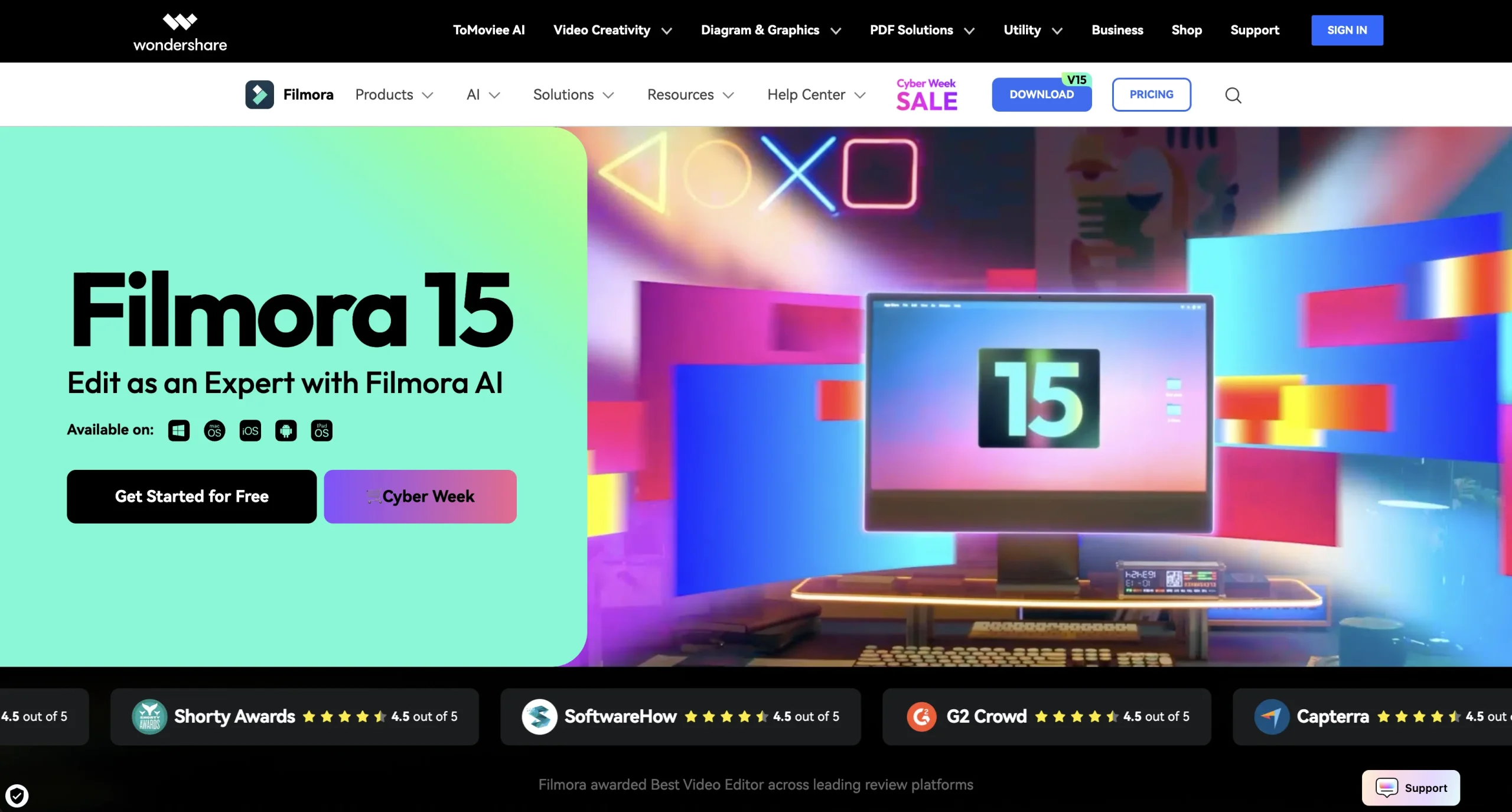
Wondershare Filmora is a desktop and mobile video editor designed to make advanced production approachable through a visual timeline and AI-assisted tools. Its capabilities include Smart Short Clips, video enhancement, portrait cutout, object removal, AI Extend, dynamic captions, multicamera editing, motion paths, animated charts, dual-monitor preview, nested or reusable subprojects, screen recording, creative assets, and audio processing.
AI edits can alter meaning, remove important context, or introduce assets without appropriate rights. Keep original media, obtain consent from recorded people, correct captions, verify generated frames and removals, review music and stock licenses, and disclose synthetic material where needed. Export a short proof first, check audio and color on target devices, and secure project files before final delivery.
Research basis:
This is a source-based directory listing prepared from public product information; it is not represented as a hands-on test. Last updated August 8, 2026. Read our methodology.
How to use this tool
Define the owner, success measure, approval boundary, and rights before providing authorized footage, script, brand rules, voice and media rights, export format, and channel requirements to Wondershare Filmora.
Configure a limited pilot using Multitrack timeline editing and Smart Short Clips with minimum permissions and non-sensitive material.
Test Edit a YouTube video and Create short social clips, recording inputs, settings, usage, expected results, and source references.
Review edited videos, captions, clips, effects, and publishable exports for accuracy, privacy, security, originality, accessibility, policy compliance, and commercial rights.
Monitor prices, limits, integrations, and product changes; Video production requires rights clearance, caption checks, factual review, accessibility, platform compliance, and export inspection.
Core Features
✓Multitrack timeline editing
✓Smart Short Clips
✓AI Video Enhancer
✓AI portrait cutout
✓AI object removal
✓Dynamic caption creation
✓Multicamera editing
✓Motion and chart tools
Use Cases
#1Edit a YouTube video
#2Create short social clips
#3Remove unwanted video objects
#4Produce captioned tutorials
#5Assemble multicamera footage
Frequently Asked Questions
Filmora combines timeline editing with AI enhancement, short-clip creation, cutouts, object removal, captions, multicamera workflows, motion tools, assets, and screen recording.
Multitrack timeline editing, Smart Short Clips, AI Video Enhancer, AI portrait cutout, AI object removal.
Edit a YouTube video, Create short social clips, Remove unwanted video objects, Produce captioned tutorials.
Authorized footage, script, brand rules, voice and media rights, export format, and channel requirements.
Edited videos, captions, clips, effects, and publishable exports.
A free version is available; paid access currently starts at $49.99 yearly.
Yes. The current record includes Free; verify live limits before relying on it.
Confirm billing, renewal, taxes, credits, usage limits, support, cancellation, refunds, data handling, commercial rights, and external costs on the official checkout.
Video production requires rights clearance, caption checks, factual review, accessibility, platform compliance, and export inspection.
No. Responsible use still requires source permission, factual and quality review, privacy and security checks, policy compliance, and final human approval.
Wondershare Filmora Support Email & Customer service contact & Refund contact etc.