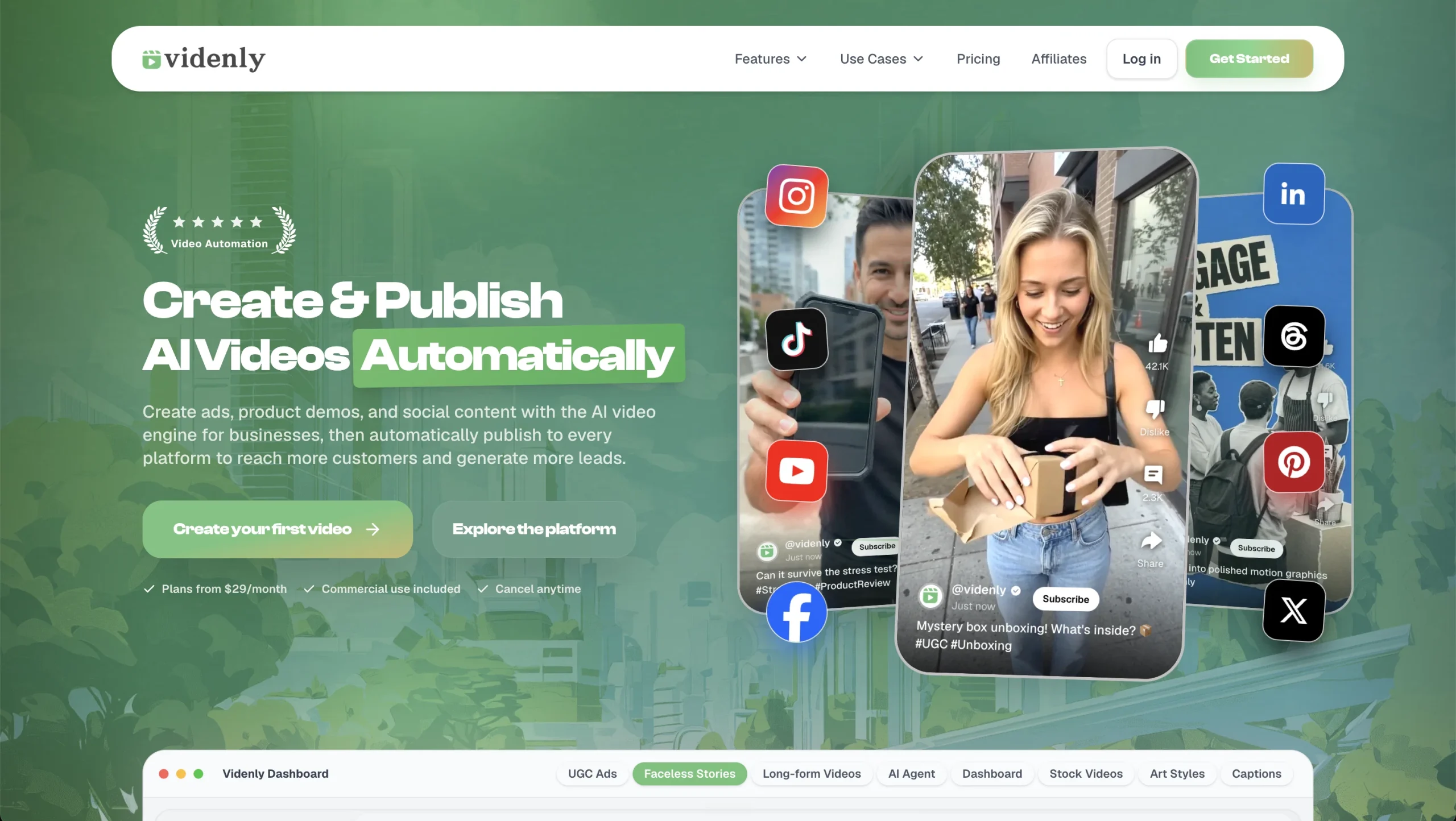
Introduction:reap AI repurposes long videos into social-ready clips with automated clipping, captions, reframing, localization, editing, and publishing workflows.
reap AI is a video repurposing and automation platform for turning long-form recordings, webinars, podcasts, interviews, and multi-video inputs into short, publish-ready content. It identifies useful moments, creates clips, adds animated captions, reframes footage for social formats, supports transcript-based editing, and can localize content with translated subtitles, romanized scripts, and AI dubbing. Brand templates, team workspaces, social connections, scheduling, and API, CLI, and MCP access extend the workflow beyond one-off manual editing.
Automated clipping and localization still require editorial review. Teams should check every selected segment for missing context, inaccurate captions, mistranslations, unnatural dubbing, speaker-framing mistakes, licensing issues, and platform-specific claims before publishing. Start with representative footage, protect private recordings and access keys, confirm that speakers have consented to voice or video processing, and test a small workflow before automating high-volume posting across multiple accounts.
Research basis:
This is a source-based directory listing prepared from public product information; it is not represented as a hands-on test. Last updated August 8, 2026. Read our methodology.
How to use this tool
Define the owner, success measure, approval boundary, and rights before providing licensed footage, scripts, brand rules, platform targets, and export requirements to reap AI.
Configure a limited pilot using Prompt-first AI clipping for extracting social-ready moments from long or combined source videos. and Animated captions with automatic transcription and support for more than 100 languages. with minimum permissions and non-sensitive material.
Test Turn podcast, webinar, interview, or livestream recordings into short clips for TikTok, Reels, Shorts, and LinkedIn. and Create translated captions and dubbed versions of one source video for audiences in multiple regions., recording inputs, settings, usage, expected results, and source references.
Review edited clips, captions, reframed videos, and publish-ready exports for accuracy, privacy, security, originality, accessibility, policy compliance, and commercial rights.
Monitor prices, limits, integrations, and product changes; review media rights, cuts, captions, disclosure, platform rules, and final rendering.
Core Features
✓Prompt-first AI clipping for extracting social-ready moments from long or combined source videos.
✓Animated captions with automatic transcription and support for more than 100 languages.
✓AI dubbing, subtitle translation, and romanized-script output for localized content versions.
✓Automatic reframing that adapts source footage to vertical and other platform-ready aspect ratios.
✓Transcript-based video editing for removing or rearranging spoken sections through text.
✓Brand templates for reusable fonts, colors, caption styles, intros, outros, and visual assets.
✓Social account connections with direct publishing and scheduled content-calendar workflows.
✓REST API, CLI, and MCP access for integrating clipping, captions, reframing, and publishing into automations.
Use Cases
#1Turn podcast, webinar, interview, or livestream recordings into short clips for TikTok, Reels, Shorts, and LinkedIn.
#2Create translated captions and dubbed versions of one source video for audiences in multiple regions.
#3Standardize agency or brand output with shared templates, workspaces, publishing queues, and approval checks.
#4Edit talking-head footage by revising its transcript instead of manually cutting every section on a timeline.
#5Connect video repurposing to an automated content pipeline through the API, CLI, MCP, or supported integration tools.
Frequently Asked Questions
reap AI repurposes long videos into social-ready clips with automated clipping, captions, reframing, localization, editing, and publishing workflows.
Prompt-first AI clipping for extracting social-ready moments from long or combined source videos., Animated captions with automatic transcription and support for more than 100 languages., AI dubbing, subtitle translation, and romanized-script output for localized content versions., Automatic reframing that adapts source footage to vertical and other platform-ready aspect ratios., Transcript-based video editing for removing or rearranging spoken sections through text..
Turn podcast, webinar, interview, or livestream recordings into short clips for TikTok, Reels, Shorts, and LinkedIn., Create translated captions and dubbed versions of one source video for audiences in multiple regions., Standardize agency or brand output with shared templates, workspaces, publishing queues, and approval checks., Edit talking-head footage by revising its transcript instead of manually cutting every section on a timeline..
Licensed footage, scripts, brand rules, platform targets, and export requirements.
Edited clips, captions, reframed videos, and publish-ready exports.
A free plan is documented, but no current official numeric paid price was reliably verified.
No verified ongoing free plan is recorded; check the official product for a current trial or promotion.
Confirm billing, renewal, taxes, credits, usage limits, support, cancellation, refunds, data handling, commercial rights, and external costs on the official checkout.
Review media rights, cuts, captions, disclosure, platform rules, and final rendering.
No. Responsible use still requires source permission, factual and quality review, privacy and security checks, policy compliance, and final human approval.
reap AI Support Email & Customer service contact & Refund contact etc.