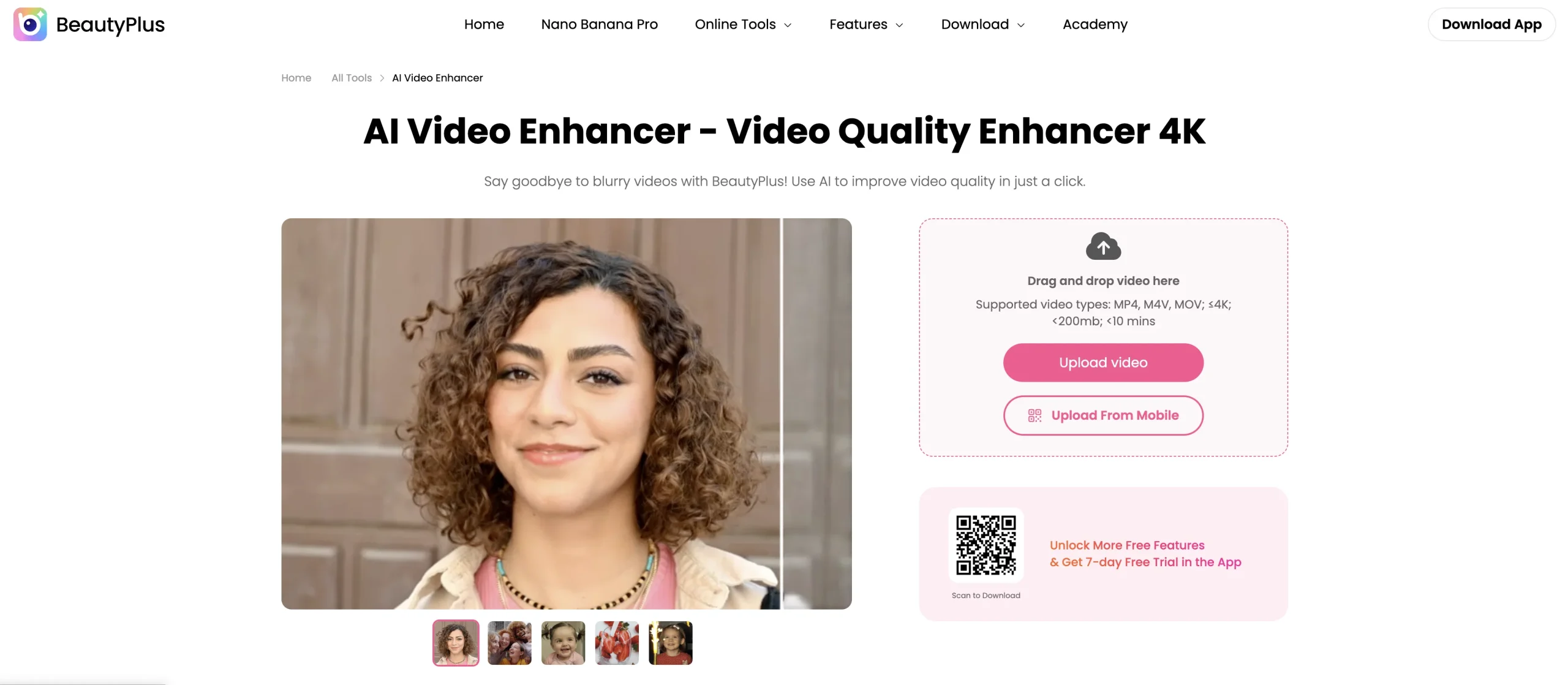
Vmake Video Enhancer is a browser-based AI workflow for improving the visual quality of uploaded videos. It is designed to enhance clarity and detail, upscale output, reduce common quality problems, and prepare footage for product marketing, social publishing, presentations, or reuse. The wider Vmake workspace also groups complementary image, video, generation, and cleanup tools, while the free tier provides limited access for testing the workflow.
Enhancement cannot recover every detail that was never captured and may introduce artificial textures, altered faces, or misleading visual evidence. Users should keep the source file, compare the full output at high zoom, obtain permission for people and copyrighted footage, avoid uploading confidential media, and never present AI-modified documentary, legal, medical, or product evidence as an untouched original. Final exports should be reviewed by a person before publication.
Research basis:
This is a source-based directory listing prepared from public product information; it is not represented as a hands-on test. Last updated August 8, 2026. Read our methodology.
How to use this tool
Define the owner, success measure, approval boundary, and rights before providing licensed footage, scripts, brand rules, platform targets, and export requirements to Vmake Video Enhancer.
Configure a limited pilot using Browser-based video enhancement without requiring a desktop editing installation. and AI processing aimed at improving perceived sharpness, clarity, and fine detail. with minimum permissions and non-sensitive material.
Test Improve soft product footage before adding it to an ecommerce listing. and Prepare an older low-resolution clip for a modern social media layout., recording inputs, settings, usage, expected results, and source references.
Review edited clips, captions, reframed videos, and publish-ready exports for accuracy, privacy, security, originality, accessibility, policy compliance, and commercial rights.
Monitor prices, limits, integrations, and product changes; review media rights, cuts, captions, disclosure, platform rules, and final rendering.
Core Features
✓Browser-based video enhancement without requiring a desktop editing installation.
✓AI processing aimed at improving perceived sharpness, clarity, and fine detail.
✓Video upscaling options for preparing lower-resolution footage for larger outputs.
✓Automated visual cleanup that reduces manual frame-by-frame correction work.
✓Simple upload-and-process workflow suited to short-form and marketing footage.
✓Preview-oriented review process for comparing enhanced results before export.
✓Companion Vmake tools for related image, video, generation, and removal tasks.
✓Free limited access that lets users test supported workflows before upgrading.
Use Cases
#1Improve soft product footage before adding it to an ecommerce listing.
#2Prepare an older low-resolution clip for a modern social media layout.
#3Enhance talking-head footage before assembling a marketing or training video.
#4Clean up user-generated brand footage while retaining the original for comparison.
#5Test whether AI enhancement can make an archive clip usable before commissioning manual restoration.
Frequently Asked Questions
Vmake Video Enhancer uses AI to improve video clarity, resolution, color, and visual quality through a browser-based workflow.
Browser-based video enhancement without requiring a desktop editing installation., AI processing aimed at improving perceived sharpness, clarity, and fine detail., Video upscaling options for preparing lower-resolution footage for larger outputs., Automated visual cleanup that reduces manual frame-by-frame correction work., Simple upload-and-process workflow suited to short-form and marketing footage..
Improve soft product footage before adding it to an ecommerce listing., Prepare an older low-resolution clip for a modern social media layout., Enhance talking-head footage before assembling a marketing or training video., Clean up user-generated brand footage while retaining the original for comparison..
Licensed footage, scripts, brand rules, platform targets, and export requirements.
Edited clips, captions, reframed videos, and publish-ready exports.
The official comparison exposes plan limits but did not reliably expose current numeric subscription prices.
No verified ongoing free plan is recorded; check the official product for a current trial or promotion.
Confirm billing, renewal, taxes, credits, usage limits, support, cancellation, refunds, data handling, commercial rights, and external costs on the official checkout.
Review media rights, cuts, captions, disclosure, platform rules, and final rendering.
No. Responsible use still requires source permission, factual and quality review, privacy and security checks, policy compliance, and final human approval.
Vmake Video Enhancer Support Email & Customer service contact & Refund contact etc.