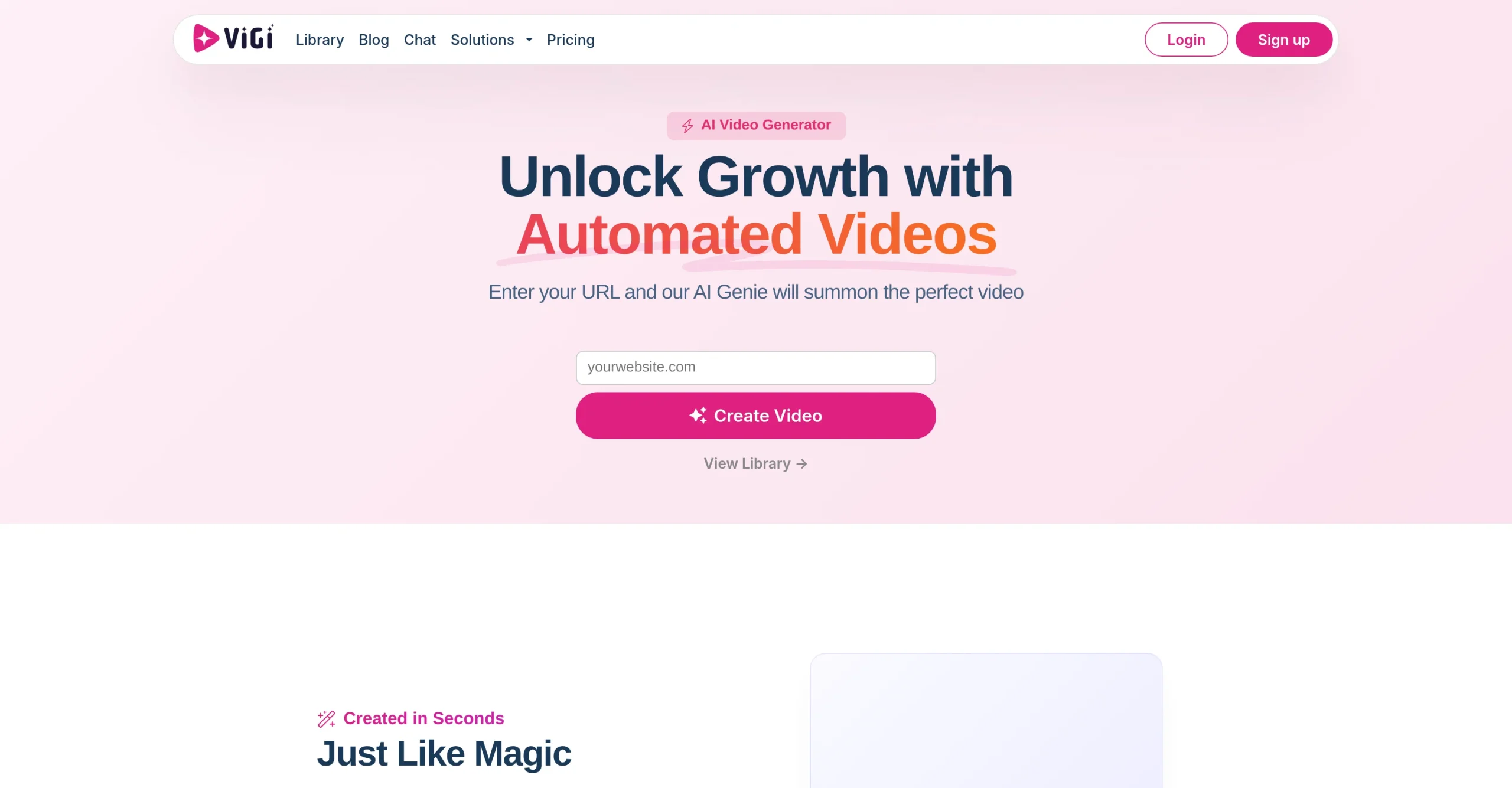
Introduction:ViGi creates branded, platform-ready marketing videos from a business website and supports campaign variants, targeting, retargeting, and funnel-oriented distribution.
ViGi begins with a company website and uses its product, audience, and brand context to prepare videos for SEO, social media, and advertising. It can produce multiple lengths and formats while coordinating content across awareness, retargeting, and conversion stages.
A website may contain outdated claims, third-party logos, customer photos, or tracking data that should not be reused automatically. Marketers should approve the extracted brand profile, verify every claim and offer, obtain media rights, set spend and audience limits, and keep a human gate before campaigns or retargeting go live.
Research basis:
This is a source-based directory listing prepared from public product information; it is not represented as a hands-on test. Last updated August 8, 2026. Read our methodology.
How to use this tool
Enter the canonical business webpage and verify the imported company name, product, logo, audience, location, pricing, benefits, and claims before generating a video.
Choose one funnel stage, platform, aspect ratio, duration, style, call to action, and measurable objective instead of creating an unfocused set of variants.
Generate a small draft set, replacing inaccurate website-derived text and removing claims, testimonials, music, images, or likenesses that lack approval.
Check captions, crops, landing links, tracking parameters, accessibility, brand consistency, platform rules, and every frame before publishing or using the asset in advertising.
If ViGi also supports distribution, set explicit spend, audience, geography, retargeting, and stop limits, then monitor results daily and retain human approval for campaign changes.
Core Features
✓Website-to-video generation
✓Automatic brand-context extraction
✓Multiple video lengths and formats
✓Platform-specific creative output
✓SEO and social video support
✓Advertising campaign variations
✓Funnel-stage content workflows
✓Targeting and retargeting support
Use Cases
#1Turn a product page into a video
#2Create social variants for a launch
#3Build awareness and retargeting assets
#4Produce agency videos for a client
#5Generate platform-specific campaign formats
Frequently Asked Questions
ViGi is a website-to-video service that turns business-page context into branded marketing videos and presents related campaign strategy support.
The main workflow begins with a webpage URL or a selected template.
The official site says users can select and adjust length, ratio, and style.
ViGi markets the workflow as creating videos in seconds, though actual time can vary with the project and review process.
No. Its site discusses SEO, ad campaigns, social media, targeting, retargeting, and wider marketing strategy.
No. The unsupported amount and empty plan card were removed because no matching current official offer was publicly available.
The official site directs prospective customers to create a video or book a demo, so scope and price should be confirmed directly.
Verify imported branding, products, audience, location, prices, claims, testimonials, images, and links before generation.
Even when distribution or campaign assistance is available, a person should approve creative, audience, destination, tracking, and spending.
Review rights for logos, product media, people, testimonials, music, templates, website material, and each target platform.
ViGi Support Email & Customer service contact & Refund contact etc.