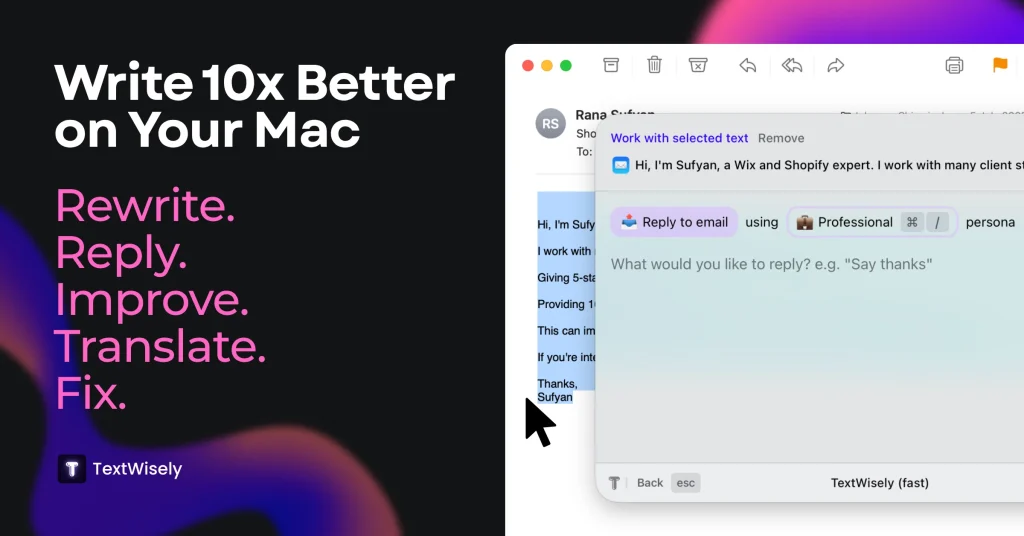
Introduction:TextWisely is a native macOS writing companion for correcting, rewriting, summarizing, translating, replying, and applying custom actions in any text-enabled app.
TextWisely turns selected text into an input for instant or interactive AI actions. It can replace text in place, attach surrounding context, refine responses, apply custom tones and personas, and run through keyboard shortcuts across mail, browsers, documents, messaging, and productivity applications.
Its cloud subscription, bring-your-own-key license, and local-model option have different privacy and cost implications. Keep API keys outside documents, use local models for sensitive passages where appropriate, check tone and factual changes, and confirm that macOS permissions and connected providers meet workplace requirements.
Research basis:
This is a source-based directory listing prepared from public product information; it is not represented as a hands-on test. Last updated August 8, 2026. Read our methodology.
How to use this tool
Define the owner, success metric, approval boundary, and rights before providing selected macOS text, intended meaning, action, persona, provider, and privacy setting to TextWisely.
Configure a small pilot around Instant selected-text actions and Interactive context-aware actions using minimum permissions and non-sensitive samples.
Test representative workflows for Polish a customer email and Summarize a document in place, recording inputs, settings, usage, and expected results.
Review corrected, rewritten, summarized, translated, or replied-to text inside the active application for accuracy, privacy, security, originality, accessibility, and commercial rights before use.
Monitor costs, limits, integrations, and product changes; Cloud, BYOK, and local modes have different data paths; verify which one is active and inspect every change.
Core Features
✓Instant selected-text actions
✓Interactive context-aware actions
✓Grammar correction and rewriting
✓Summarization and translation
✓Custom actions and follow-ups
✓Custom tones and personas
✓Keyboard shortcuts across macOS
✓Cloud, BYOK, and local-model options
Use Cases
#1Polish a customer email
#2Summarize a document in place
#3Translate text without opening a browser
#4Create a reusable brand-tone action
#5Run confidential edits with a local model
Frequently Asked Questions
TextWisely is a native macOS writing companion for correcting, rewriting, summarizing, translating, replying, and applying custom actions in any text-enabled app.
Instant selected-text actions, Interactive context-aware actions, Grammar correction and rewriting, Summarization and translation, Custom actions and follow-ups.
Polish a customer email, Summarize a document in place, Translate text without opening a browser, Create a reusable brand-tone action.
corrected, rewritten, summarized, translated, or replied-to text inside the active application.
the native Mac app advertises low-cost one-time access starting at $4.
No verified ongoing free plan is recorded; check the official product for a current trial or promotional allowance.
Confirm billing, renewal, taxes, credits, storage, support, cancellation, refunds, privacy, and commercial rights on the official checkout.
Cloud, BYOK, and local modes have different data paths; verify which one is active and inspect every change.
No. Responsible use still requires source permission, factual and quality review, privacy and security checks, policy compliance, and final human approval.
TextWisely Support Email & Customer service contact & Refund contact etc.