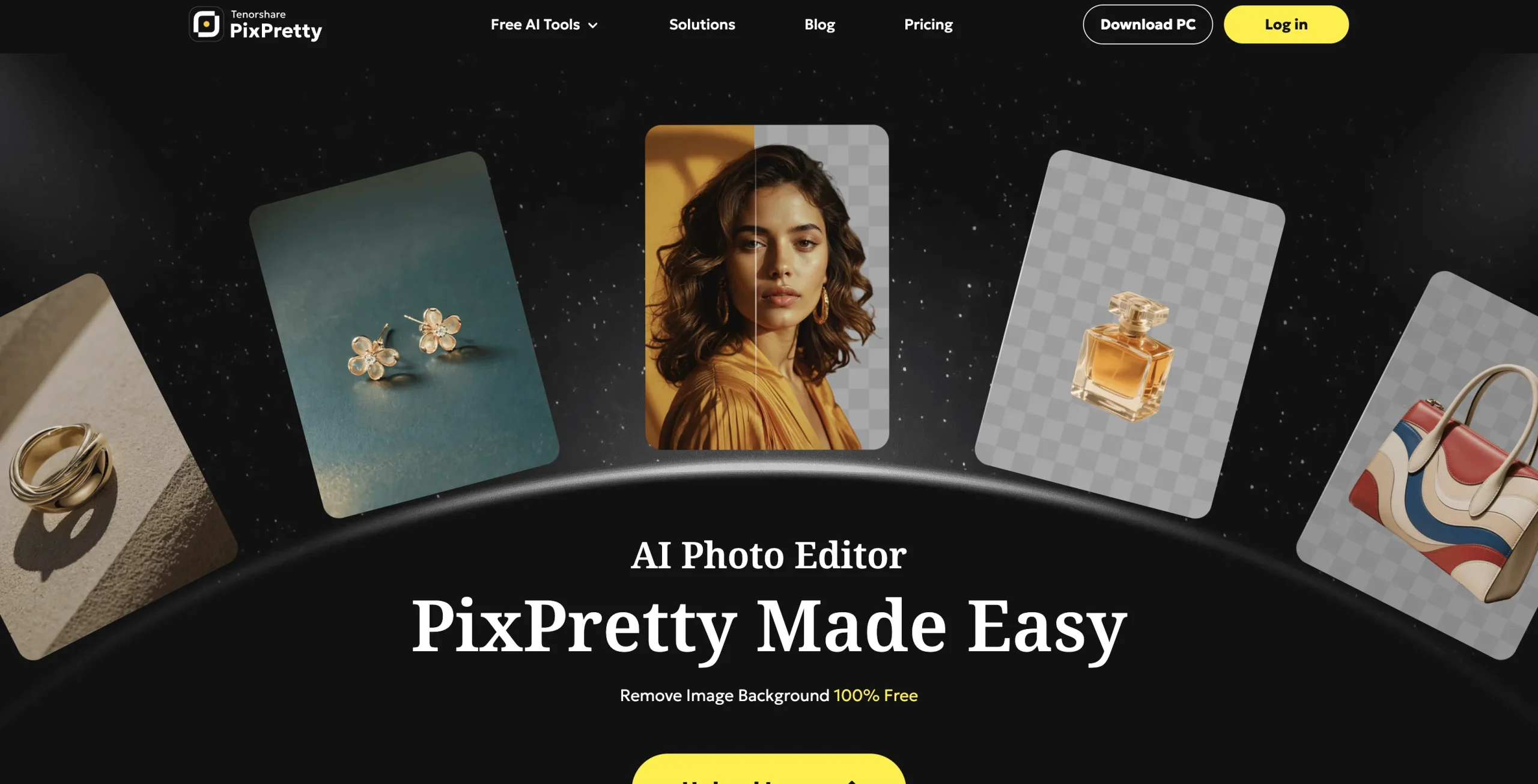
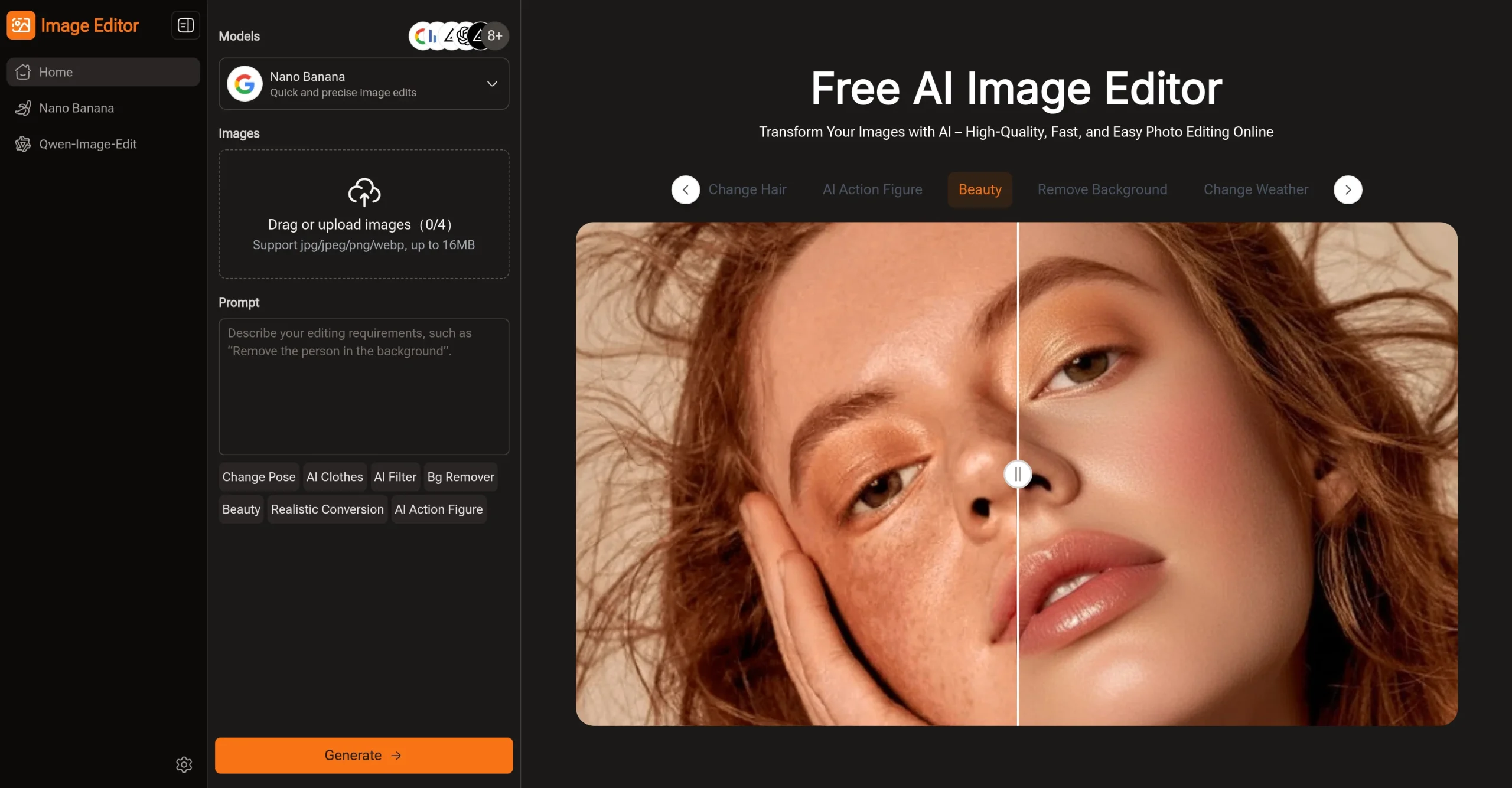
PixPretty combines free background removal with AI generation, object removal, clothes changes, background replacement, compression, format conversion, and bulk editing. Credit-based paid plans increase resolution, processing speed, batch size, storage duration, and access to newer image models.
Use only authorized images and likenesses, and review model-specific commercial terms. Product colors, logos, clothing, body details, and generated text can change unexpectedly, so compare outputs with the source and disclose edits that could affect purchasing or identity decisions.
Research basis:
This is a source-based directory listing prepared from public product information; it is not represented as a hands-on test. Last updated August 8, 2026. Read our methodology.
How to use this tool
Define the learning or production owner, success measure, and approval boundary before providing authorized source media, the intended edit, target format, reference rights, and disclosure requirements to it.
Configure a small pilot using AI background removal and Background replacement and blur with minimum permissions and non-sensitive material.
Test Prepare ecommerce product images and Remove backgrounds in batches, recording settings, usage, expected results, and any source references.
Review reviewed visual assets, transformations, variations, or exports for accuracy, privacy, security, originality, accessibility, and commercial or academic rights.
Monitor prices, limits, integrations, and product changes; Synthetic or altered media requires permission, rights checks, artifact review, and disclosure when context could be misleading.
Core Features
✓AI background removal
✓Background replacement and blur
✓AI object removal
✓Image generation and effects
✓Batch image processing
✓Bulk format and size tools
✓High-resolution exports
✓Credit-based model access
Use Cases
#1Prepare ecommerce product images
#2Remove backgrounds in batches
#3Create campaign image variations
#4Clean unwanted photo objects
#5Resize and convert an image library
Frequently Asked Questions
It is an online photo editor for background work, object cleanup, AI effects, high-resolution exports, and batch processing.
AI background removal, Background replacement and blur, AI object removal, Image generation and effects, Batch image processing.
Authorized source media, the intended edit, target format, reference rights, and disclosure requirements.
Reviewed visual assets, transformations, variations, or exports.
Free background editing is available and the recorded Plus plan is $9.09 monthly.
Yes. The current record includes Free; verify live limits before relying on it.
Confirm billing, renewal, taxes, credits, usage limits, storage, support, cancellation, refunds, data handling, and commercial or educational rights on the official checkout.
Synthetic or altered media requires permission, rights checks, artifact review, and disclosure when context could be misleading.
No. Responsible use still requires source permission, factual and quality review, privacy and security checks, policy compliance, and final human approval.
PixPretty AI Support Email & Customer service contact & Refund contact etc.