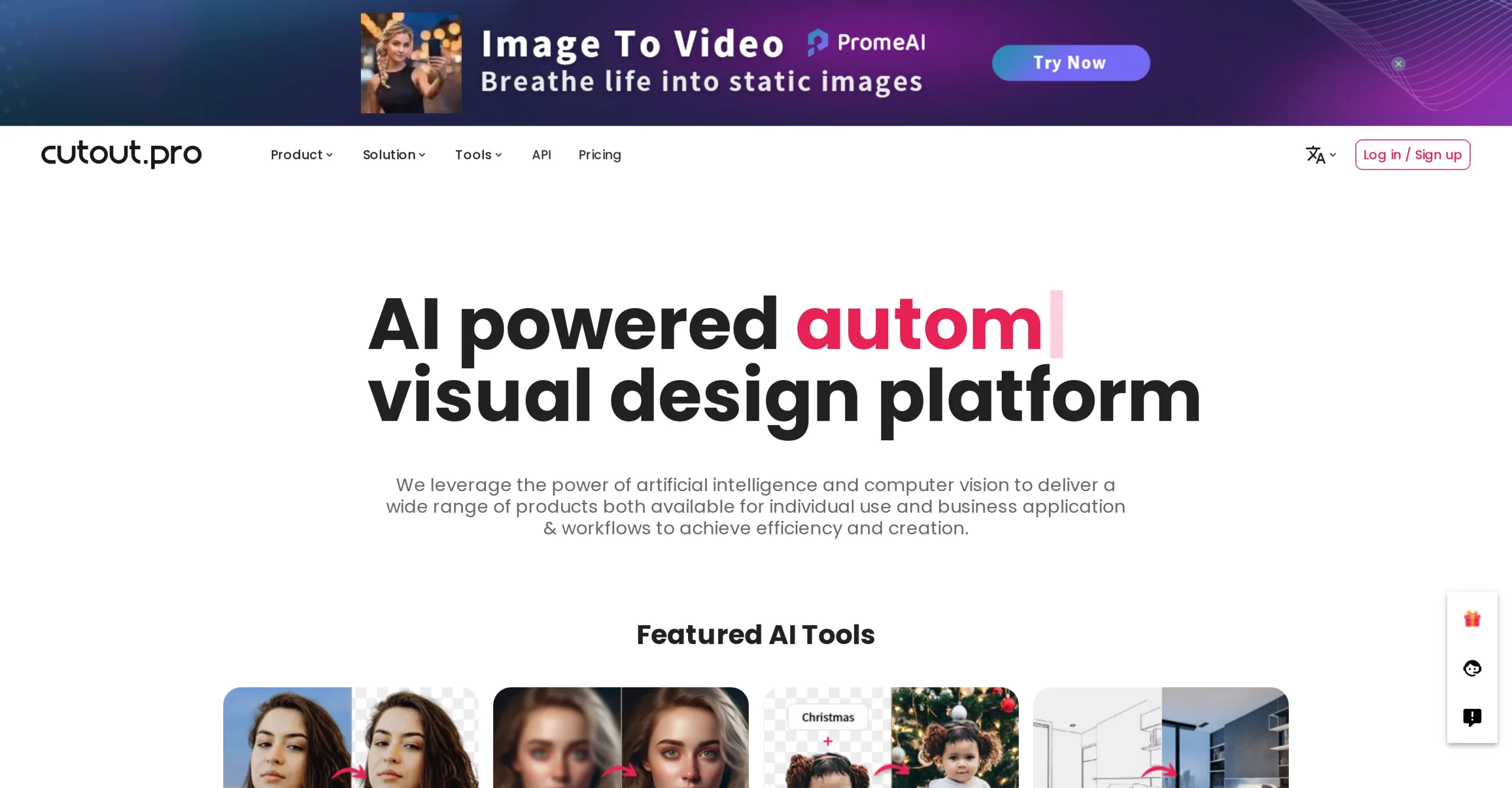
Introduction:Cutout.Pro is an AI image and video editing platform for background removal, object cleanup, enhancement, upscaling, colorization, portrait effects, product imagery, and automated media processing.
Cutout.Pro collects browser tools for common visual-production tasks, including removing or replacing backgrounds, erasing objects, enhancing and enlarging images, colorizing photos, generating product scenes, creating portrait effects, preparing passport photos, and processing video or batches through applications and APIs.
Do not remove watermarks or edit media you lack permission to use. Check edge quality and proportions, preserve original files, verify passport-photo requirements independently, obtain consent for portraits and face effects, disclose material alterations where relevant, and review API retention and security before sending customer assets in bulk.
Research basis:
This is a source-based directory listing prepared from public product information; it is not represented as a hands-on test. Last updated August 8, 2026. Read our methodology.
How to use this tool
Define the owner, success measure, approval boundary, and rights before providing an original brief, authorized source assets, output format, brand constraints, and usage rights to Cutout.Pro.
Configure a limited pilot using Image background removal and Video background removal with minimum permissions and non-sensitive material.
Test Remove a product-photo background and Clean an unwanted object from an image, recording inputs, settings, usage, expected results, and source references.
Review reviewable visual, video, 3D, voice, or marketing assets for accuracy, privacy, security, originality, accessibility, policy compliance, and commercial rights.
Monitor prices, limits, integrations, and product changes; Generated media requires rights, originality, quality, accessibility, disclosure, and brand review before commercial release.
Core Features
✓Image background removal
✓Video background removal
✓Object and text cleanup
✓Photo enhancement and upscaling
✓Background generation and replacement
✓Portrait effects and colorization
✓Product and passport photo tools
✓Batch processing and API access
Use Cases
#1Remove a product-photo background
#2Clean an unwanted object from an image
#3Upscale an approved low-resolution asset
#4Prepare consistent ecommerce imagery
#5Automate background removal through an API
Frequently Asked Questions
Cutout.Pro is an AI image and video editing platform for background removal, object cleanup, enhancement, upscaling, colorization, portrait effects, product imagery, and automated media processing.
Image background removal, Video background removal, Object and text cleanup, Photo enhancement and upscaling, Background generation and replacement.
Remove a product-photo background, Clean an unwanted object from an image, Upscale an approved low-resolution asset, Prepare consistent ecommerce imagery.
An original brief, authorized source assets, output format, brand constraints, and usage rights.
Reviewable visual, video, 3D, voice, or marketing assets.
Free previews and five signup credits are available; image subscriptions start at $5 monthly for 80 credits.
Yes. The current record includes Free Account; verify live limits before relying on it.
Confirm billing, renewal, taxes, credits, usage limits, support, cancellation, refunds, data handling, commercial rights, and external costs on the official checkout.
Generated media requires rights, originality, quality, accessibility, disclosure, and brand review before commercial release.
No. Responsible use still requires source permission, factual and quality review, privacy and security checks, policy compliance, and final human approval.
Cutout.Pro Support Email & Customer service contact & Refund contact etc.