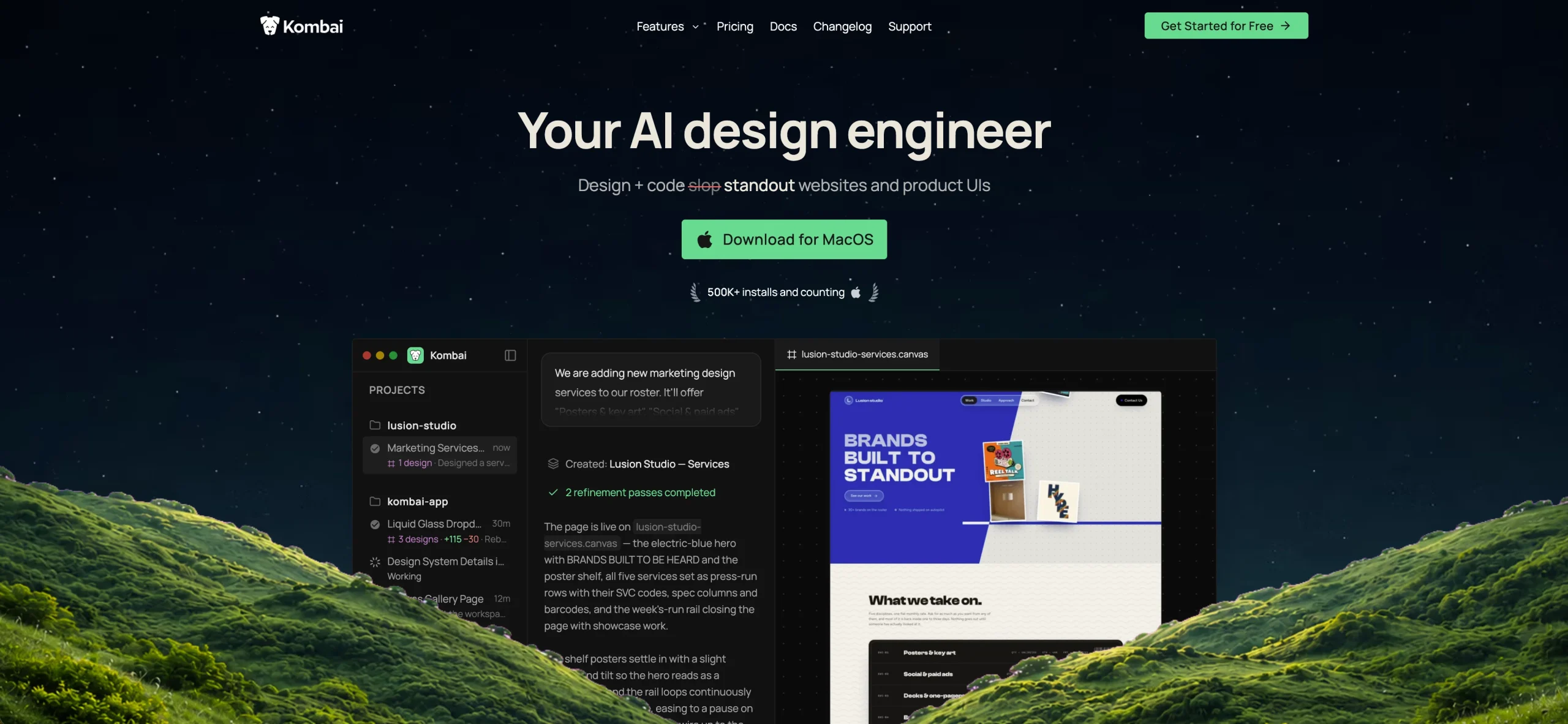
Introduction:Kombai is an AI design and frontend engineering agent that plans, designs, codes, debugs, previews, and tests production interfaces while reusing an existing codebase.
Kombai is a frontend-specialized AI agent for designing, building, refining, debugging, and testing websites and product interfaces. It can work from prompts, Figma frames, a live browser element, or an existing repository, then reuse project components, hooks, design tokens, types, packages, rules, and Storybook assets instead of generating an unrelated frontend from scratch. Dedicated Plan, Code, Debug, Ask, and Design modes support different stages of delivery, while Kombai Browser can send selected DOM elements, console information, and live-product context back to the agent.
Generated code still requires engineering review before it is merged or deployed. Teams should inspect diffs, dependency choices, accessibility, responsive behavior, security, data handling, performance, browser compatibility, and test coverage, and should never expose secrets or proprietary repositories without authorization. Figma interpretation, UI generation, debugging suggestions, and automated tests can miss requirements or introduce regressions, so developers should validate the result in their own build, lint, type-check, unit, integration, and end-to-end workflows.
Research basis:
This is a source-based directory listing prepared from public product information; it is not represented as a hands-on test. Last updated August 8, 2026. Read our methodology.
How to use this tool
Define the owner, success measure, approval boundary, and rights before providing an approved design, repository, coding standards, components, and test requirements to Kombai.
Configure a limited pilot using Frontend-specialized agent modes for planning, coding, debugging, design exploration, and technical questions. and Repository context that can reuse existing components, hooks, types, packages, design tokens, and conventions. with minimum permissions and non-sensitive material.
Test Turn a Figma frame into frontend code that follows an existing project’s components and design tokens. and Plan and implement a new interface across several files while keeping the repository conventions intact., recording inputs, settings, usage, expected results, and source references.
Review editable frontend code, previews, fixes, and tested interface changes for accuracy, privacy, security, originality, accessibility, policy compliance, and commercial rights.
Monitor prices, limits, integrations, and product changes; inspect generated code, dependencies, security, accessibility, browser behavior, and tests.
Core Features
✓Frontend-specialized agent modes for planning, coding, debugging, design exploration, and technical questions.
✓Repository context that can reuse existing components, hooks, types, packages, design tokens, and conventions.
✓Native Figma-frame input for translating selected designs and assets into implementation-ready frontend code.
✓Kombai Browser for selecting live DOM elements, reporting console context, and requesting visual or functional changes.
✓Visual interface editing for text, spacing, layout, structure, and styles alongside generated code.
✓Context Graphs that map reusable code items to improve consistency across generated frontend changes.
✓Developer-tested skills for tasks such as wireframes, diagrams, accessibility checks, and SEO improvements.
✓Agent variants that trade off model capability and credit consumption for different task complexity levels.
Use Cases
#1Turn a Figma frame into frontend code that follows an existing project’s components and design tokens.
#2Plan and implement a new interface across several files while keeping the repository conventions intact.
#3Diagnose a difficult frontend bug using temporary instrumentation that can be tracked and reverted.
#4Select a live browser element and request a focused visual or functional change with page context attached.
#5Standardize repeatable team workflows through shared rules, commands, skills, and reusable components.
Frequently Asked Questions
Kombai is an AI design and frontend engineering agent that plans, designs, codes, debugs, previews, and tests production interfaces while reusing an existing codebase.
Frontend-specialized agent modes for planning, coding, debugging, design exploration, and technical questions., Repository context that can reuse existing components, hooks, types, packages, design tokens, and conventions., Native Figma-frame input for translating selected designs and assets into implementation-ready frontend code., Kombai Browser for selecting live DOM elements, reporting console context, and requesting visual or functional changes., Visual interface editing for text, spacing, layout, structure, and styles alongside generated code..
Turn a Figma frame into frontend code that follows an existing project’s components and design tokens., Plan and implement a new interface across several files while keeping the repository conventions intact., Diagnose a difficult frontend bug using temporary instrumentation that can be tracked and reverted., Select a live browser element and request a focused visual or functional change with page context attached..
An approved design, repository, coding standards, components, and test requirements.
Editable frontend code, previews, fixes, and tested interface changes.
Free is available; Pro credit bundles start at $20 monthly.
Yes. The current record includes Free; verify live limits before relying on it.
Confirm billing, renewal, taxes, credits, usage limits, support, cancellation, refunds, data handling, commercial rights, and external costs on the official checkout.
Inspect generated code, dependencies, security, accessibility, browser behavior, and tests.
No. Responsible use still requires source permission, factual and quality review, privacy and security checks, policy compliance, and final human approval.
Kombai Support Email & Customer service contact & Refund contact etc.