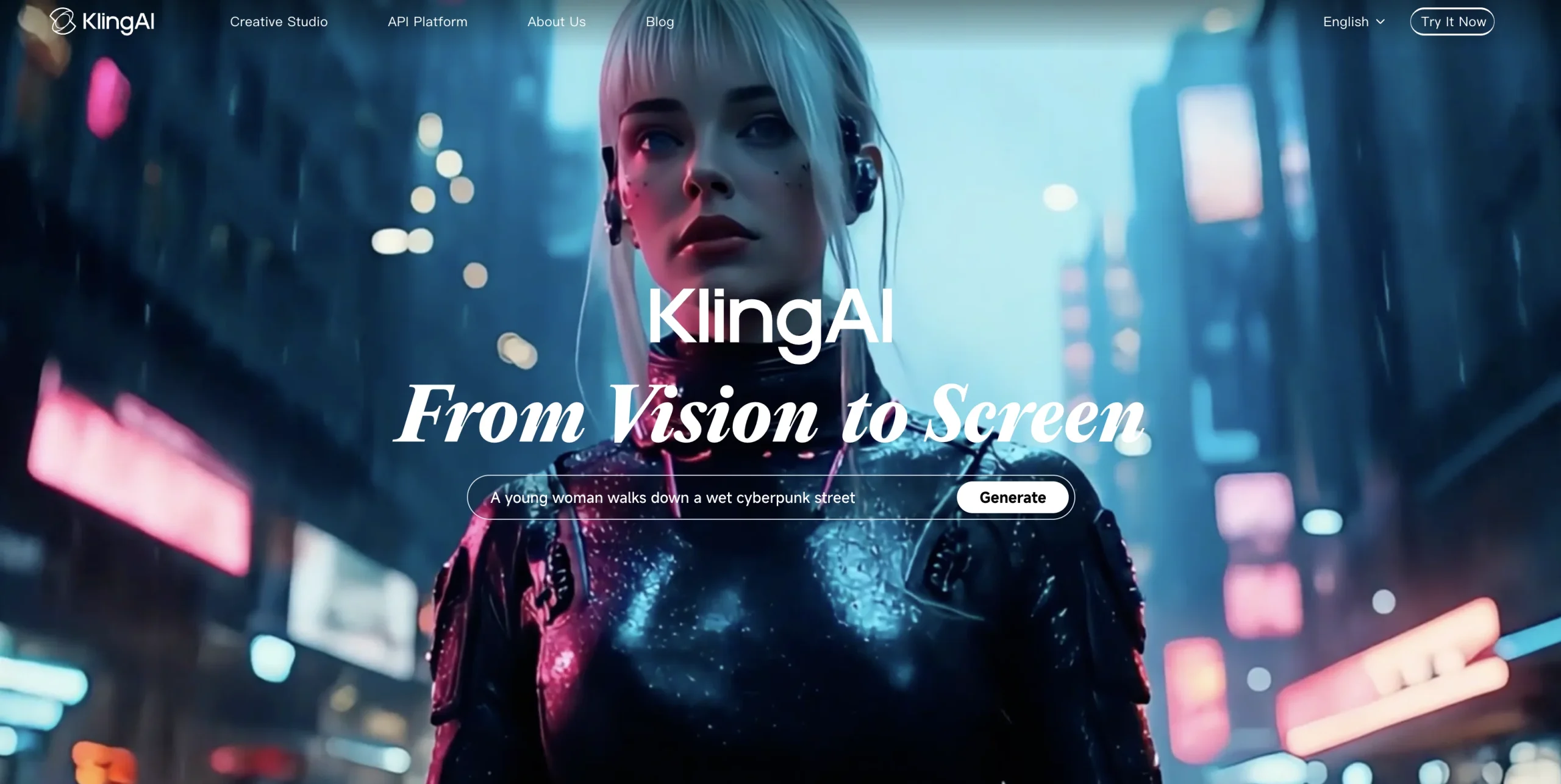
Introduction:Kling AI is a generative video platform for creating and extending clips from text and images with controlled motion, composition, duration, and output quality.
Kling AI converts written scenes and still images into video, with workflows for text-to-video, image-to-video, shot extension, motion-heavy sequences, concept blending, and different aspect ratios. Its models are designed to preserve scene logic while producing detailed movement and cinematic camera behavior.
AI video can be persuasive even when events never occurred. Creators should use only authorized reference media, obtain permission from recognizable people, avoid deceptive or harmful impersonation, verify logos and spoken claims, review frame-level artifacts, and label synthetic output when required by law, contract, or publishing platform.
Research basis:
This is a source-based directory listing prepared from public product information; it is not represented as a hands-on test. Last updated August 8, 2026. Read our methodology.
How to use this tool
Choose text-to-video, image-to-video, extension, or another supported Kling workflow and write a short shot list before generating.
Specify subject, action, environment, camera path, lighting, pacing, duration, aspect ratio, audio needs, and negative constraints.
Upload only references you own or may use, and obtain consent for identifiable people, voices, products, and private locations.
Compare low-cost variants first, then inspect identity, anatomy, motion, continuity, text, audio, logos, and factual claims frame by frame.
Edit and sequence the selected clip under human control, retain rights evidence, and apply synthetic-media disclosure and platform rules before release.
Core Features
✓Text-to-video generation
✓Image-to-video generation
✓Video extension
✓Large-motion scene handling
✓Concept and visual fusion
✓Camera and motion prompting
✓Multiple aspect ratios
✓High-definition output modes
Use Cases
#1Animate a campaign key visual
#2Prototype a product-commercial shot
#3Create a cinematic social clip
#4Extend an existing generated scene
#5Test alternate camera movements
Frequently Asked Questions
Kling AI is a generative platform for creating and extending video from text and images with camera, motion, composition, duration, and quality controls.
The product provides text-to-video and image-to-video workflows plus extension and other model-specific creation modes.
Official guidance describes multi-shot control, clips up to 15 seconds, stronger element consistency, and optional native audiovisual output.
Official guidance meters credits per second according to resolution, native audio, and voice-control options.
The payment policy lists Standard, Pro, Premier, Ultra, Team, and Enterprise membership grades.
The reviewed official policy defers current fees and benefits to the purchase interface, so the obsolete $6.99 one-time card is not retained.
The point policy states regular monthly membership credits remain valid for one month after distribution.
Purchased Kling credits are described as valid for two years from distribution.
No. Users need appropriate copyright, trademark, privacy, and publicity rights for the intended output.