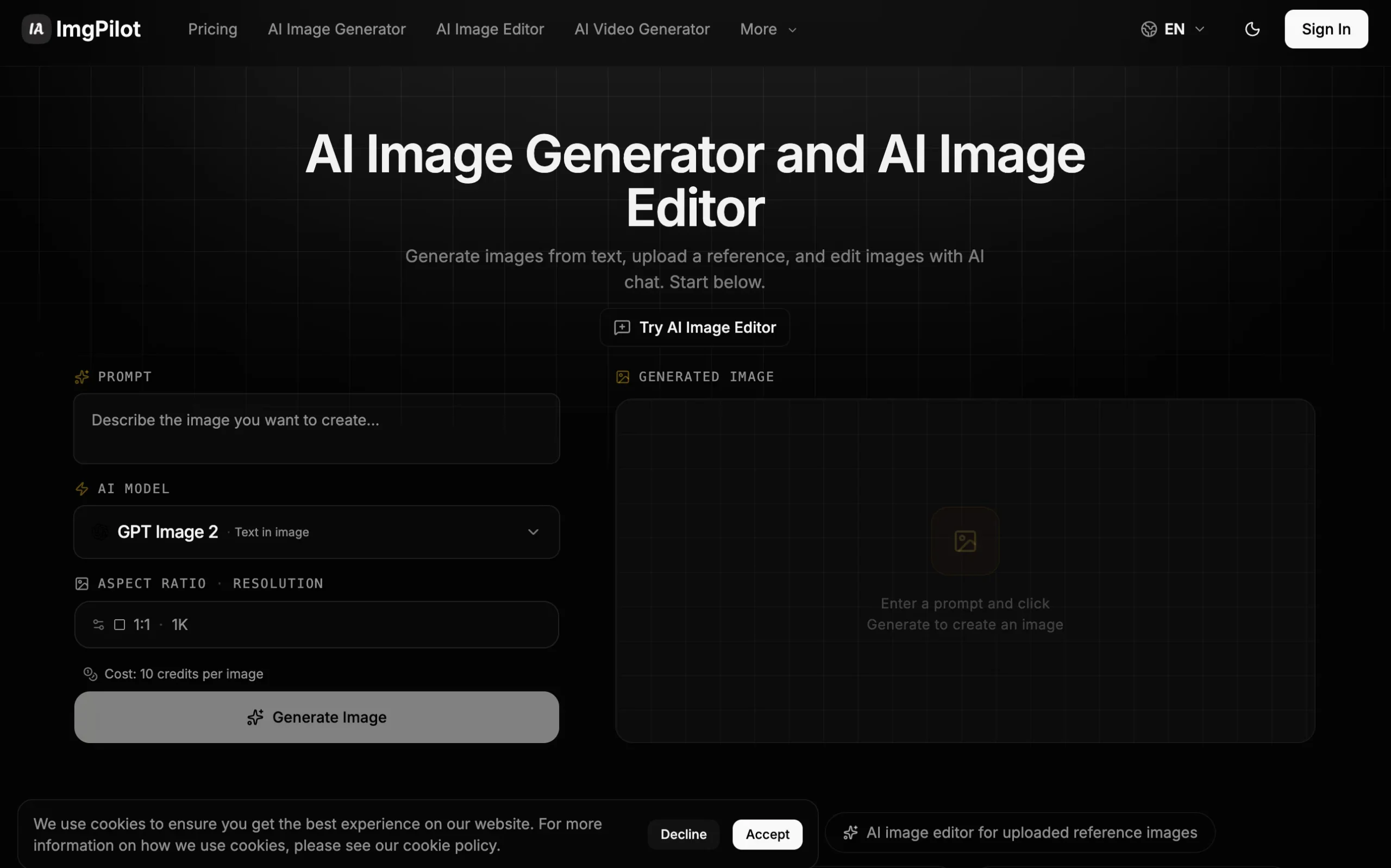
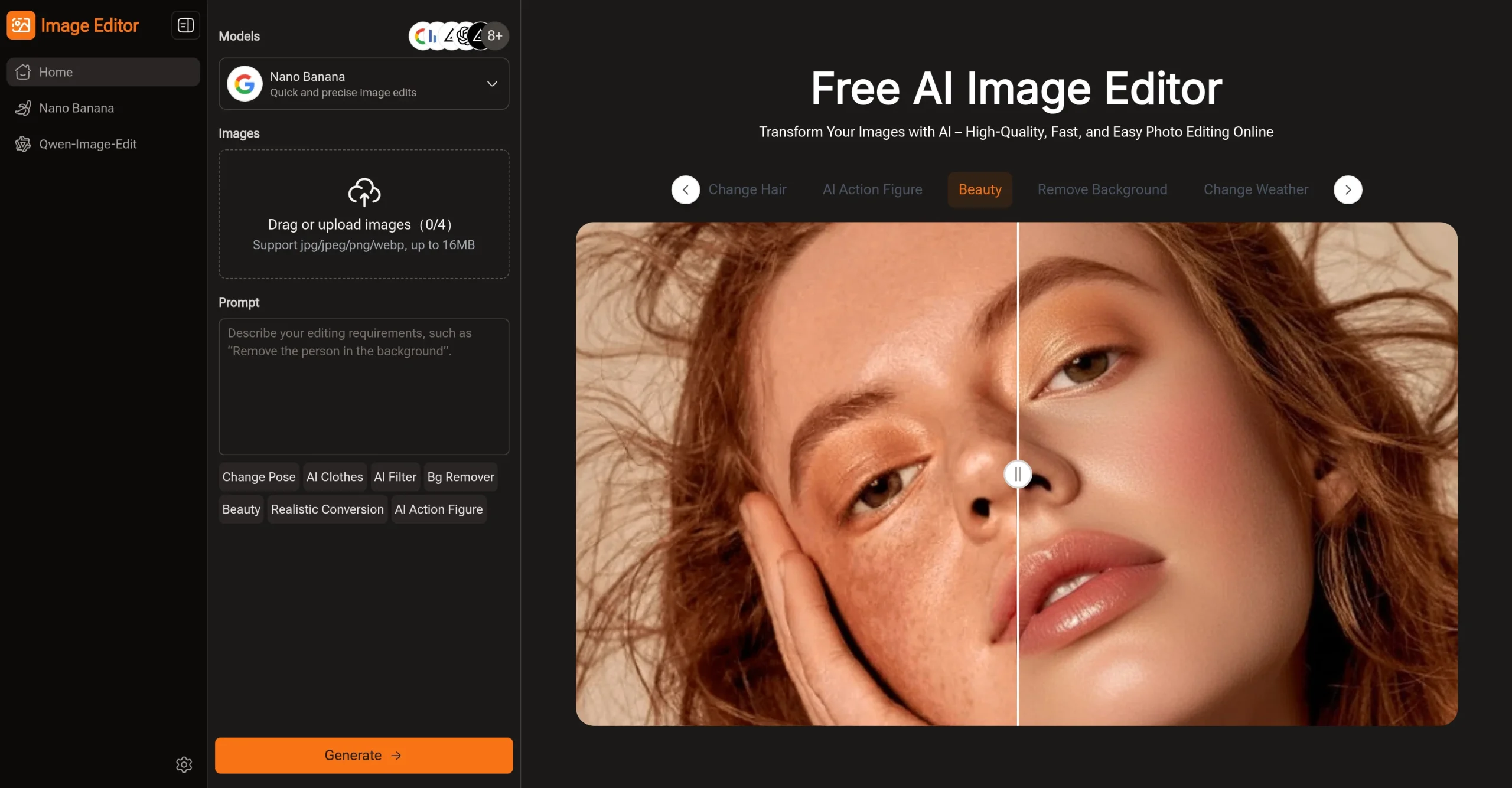
Introduction:Img2Img AI is an image-to-image workstation with multiple generation models, prompt-based edits, restyling, restoration, background tools, outpainting, and ready-made effects.
Img2Img AI uses an uploaded image as the structural reference for creative or corrective changes. Users can select from multiple models, write a short prompt, preserve key composition, enhance or restore photos, replace backgrounds, extend the canvas, apply filters, and use one-click editing utilities.
Upload only licensed material and obtain consent for identifiable people. Do not remove ownership marks deceptively or generate abusive impersonations; verify commercial-use terms by model, inspect identity and product accuracy, and disclose synthetic alterations when the result could mislead viewers.
Research basis:
This is a source-based directory listing prepared from public product information; it is not represented as a hands-on test. Last updated August 8, 2026. Read our methodology.
How to use this tool
Define the owner, success measure, approval boundary, and rights before providing an owned source image, transformation prompt, target style, aspect ratio, and rights constraints to Img2Img AI.
Configure a small pilot using Image-to-image generation and Text-to-image mode with minimum permissions and non-sensitive sample data.
Test representative workflows for Restyle a product photograph and Restore an old family image, recording settings, usage, and expected results.
Review image-to-image variations, restyles, generated compositions, and downloadable visual assets for accuracy, privacy, security, originality, accessibility, and commercial rights before use.
Monitor costs, limits, integrations, and product changes; Image transformation does not clear source rights; inspect resemblance, artifacts, trademarks, and commercial permissions.
Core Features
✓Image-to-image generation
✓Text-to-image mode
✓Multiple selectable AI models
✓Prompt-based subject editing
✓Photo restoration and enhancement
✓Background removal and replacement
✓Intelligent image outpainting
✓One-click effects and filters
Use Cases
#1Restyle a product photograph
#2Restore an old family image
#3Extend an image for a banner
#4Replace a marketing background
#5Create variations from a reference image
Frequently Asked Questions
Img2Img AI is an image-to-image workstation with multiple generation models, prompt-based edits, restyling, restoration, background tools, outpainting, and ready-made effects.
Image-to-image generation, Text-to-image mode, Multiple selectable AI models, Prompt-based subject editing, Photo restoration and enhancement.
Restyle a product photograph, Restore an old family image, Extend an image for a banner, Replace a marketing background.
an owned source image, transformation prompt, target style, aspect ratio, and rights constraints.
image-to-image variations, restyles, generated compositions, and downloadable visual assets.
a free web experience is available; no current paid price was reliably verified.
Yes. The current record includes Free; verify live limits before relying on it.
Confirm billing cadence, renewal, taxes, usage limits, credits, support, cancellation, refunds, data handling, and commercial rights on the official checkout.
Image transformation does not clear source rights; inspect resemblance, artifacts, trademarks, and commercial permissions.
No. Responsible use still requires source permission, factual and quality review, privacy and security checks, policy compliance, and final human approval.
Img2Img AI Support Email & Customer service contact & Refund contact etc.