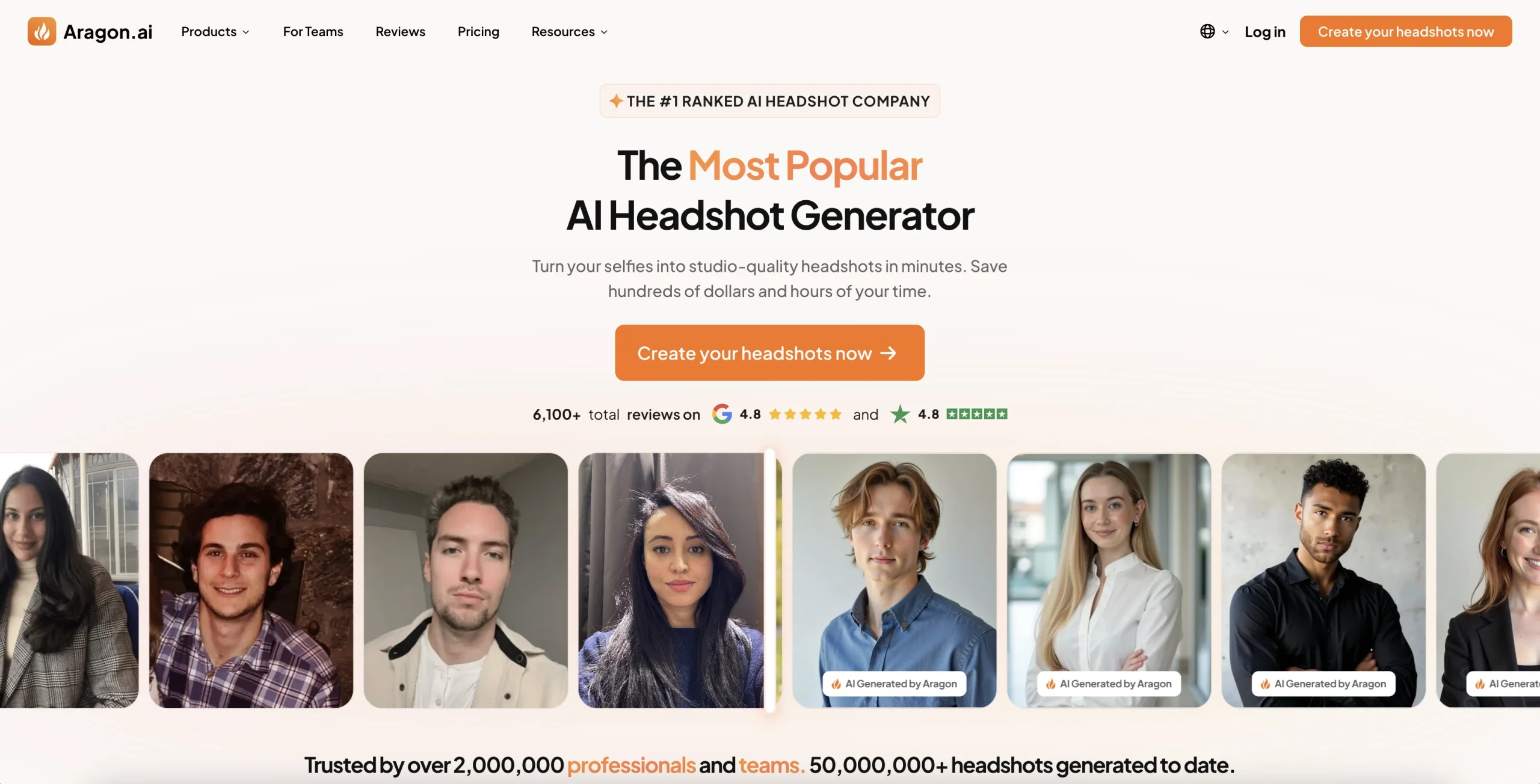
Introduction:AI Image to Image.io applies prompt-guided transformations to uploaded photos for restyling, object changes, backgrounds, headshots, restoration, upscaling, and outpainting.
The browser tool uses an image as a structural reference while a text prompt describes what should change. It supports common formats, multiple aspect ratios and models, and workflows such as style transfer, object swapping, background removal, professional headshots, old-photo repair, and canvas expansion.
Only upload images and likenesses you may legally process. Do not create abusive impersonations or deceptive evidence, verify commercial rights, and inspect faces, hands, text, trademarks, perspective, and repeated textures before using a generated result.
Research basis:
This is a source-based directory listing prepared from public product information; it is not represented as a hands-on test. Last updated August 8, 2026. Read our methodology.
How to use this tool
Define the owner, success measure, approval boundary, and rights before providing authorized source images or design assets, the intended transformation, output specifications, and rights constraints to it.
Configure a small pilot using Prompt-guided image transformation and Subject and composition preservation with minimum permissions and non-sensitive material.
Test Restyle a reference image and Change a product-photo background, recording inputs, settings, usage, expected results, and source references.
Review reviewed visual assets, edits, variants, drawings, or campaign files for accuracy, privacy, security, originality, accessibility, policy compliance, and commercial rights.
Monitor prices, limits, integrations, and product changes; Generated or altered media needs permission, artifact review, accessibility checks, and disclosure when it could mislead.
Core Features
✓Prompt-guided image transformation
✓Subject and composition preservation
✓Object swapping and removal
✓Background replacement and cleanup
✓Image restyling
✓Professional headshot generation
✓Old-photo restoration and upscaling
✓AI canvas outpainting
Use Cases
#1Restyle a reference image
#2Change a product-photo background
#3Restore an old family picture
#4Expand an image for a banner
#5Create a consented professional headshot
Frequently Asked Questions
It applies prompt-guided transformations to uploaded photos for restyling, object changes, backgrounds, headshots, restoration, upscaling, and outpainting.
Prompt-guided image transformation, Subject and composition preservation, Object swapping and removal, Background replacement and cleanup, Image restyling.
Restyle a reference image, Change a product-photo background, Restore an old family picture, Expand an image for a banner.
Authorized source images or design assets, the intended transformation, output specifications, and rights constraints.
Reviewed visual assets, edits, variants, drawings, or campaign files.
An official pricing page exists, but a reliable current public plan amount was not verified.
No verified ongoing free plan is recorded; check the official product for a current trial or promotional allowance.
Confirm billing, renewal, taxes, credits, usage limits, support, cancellation, refunds, data handling, advertising or commercial rights, and external costs on the official checkout.
Generated or altered media needs permission, artifact review, accessibility checks, and disclosure when it could mislead.
No. Responsible use still requires source permission, factual and quality review, privacy and security checks, policy compliance, and final human approval.
AI Image to Image.io Support Email & Customer service contact & Refund contact etc.