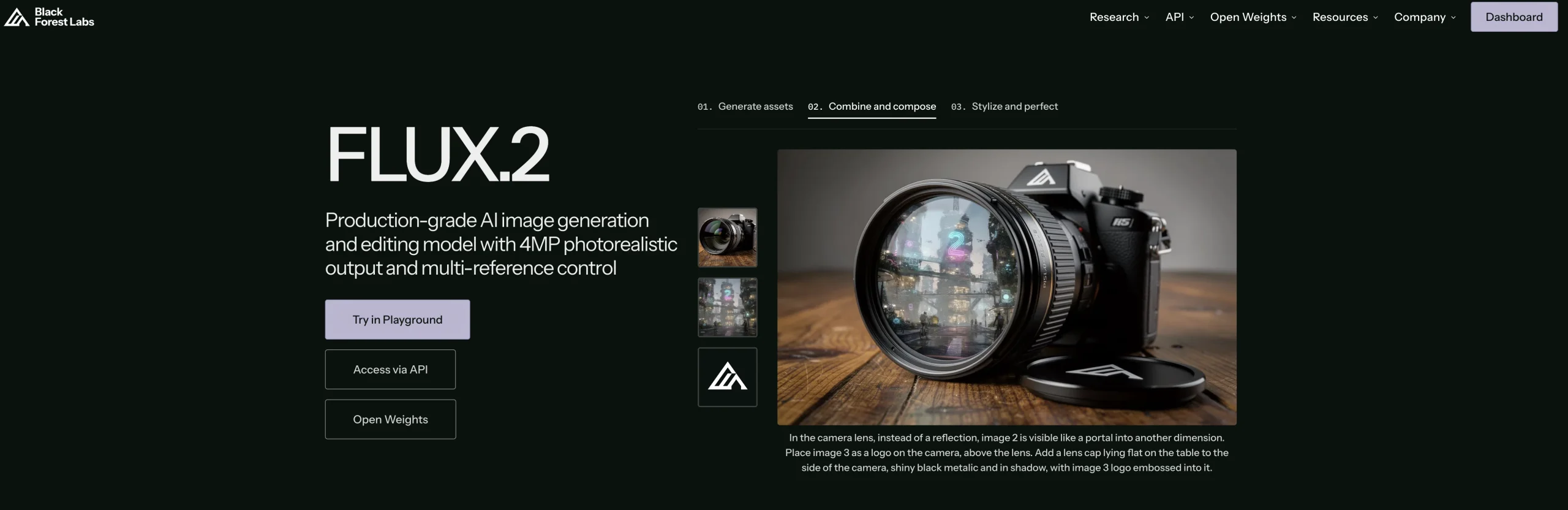
Introduction:FLUX is Black Forest Labs’ family of generative media models for creating and transforming high-quality images through a playground, API, or self-hosted weights.
FLUX gives creators and developers several ways to generate visual content from natural-language instructions. Black Forest Labs offers browser experimentation, production API access, and selected open-weight models, making the technology useful for one-off concept exploration as well as integration into larger creative products.
Generated images may contain inaccurate text, recognizable people, protected brands, or visual biases. Users should avoid confidential prompts, obtain permission for identifiable likenesses, check the applicable model license, inspect every output at full resolution, and keep human approval in place before publishing or using results in a commercial workflow.
Research basis:
This is a source-based directory listing prepared from public product information; it is not represented as a hands-on test. Last updated August 8, 2026. Read our methodology.
How to use this tool
Choose the exact FLUX model and access method—Playground, API, or licensed local weights—after comparing image quality, editing, latency, resolution, and commercial-license needs.
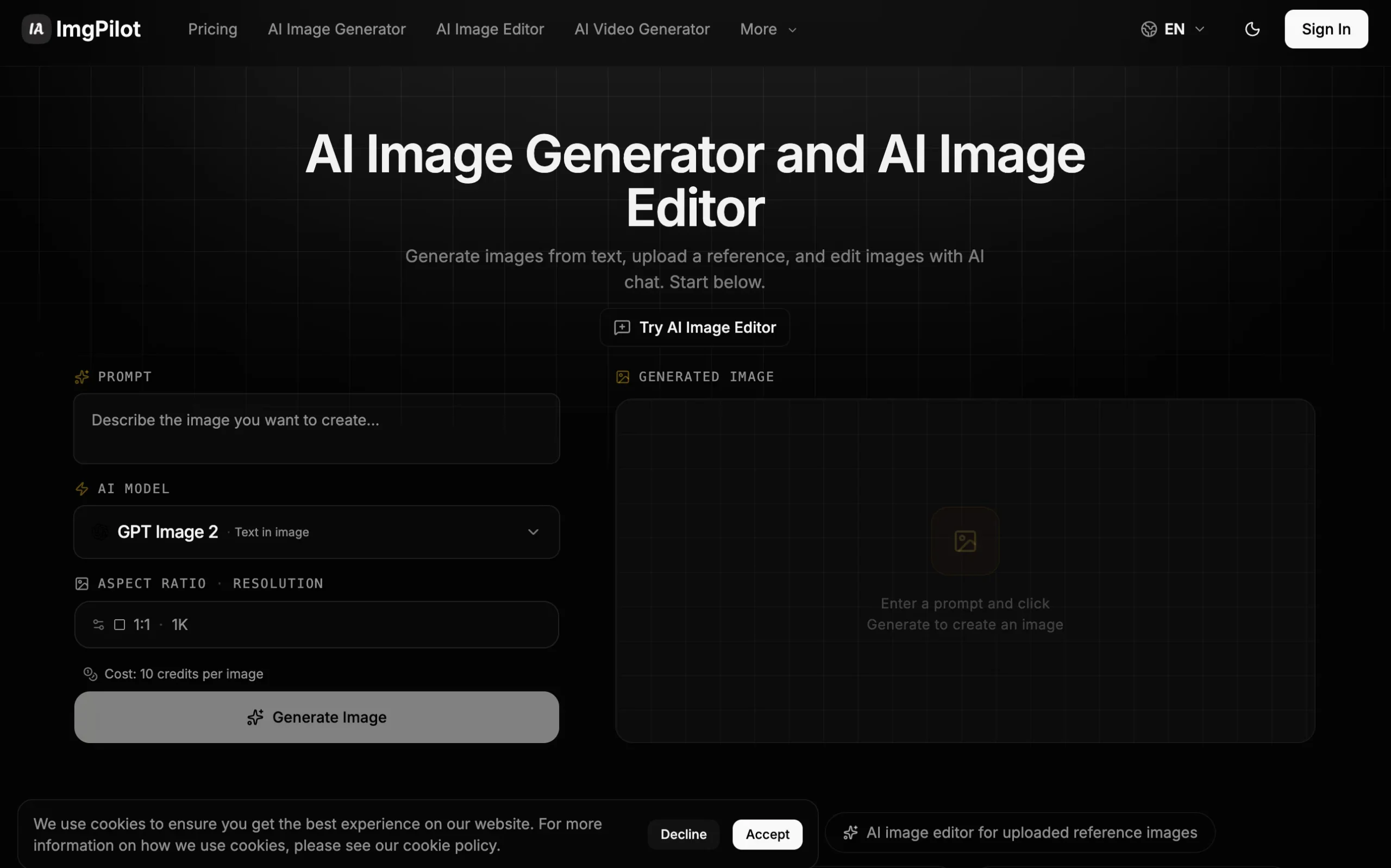
Write a detailed prompt separating subject, environment, composition, lighting, color, text, references, and exclusions, then generate a low-cost one-megapixel test.
Change one variable at a time and record the model, seed or settings, input references, output size, and per-generation cost for the preferred result.
Inspect anatomy, identity, typography, logos, product accuracy, stereotypes, and resemblance to protected material, confirming authorization for every input image.
Before production integration, protect API keys, implement moderation, rate and budget limits, failure handling, user terms, and license checks for the selected hosted or self-hosted model.
Core Features
✓Text-to-image generation
✓Image transformation workflows
✓Photorealistic and stylized output
✓Complex prompt handling
✓Accurate text-rendering capabilities
✓Browser-based playground
✓Production API access
✓Open-weight deployment options
Use Cases
#1Explore campaign concepts
#2Generate product-scene prototypes
#3Create editorial illustration drafts
#4Integrate image generation into an app
#5Test a self-hosted visual workflow
Frequently Asked Questions
FLUX is Black Forest Labs’ image-generation and editing model family, available through a Playground, production API, and selected open-weight deployments.
BFL uses pay-as-you-go credits where one credit equals $0.01, with Playground and API generation priced the same.
FLUX.2 klein 4B starts at $0.014 for the first megapixel; additional resolution and references can increase the total.
FLUX.2 Pro starts at $0.03 per megapixel for text-to-image and $0.045 per megapixel for editing.
Flex starts at $0.05 per megapixel for generation and $0.10 for editing, while Max starts at $0.07 per megapixel.
Resolution is rounded up to the next megapixel, and multiple reference images are billed separately according to the selected model.
The official limit is four megapixels, with dimensions in multiples of 16 and any aspect ratio supported.
BFL says failed or moderated FLUX Tool requests do not consume credits.
It depends on the exact model: klein 4B uses Apache 2.0, while 9B and dev have different non-commercial or licensed-use conditions.
No. It was replaced with current pay-as-you-go model pricing and separate open-weight licensing.
FLUX Support Email & Customer service contact & Refund contact etc.