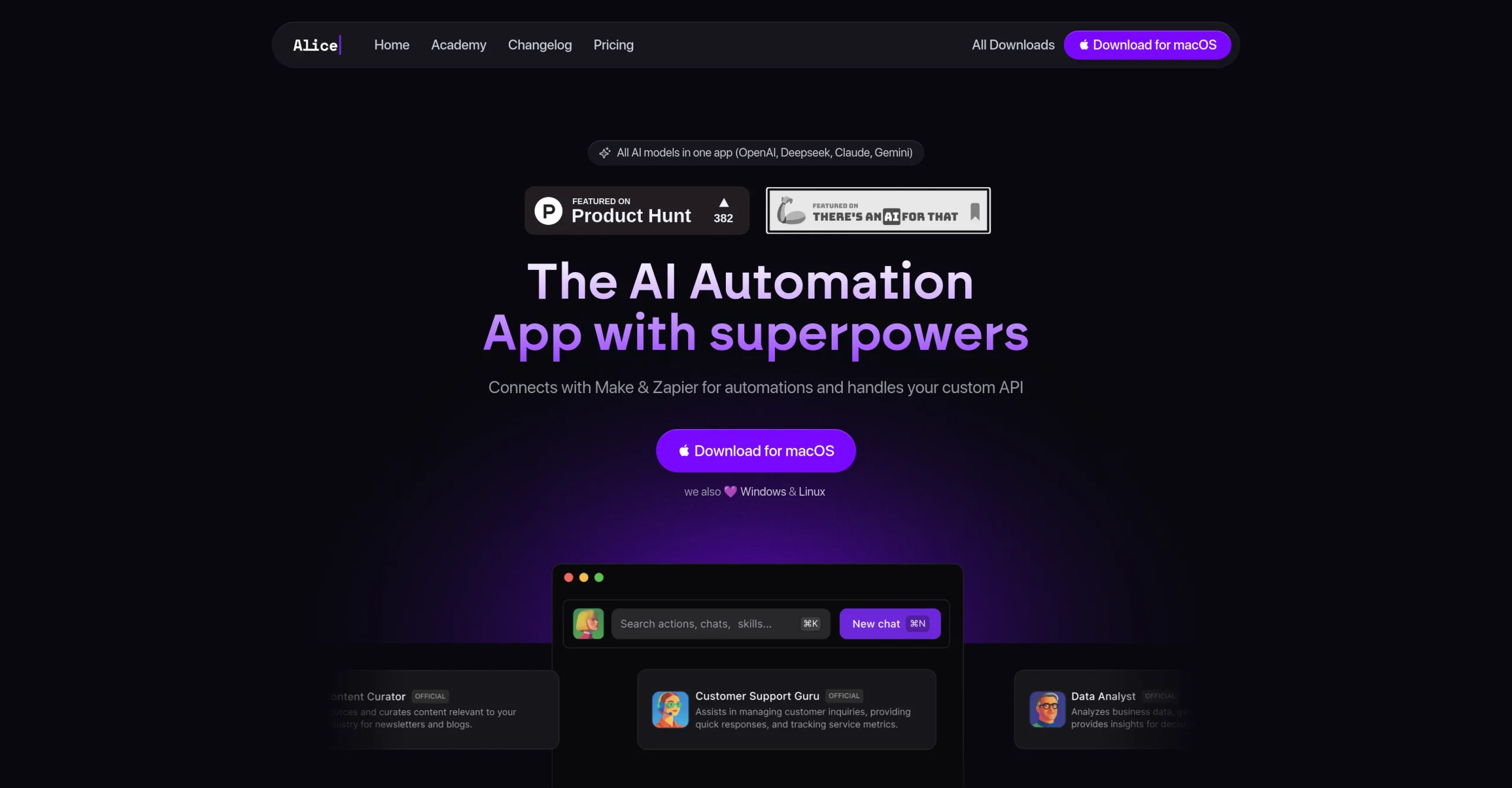
Introduction:Alice is a native desktop AI assistant for macOS, Windows, and Linux with custom assistants, model access, documents, memory, MCP servers, skills, and app automation.
Alice brings AI assistance into a desktop workflow through a global shortcut and native applications for macOS, Windows, and Linux. Users can create specialized assistants, work with documents and memory, select supported AI models or their own keys, generate images, install skills, and connect MCP servers and other integrations.
Automation can interact with local applications and connected services, so permissions and prompt data require careful control. Keep secrets out of reusable instructions, review each skill or server, use least-privilege access, confirm messages and destructive changes, and test automations on copies of files before trusting them with important work.
Research basis:
This is a source-based directory listing prepared from public product information; it is not represented as a hands-on test. Last updated August 8, 2026. Read our methodology.
How to use this tool
Define the owner, success measure, approval boundary, and rights before providing approved files, apps, task objectives, permissions, privacy rules, and expected outcomes to Alice.
Configure a limited pilot using Native macOS, Windows, and Linux apps and System-wide assistant shortcut with minimum permissions and non-sensitive material.
Test Ask an assistant from any desktop app and Build a reusable research assistant, recording inputs, settings, usage, expected results, and source references.
Review desktop assistance, drafts, summaries, automations, and reviewable actions for accuracy, privacy, security, originality, accessibility, policy compliance, and commercial rights.
Monitor prices, limits, integrations, and product changes; Desktop assistants can expose sensitive data or perform unintended actions; limit access, review logs, and require approval for consequential steps.
Core Features
✓Native macOS, Windows, and Linux apps
✓System-wide assistant shortcut
✓Custom AI assistants
✓Multiple AI model support
✓Document context and assistant memory
✓MCP server connections
✓Reusable skills and automations
✓Image generation and app control
Use Cases
#1Ask an assistant from any desktop app
#2Build a reusable research assistant
#3Automate repetitive computer tasks
#4Work with local documents and notes
#5Connect AI to approved business services
Frequently Asked Questions
Alice is a native desktop AI assistant for macOS, Windows, and Linux with custom assistants, model access, documents, memory, MCP servers, skills, and app automation.
Native macOS, Windows, and Linux apps, System-wide assistant shortcut, Custom AI assistants, Multiple AI model support, Document context and assistant memory.
Ask an assistant from any desktop app, Build a reusable research assistant, Automate repetitive computer tasks, Work with local documents and notes.
Desktop assistance, drafts, summaries, automations, and reviewable actions.
A current official public numeric price matching this native desktop Alice product was not reliably verified.
No verified ongoing free plan is recorded; check the official product for a current trial or promotional allowance.
Confirm billing, renewal, taxes, credits, usage limits, support, cancellation, refunds, data handling, commercial rights, and external costs on the official checkout.
Desktop assistants can expose sensitive data or perform unintended actions; limit access, review logs, and require approval for consequential steps.
No. Responsible use still requires source permission, factual and quality review, privacy and security checks, policy compliance, and final human approval.
Alice Support Email & Customer service contact & Refund contact etc.