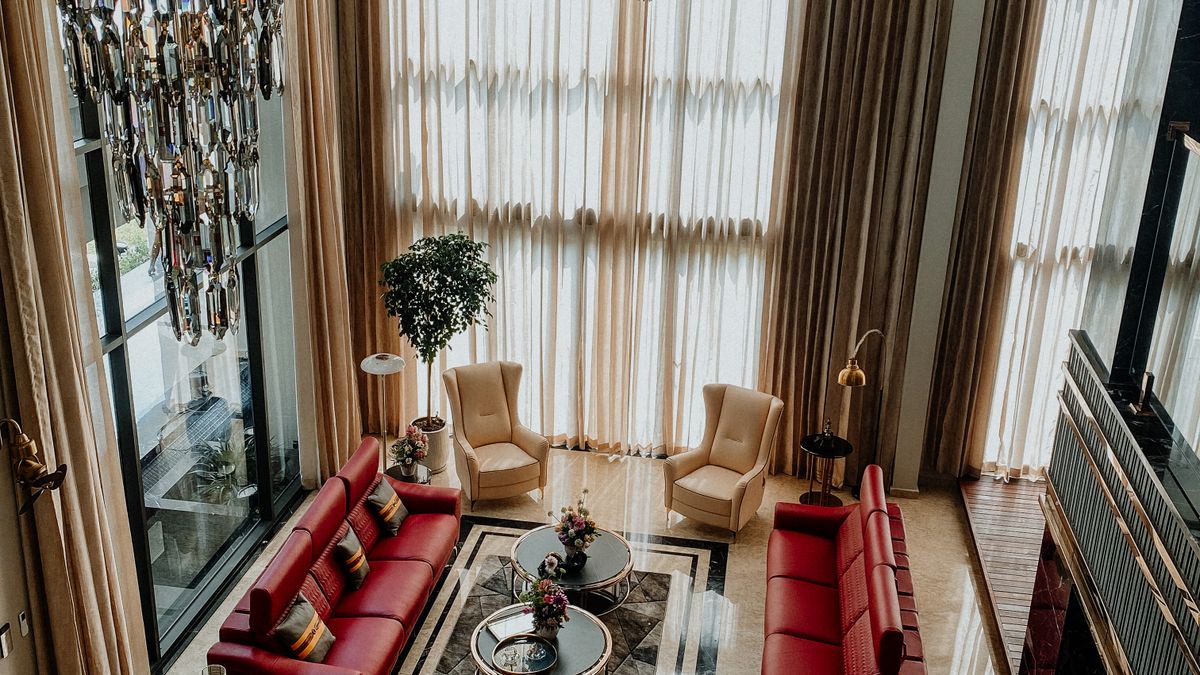
You can use ChatGPT as a free interior-design assistant: upload a photo of your room and it will suggest layouts, color palettes and furniture, explain the reasoning, and even generate a picture of the redesigned space. It won’t replace a professional designer for a full renovation, but for decorating, color choices and quick visual ideas it’s genuinely useful.
This guide covers exactly how to do it step by step, the best prompts to copy, and where ChatGPT falls short so you don’t rely on it for measurements or exact products.
What ChatGPT can do for interior design
- Redesign from a photo — upload your room and get style, layout and color suggestions tailored to what it sees.
- Generate a visual — create an image of the redesigned room so you can picture the change before buying.
- Color palettes & paint — suggest cohesive palettes and paint ideas for your space and light.
- Layout & space planning — propose furniture arrangements and traffic flow.
- Shopping lists & styling — list pieces to buy and how to style shelves, walls and lighting.
- Style matching — explain and apply styles (Japandi, mid-century, boho) to your room.
Step by step
- Upload a clear photo of your room (good lighting, whole room in frame).
- Describe your goal and constraints: style you like, budget, what to keep, and any problems (“too dark”, “no storage”).
- Ask for ideas first, then a visual: get the written plan, then ask it to generate an image of the redesigned room.
- Refine step by step: “lighter walls”, “add plants”, “keep my sofa”, “more budget-friendly”.
- Get a shopping list: ask for specific furniture types and search terms.
Work in small iterations — you’ll get much better results than asking for everything in one prompt.
Best ChatGPT prompts for interior design
Here's a photo of my [living room]. Suggest 3 redesign directions in
[Japandi / modern / cozy] style on a [budget]. For each: color palette,
key furniture, lighting, and one "wow" element. Keep my [sofa/floor].
Using the photo, generate an image of this room redesigned in a warm
minimalist style with lighter walls, a large plant, and layered lighting.Give me a paint palette (with color names/codes) that suits this room's
natural light, plus which wall to accent.Act as a space planner: suggest a better furniture layout for this room
for [watching TV + working from home], and explain the traffic flow.Turn your suggestions into a shopping list: item, rough size, and a
search term I can use to find it. Sort by priority.A real example: what ChatGPT gives you
Here’s the kind of plan ChatGPT returns for a common request — “small, dark north-facing living room, budget-friendly, cozy modern, keep my grey sofa”:
- Palette: warm white walls (to bounce light), soft beige and terracotta accents, black metal touches for contrast.
- Lighting (the biggest fix for a dark room): layer three sources — a floor lamp by the sofa, warm LED strips behind the TV, and a table lamp; use 2700K bulbs.
- Layout: float the sofa off the wall slightly, add a round rug to soften the space, keep pathways clear.
- Budget pieces: a large mirror opposite the window (doubles the light), 2–3 plants, and washable slipcovers to refresh the grey sofa.
- One “wow” element: a single large art piece instead of many small frames.
Then you’d ask it to generate an image of that description to see it, and refine (“lighter rug”, “add a reading nook”). That back-and-forth — plan, then picture, then tweak — is where ChatGPT beats a static Pinterest board.
Who this is for (and who should use a dedicated app)
- Great for: decorating, color and layout ideas, and quick visual inspiration before you buy.
- Use a specialized interior-AI app instead if: you need photorealistic renders of your exact room preserving real walls/windows — ChatGPT’s images are inspiration, not accurate renders.
Tips and limitations
- Don’t trust exact measurements. ChatGPT can’t measure your room from a photo — verify dimensions before buying.
- Generated images are inspiration, not blueprints. They may invent products or ignore real constraints.
- Keep real items in the prompt (“keep my existing sofa”) so suggestions are usable.
- Product links can be wrong — use the search terms it gives and find items yourself.
- Free tier is enough for ideas and most image generation; heavy use may need a paid plan.
- Combine with a dedicated tool if you want photorealistic “redesign my exact room” results.
Frequently asked questions
Can I use ChatGPT for interior design for free?
Yes. The free plan lets you upload a room photo, get design ideas, and generate visuals; very heavy image generation may require a paid plan.
Which ChatGPT model is best for interior design?
Use the latest multimodal model that can see images and generate them — that’s what handles photo uploads and redesign images.
Is Gemini or ChatGPT better for interior design?
Both can analyze a room photo and suggest designs; ChatGPT’s image generation is strong for visualizing redesigns. Try the same room in both.
What is the 3-5-7 rule in interior design?
A decorating guideline: arranging items in odd numbers (3, 5, 7) tends to look more natural and balanced than even numbers.
Are there free ChatGPT interior design prompts?
Yes — use the copy-paste prompts above; adapt the style, budget and room to your space.