Login
Spellbook SP

Spellbook

Open site
☆☆☆☆☆ New ·18 Saved
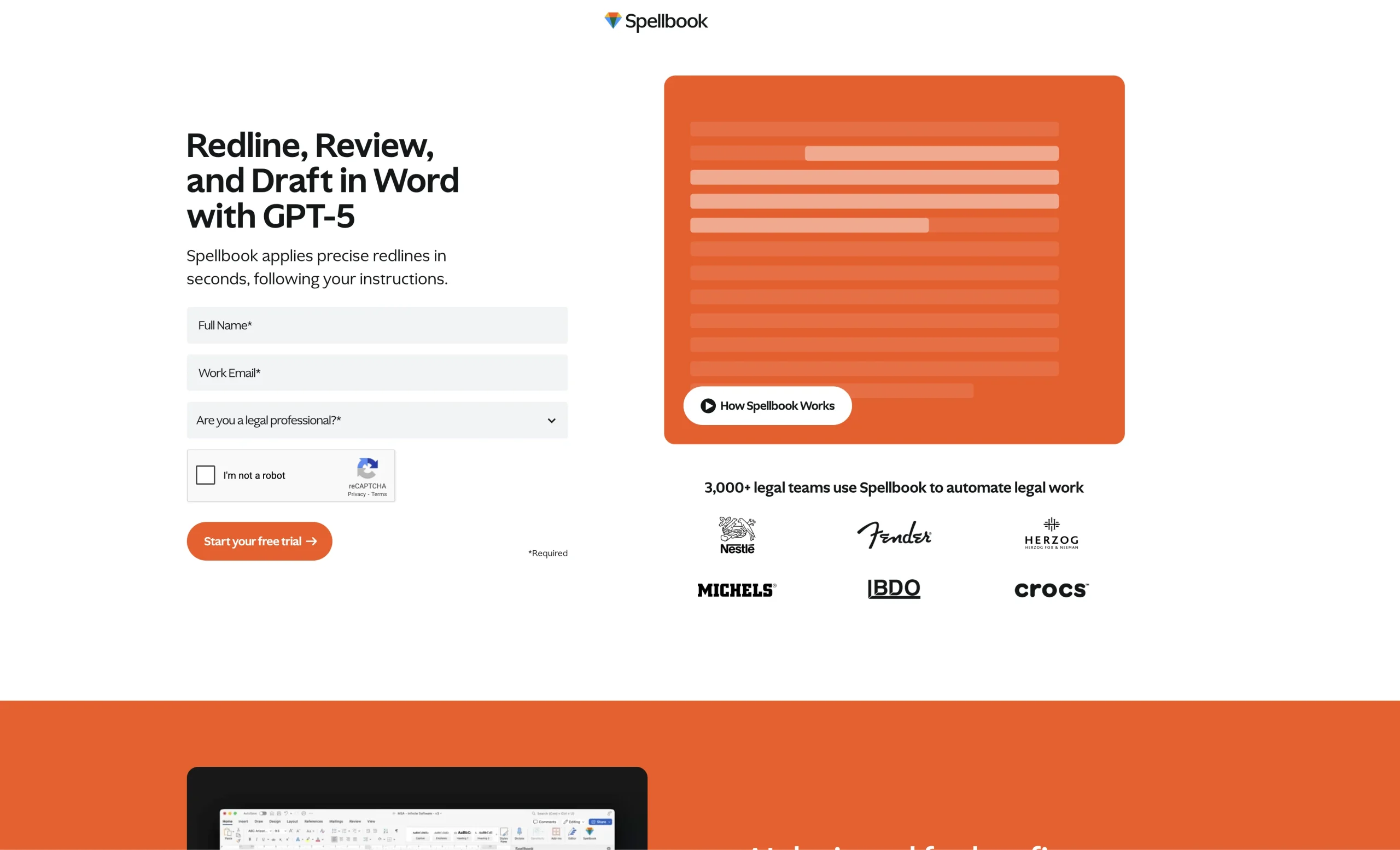
Introduction: Spellbook helps users write, rewrite, or summarize text.
Added on: 2026-08-01
Monthly Visitors: 3K
Social & Email:
Spellbook screenshot
ca Canada
59
18
New
Product Information FAQ Reviews Pricing Embed Alternatives
Spellbook Product Information

What is Spellbook?

Redlining: Suggests precise changes and comments based on your prompts.

Insights: Get actionable information and suggestions automatically populated every time you open a document.

Draft: Use Spellbooks legal-specific AI to draft relevant contracts, clauses, and client communication.

AI Assistant: Task-based automations, helping you work through documents 10x faster.

Research basis: This is a source-based directory listing prepared from public product information; it is not represented as a hands-on test. Last updated August 4, 2026. Read our methodology.

How to use this tool

  1. Open the official Spellbook website from the saved listing.
  2. Prepare the text, file, prompt, idea, or account context required to write, rewrite, or summarize text.
  3. Use the workflow described in the cached source listing for the main task.
  4. Review the generated or returned result for accuracy and fit.
  5. Adjust the input and repeat the workflow when the result needs refinement.

Core Features

  • Helping you analyze contracts and documents holistically.
  • Ensuring accurate and relevant language in a nuanced, legal context.
  • Reviews: Instantly review contracts and find potential risks, errors, and negotiation points.
  • Redlining: Suggests precise changes and comments based on your prompts.
  • AI Assistant: Task-based automations, helping you work through documents 10x faster.
  • Chat: Use your own prompts to ask for specific tasks or outcomes.
  • Word Enabled: Integrated directly into Word, Spellbook runs alongside your contracts.

Use Cases

#1 Analyze business information before making a practical decision.
#2 Use taskboosters listings to evaluate whether the tool can research and analyze information.
#3 Complete tasks that require the verified workflow described for this tool.
#4 Review generated results before applying them to practical work.

Frequently Asked Questions

Spellbook Support Email & Customer service contact & Refund contact etc.

More Contact, visit the contact us page.

Spellbook Sign up

Spellbook Reviews
Would you recommend Spellbook? Leave a comment:
★ ★ ★ ★ ★
Spellbook Pricing

Pricing information not available.

Spellbook Launch embeds
Use website badges to drive support from your community for your TaskBoosters launch. They're easy to embed on your homepage or footer.
TaskBoosters Featured on TaskBoosters
Copy the embed code, then paste it into your website footer, homepage, or a custom HTML block. The badge links back to this TaskBoosters tool page.
Alternative of Spellbook
Explore more Chatbots & Virtual Companions AI tools