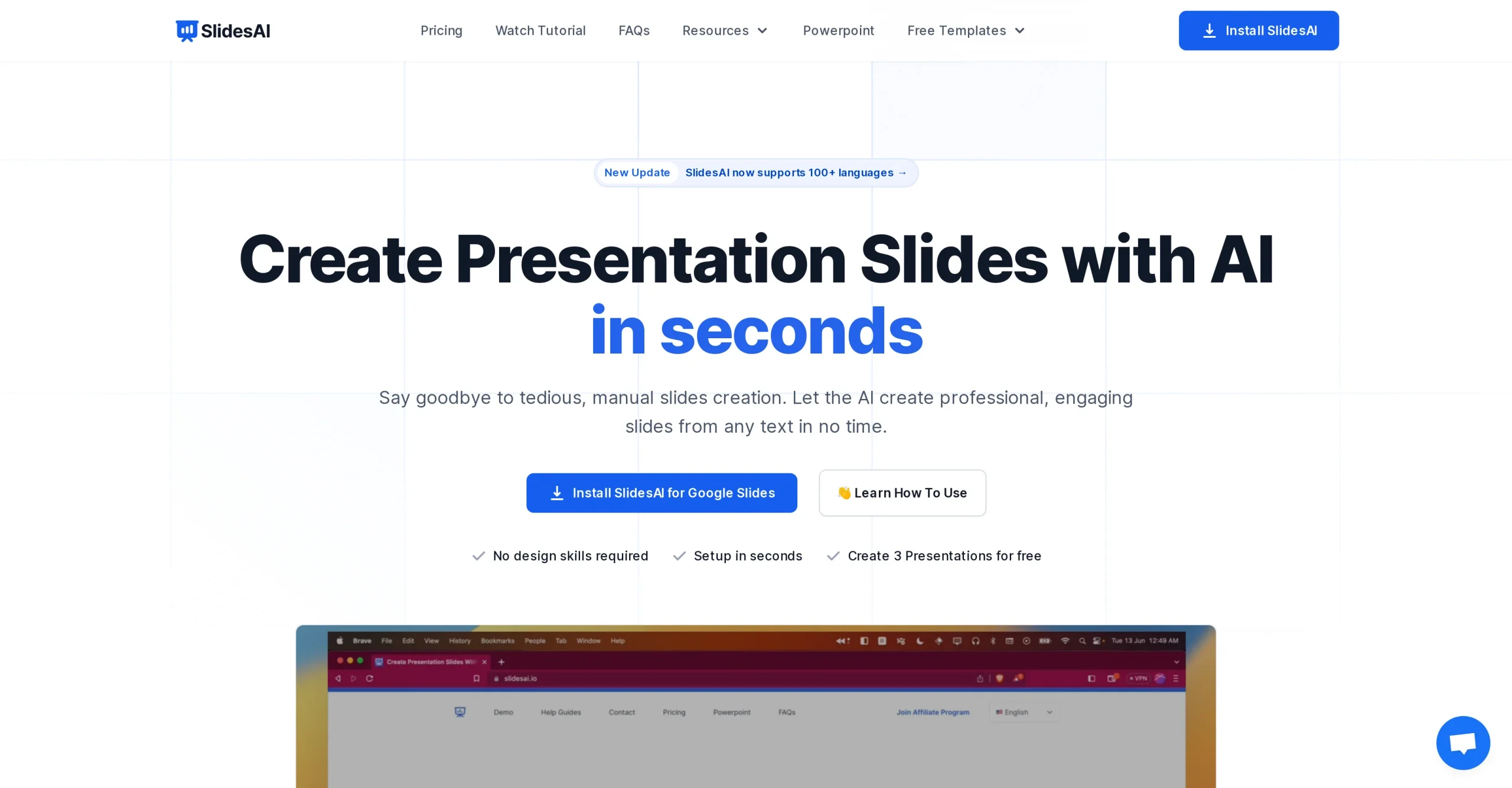
Introduction:SlidesAI turns a topic or source text into an editable presentation in Google Slides or Microsoft PowerPoint, with AI-generated structure, slide copy, layouts, images, citations, and multilingual support.
SlidesAI works inside familiar presentation software to convert a prompt or supplied text into a structured deck. Users choose the presentation type, audience, length, language, and visual direction, then generate editable slides and refine the outline, wording, images, citations, and design without rebuilding the deck from scratch.
A generated deck may oversimplify its source or invent supporting details. Compare every claim and citation with the original material, remove confidential text before submission, use licensed visuals, keep slides readable, add accessible contrast and alt text where supported, and rehearse the narrative rather than presenting unreviewed AI copy.
Research basis:
This is a source-based directory listing prepared from public product information; it is not represented as a hands-on test. Last updated August 8, 2026. Read our methodology.
How to use this tool
Define the owner, success measure, approval boundary, and rights before providing approved source material, audience, purpose, slide count, brand template, and citations to SlidesAI.
Configure a limited pilot using Text-to-presentation generation and Google Slides integration with minimum permissions and non-sensitive material.
Test Turn meeting notes into a briefing and Draft a lesson presentation, recording inputs, settings, usage, expected results, and source references.
Review an editable presentation, outline, visuals, citations, and optional narrated export for accuracy, privacy, security, originality, accessibility, policy compliance, and commercial rights.
Monitor prices, limits, integrations, and product changes; AI slides can omit context or invent facts; verify sources, licensing, accessibility, layout, and speaker claims.
Core Features
✓Text-to-presentation generation
✓Google Slides integration
✓Microsoft PowerPoint integration
✓AI-generated outlines and slide copy
✓Presentation type and length controls
✓Multilingual slide generation
✓AI image and citation assistance
✓Editable themes and layouts
Use Cases
#1Turn meeting notes into a briefing
#2Draft a lesson presentation
#3Create a sales-deck outline
#4Summarize a report as slides
#5Localize a presentation draft
Frequently Asked Questions
SlidesAI turns a topic or source text into an editable presentation in Google Slides or Microsoft PowerPoint, with AI-generated structure, slide copy, layouts, images, citations, and multilingual support.
Text-to-presentation generation, Google Slides integration, Microsoft PowerPoint integration, AI-generated outlines and slide copy, Presentation type and length controls.
Turn meeting notes into a briefing, Draft a lesson presentation, Create a sales-deck outline, Summarize a report as slides.
An editable presentation, outline, visuals, citations, and optional narrated export.
Basic is free; annual-billed Pro is $10 and Premium is $20.83 monthly.
Yes. The current record includes Basic; verify live limits before relying on it.
Confirm billing, renewal, taxes, credits, usage limits, support, cancellation, refunds, data handling, commercial rights, and external costs on the official checkout.
AI slides can omit context or invent facts; verify sources, licensing, accessibility, layout, and speaker claims.
No. Responsible use still requires source permission, factual and quality review, privacy and security checks, policy compliance, and final human approval.
SlidesAI Support Email & Customer service contact & Refund contact etc.