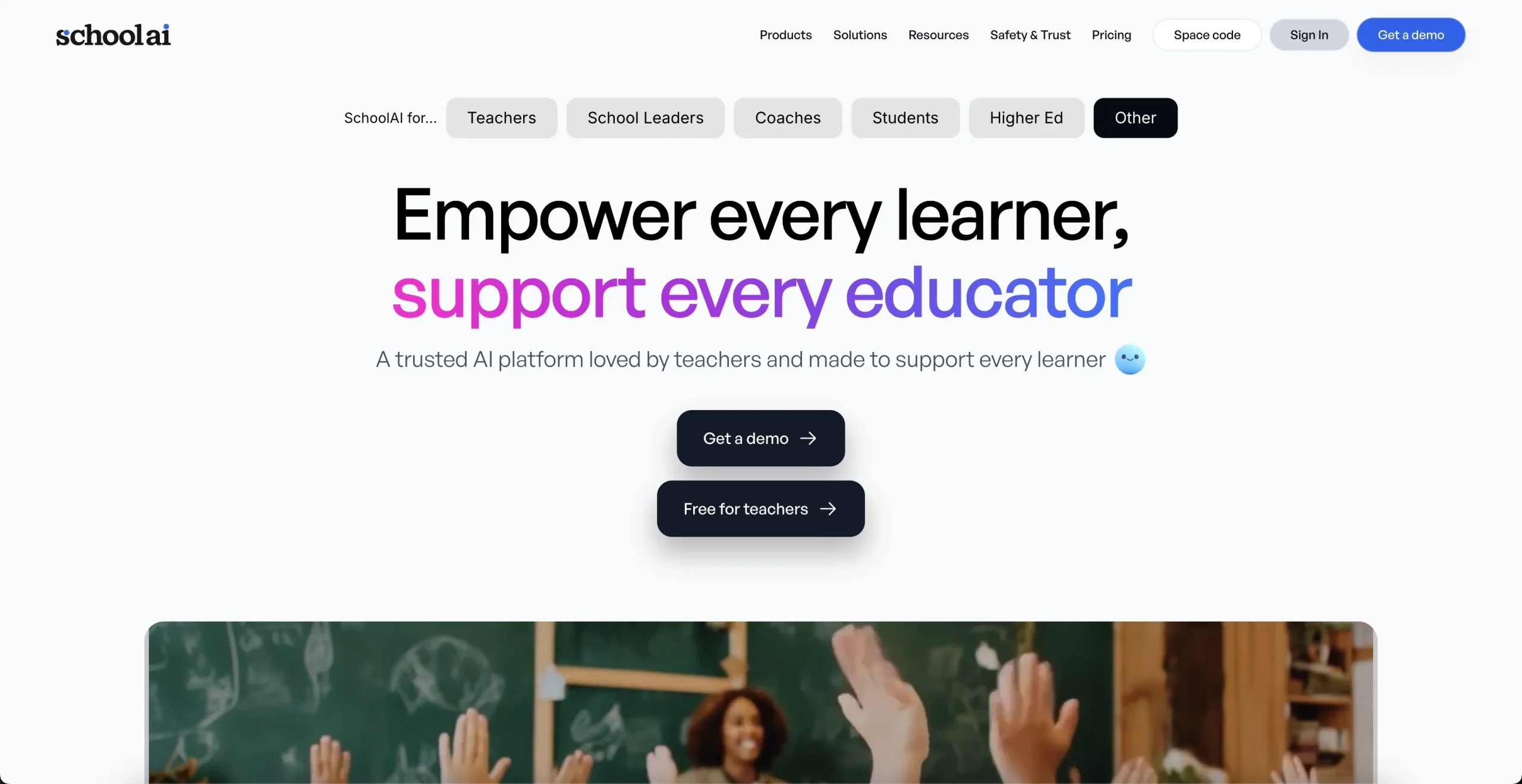
Introduction:SchoolAI is a K–12 AI learning platform with teacher-designed Spaces, personalized student support, classroom insights, safety controls, rostering, and district governance.
SchoolAI lets educators create guided AI learning experiences and monitor how students engage with them. Spaces, Sidekick, Mission Control, PowerUps, writing feedback, translation, standards alignment, and teaching assistants support personalized instruction while keeping teachers responsible for the learning design.
Student-facing AI requires strict governance. Use district-approved accounts, obtain required consent, minimize personal data, configure age-appropriate guardrails and alert routing, review accessibility and bias, verify generated instruction, keep teachers in the loop, and never treat AI conversation data as a diagnosis, disciplinary finding, or sole grading basis.
Research basis:
This is a source-based directory listing prepared from public product information; it is not represented as a hands-on test. Last updated August 8, 2026. Read our methodology.
How to use this tool
Define the authorized purpose, reviewer, rules, and evidence standard before providing a teacher-designed objective, curriculum materials, student age, standards, roster rules, and safety escalation plan to SchoolAI.
Configure a small pilot around Teacher-designed AI Spaces and Personalized student Sidekick with minimum data and permissions.
Test representative work for Create a guided tutoring Space and Monitor where students are getting stuck, keeping original sources and expected results.
Verify guided Spaces, student support, teacher insights, adapted content, translations, alerts, and governed district workflows against authoritative material and require the responsible educator or professional to approve it.
Record usage and limitations; Student-facing AI requires district approval, privacy agreements, age-appropriate guardrails, accessibility, teacher review, and clear safety routing.
Core Features
✓Teacher-designed AI Spaces
✓Personalized student Sidekick
✓Mission Control classroom insights
✓PowerUps and educational tools
✓Writing feedback and content adaptation
✓Live translation
✓Safety alerts and guardrails
✓SIS, SSO, and LMS integration options
Use Cases
#1Create a guided tutoring Space
#2Monitor where students are getting stuck
#3Adapt a lesson for varied reading levels
#4Provide structured writing practice
#5Deploy governed AI across a school district
Frequently Asked Questions
SchoolAI is a K–12 AI learning platform with teacher-designed Spaces, personalized student support, classroom insights, safety controls, rostering, and district governance.
Teacher-designed AI Spaces, Personalized student Sidekick, Mission Control classroom insights, PowerUps and educational tools, Writing feedback and content adaptation.
Create a guided tutoring Space, Monitor where students are getting stuck, Adapt a lesson for varied reading levels, Provide structured writing practice.
a teacher-designed objective, curriculum materials, student age, standards, roster rules, and safety escalation plan.
guided Spaces, student support, teacher insights, adapted content, translations, alerts, and governed district workflows.
five trial Spaces are free; Pro and Scale use quote-based institutional pricing.
Yes. The current record includes Free Trial; verify live limits before relying on it.
Confirm billing, renewal, taxes, credits, storage, support, cancellation, refunds, privacy, and commercial rights on the official checkout.
Student-facing AI requires district approval, privacy agreements, age-appropriate guardrails, accessibility, teacher review, and clear safety routing.
No. Responsible use still requires source permission, factual and quality review, privacy and security checks, policy compliance, and final human approval.
SchoolAI Support Email & Customer service contact & Refund contact etc.