Login
Recap: Smart Split and Summarize with ChatGPT RE

Recap: Smart Split and Summarize with ChatGPT

Open site
☆☆☆☆☆ New ·15 Saved
Introduction: Recap is an open-source browser extension that summarises whichever sections of a webpage you select through ChatGPT, rather than condensing the whole page indiscriminately.
Added on: 2026-08-01
Monthly Visitors: 9.3K
Social & Email:
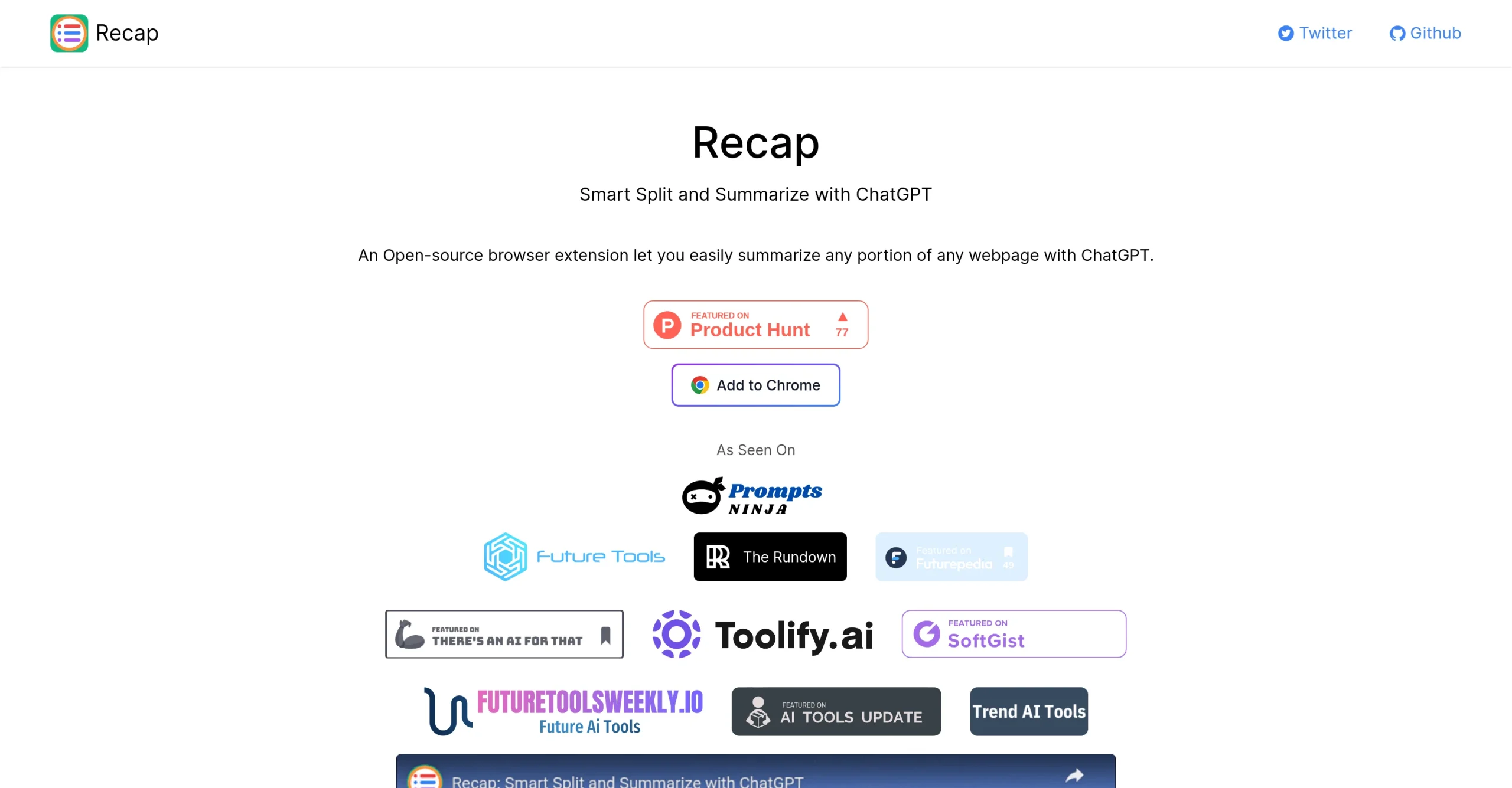
Recap: Smart Split and Summarize with ChatGPT screenshot
Free
160
15
New
Product Information FAQ Reviews Pricing Embed Alternatives
Recap: Smart Split and Summarize with ChatGPT Product Information

What is Recap: Smart Split and Summarize with ChatGPT?

Recap is an open-source browser extension for summarising sections of any webpage through ChatGPT.

Its purpose is making large volumes of web content manageable, returning precise and concise summaries rather than asking you to read everything at full length.

The control it offers is what separates it from a whole-page summariser: you choose exactly which sections of text get summarised, so a long article can be condensed where it matters and left alone where it does not.

It runs on ChatGPT, which produces summaries that keep the substance of the original while being materially shorter.

One practical requirement is worth knowing before installing: the extension needs a ChatGPT account to operate. Recap itself is free and open source.

Research basis: This is a source-based directory listing prepared from public product information; it is not represented as a hands-on test. Last updated September 20, 2026. Read our methodology.

How to use this tool

  1. Install the Recap extension in your browser.
  2. Connect it to your ChatGPT account.
  3. Open the page you want to work through.
  4. Select the specific sections you want summarised.
  5. Read the summary and return to the full text where you need detail.

Core Features

  • Open-source browser extension
  • Summarises whichever page sections you select
  • Concise summaries that preserve the original substance
  • Runs on ChatGPT
  • Free to use, though a ChatGPT account is required

Use Cases

#1 Condense a long article without losing the part you care about
#2 Summarise one section of a documentation page
#3 Process a stack of research pages faster
#4 Read a dense page on a phone in less time

Frequently Asked Questions

Recap: Smart Split and Summarize with ChatGPT Support Email & Customer service contact & Refund contact etc.

More Contact, visit the contact us page.

Recap: Smart Split and Summarize with ChatGPT Login

Recap: Smart Split and Summarize with ChatGPT Login Link: https://recapext.xyz/

Recap: Smart Split and Summarize with ChatGPT Sign up

Recap: Smart Split and Summarize with ChatGPT Sign up Link: https://recapext.xyz/
Recap: Smart Split and Summarize with ChatGPT Reviews
Would you recommend Recap: Smart Split and Summarize with ChatGPT? Leave a comment:
★ ★ ★ ★ ★
Recap: Smart Split and Summarize with ChatGPT Pricing

Exact feature availability by plan was not specified in the source.

Free
  • Summarizes long documents and articles.
  • An open-source browser extension that allows users to easily summarize sections of.
  • Is designed to make processing vast amounts of web content quicker and.
Recap: Smart Split and Summarize with ChatGPT Launch embeds
Use website badges to drive support from your community for your TaskBoosters launch. They're easy to embed on your homepage or footer.
TaskBoosters Featured on TaskBoosters
Copy the embed code, then paste it into your website footer, homepage, or a custom HTML block. The badge links back to this TaskBoosters tool page.
Alternative of Recap: Smart Split and Summarize with ChatGPT
Explore more Education & Translation AI tools
Recap: Smart Split and Summarize with ChatGPT's Tags
Open Source ›