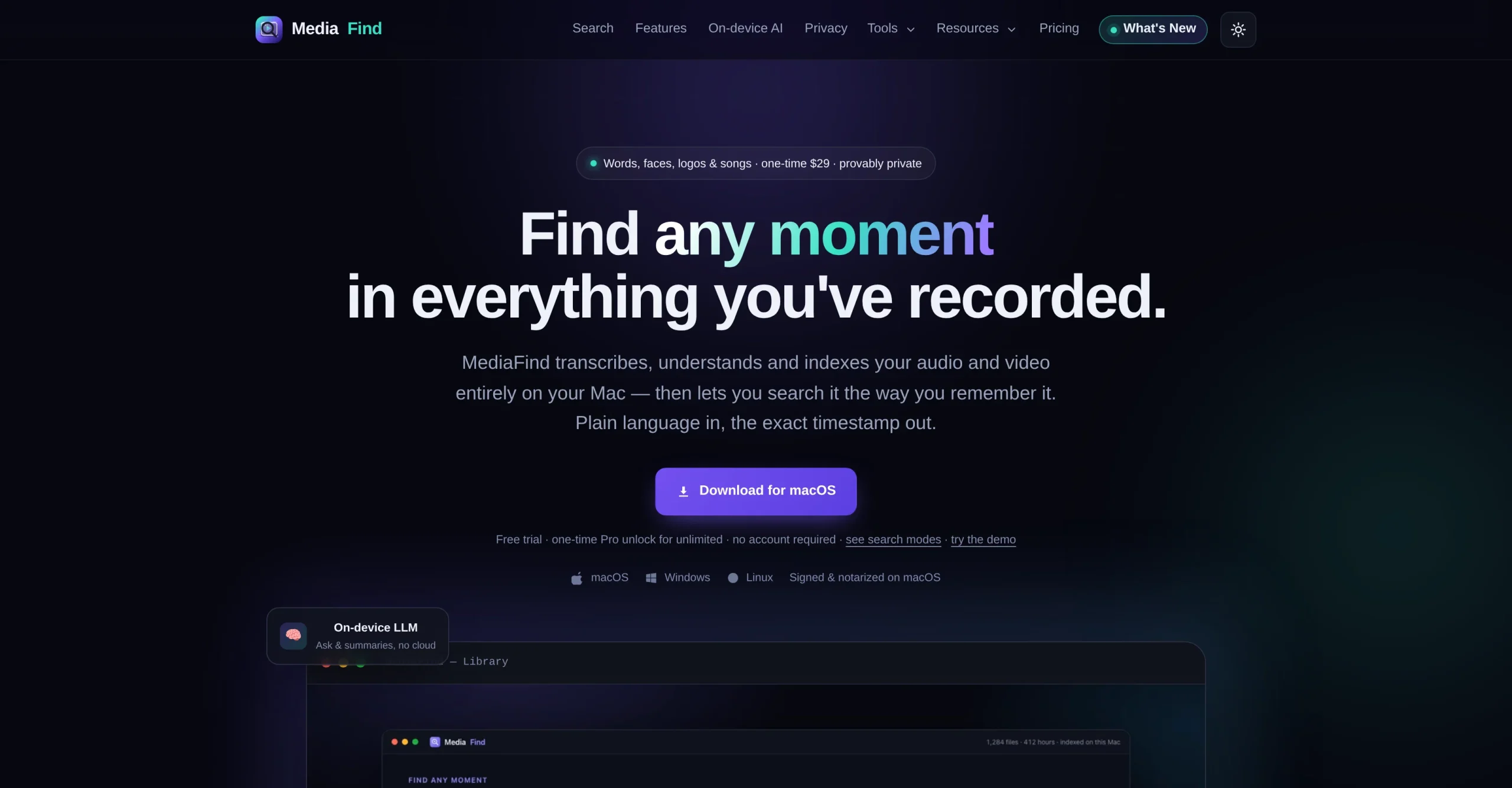
MediaFind is a local-first media search application that transcribes, understands, and indexes audio and video stored on a computer. Users can describe a remembered moment in natural language and jump to its exact timestamp without uploading the source media.
Its search modes cover dialogue, visual scenes, on-screen text, speakers, faces, logos, sound, and related clips. The app also provides local summaries, chapters, editing utilities, timeline exports, and integrations for supported AI agents.
Research basis:
This is a source-based directory listing prepared from public product information; it is not represented as a hands-on test. Last updated August 8, 2026. Read our methodology.
How to use this tool
Install the appropriate desktop build, download optional local models, and point MediaFind to a folder of media the user has permission to process.
Let the local engine transcribe, embed, and index the library, choosing models that fit the machine speed and memory.
Search by remembered words, visuals, people, logos, sounds, or meaning, or ask a question that requires cited timestamps.
Open every result at its exact timestamp to verify context, then collect clips, notes, chapters, or meeting actions.
Export an FCPXML or EDL timeline or connect the local API or MCP server, enabling face recognition and network binding only when needed and secured.
Core Features
✓Local transcription and indexing of audio and video folders.
✓Natural-language search with exact, playable timestamps.
✓More than 15 search modes covering transcript meaning, scenes, OCR, faces, speakers, logos, music, color, actions, and sound.
✓On-device AI assistant that returns grounded answers and source timestamps.
✓Local summaries, chapters, speaker diarization, and meeting action items.
✓FCPXML and EDL timeline export for Premiere Pro, DaVinci Resolve, and Final Cut Pro.
✓Local Python SDK, versioned HTTP API, CLI, and MCP server for AI agents.
✓Built-in privacy audit showing core indexing and search network activity.
Use Cases
#1Find a quote across recorded interviews
#2Locate b-roll by describing a scene
#3Search presentation text inside videos
#4Build an editor timeline from selected moments
#5Review private recordings without a cloud upload
Frequently Asked Questions
MediaFind is a local-first desktop application that transcribes, indexes, searches, summarizes, and exports moments from audio and video libraries.
No. Core indexing, transcription, search, Ask, summaries, OCR, and recognition run locally; network activity is limited to explicit downloads, activation, and updates.
It can search spoken meaning, scenes, on-screen text, faces, speakers, logos, music, sounds, actions, colors, related clips, and other indexed attributes.
The main app is signed for Apple-silicon macOS, with Windows and Linux beta builds and an Android companion; beta builds may be unsigned.
Yes. FCPXML and EDL timelines can open in Premiere Pro, DaVinci Resolve, and Final Cut Pro.
Yes. It offers a local Python SDK, versioned HTTP API, CLI, and MCP tools for agents such as Claude and Cursor.
Yes. Free can index up to 10 media files and includes 15+ search modes, local Ask and summaries, chapters, speakers, and video tools.
It is $9.99 for the first paid month and $24.99 per month afterward, following a seven-day billing trial.
Annual costs $107.88 per year, equivalent to $8.99 per month, and includes all Pro features.
Yes. Fresh installs get a separate seven-day no-card local Pro trial, and starting a paid plan begins another seven-day Stripe billing trial.
MediaFind Support Email & Customer service contact & Refund contact etc.