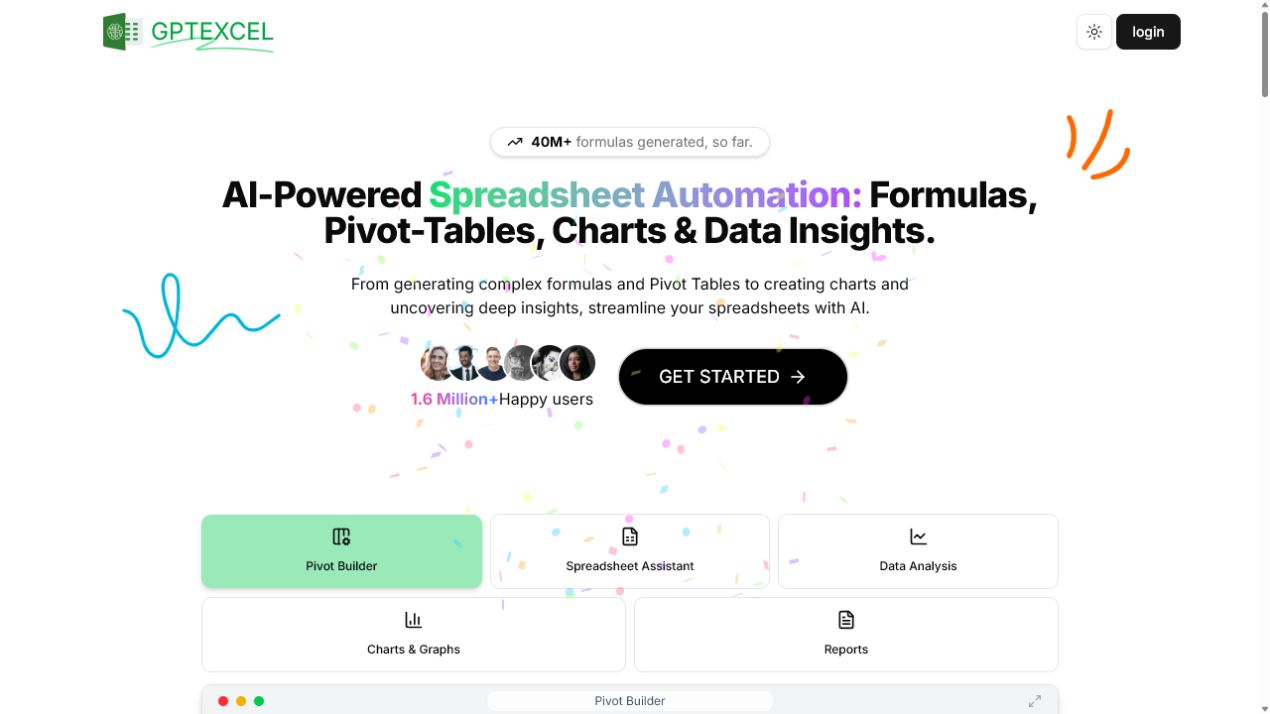
GPT Excel is an AI spreadsheet assistant for creating and explaining formulas, working with data, and automating spreadsheet tasks. It supports workflows involving Excel, Google Sheets, LibreOffice Calc, and Airtable.
The service can generate automation scripts, SQL queries, regular expressions, and table templates. It also offers spreadsheet chat, image-to-table conversion, pivot tables, charts, and data summaries for Excel and CSV files.
Describe the calculation or transformation you need and identify the relevant columns. Check generated formulas and scripts on a copy of your data before using them in a live workbook. For file limits and available plans, consult the official product website.
Research basis:
This is a source-based directory listing prepared from public product information; it is not represented as a hands-on test. Last updated September 2, 2026. Read our methodology.