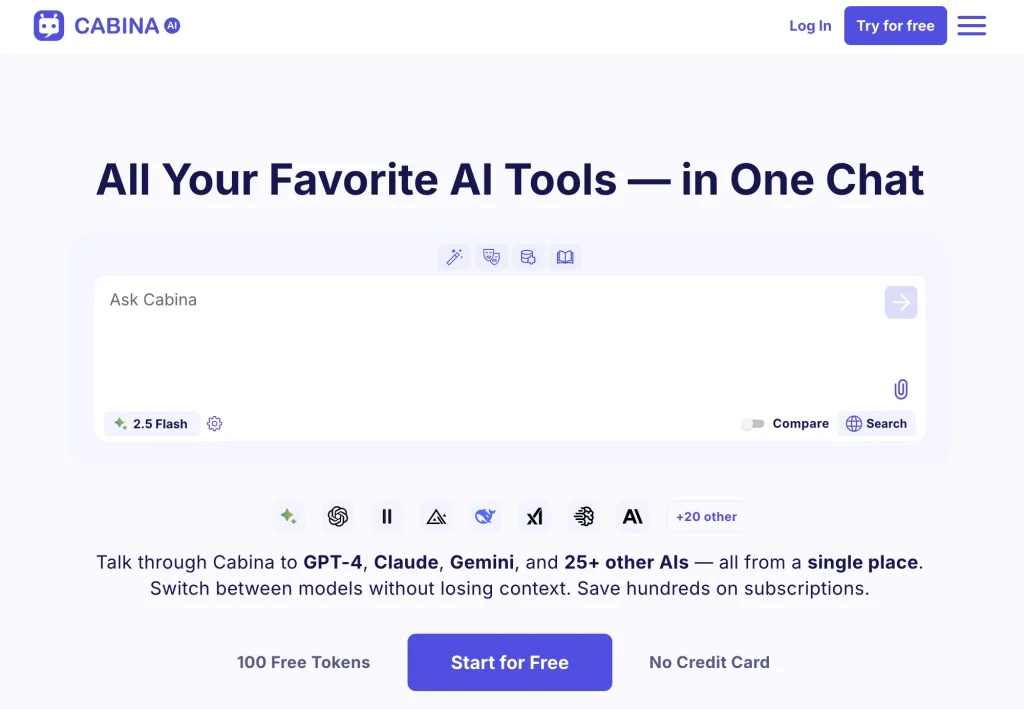
Introduction:Cabina.AI combines leading text, image, video, and audio models in one workspace with shared context, side-by-side comparison, file analysis, specialized roles, and media editing.
Cabina.AI is a multi-model workspace for moving between language, image, video, and audio generation without maintaining separate subscriptions and tabs for every task. Users can preserve context across models, compare responses, select ready-made AI roles, analyze documents and media, run quick text actions, edit images, and organize work in folders.
Different providers have different privacy, copyright, and reliability characteristics even inside one interface. Remove confidential data unless the selected model is approved, verify claims and citations, obtain rights and consent for uploaded media, compare outputs using consistent criteria, inspect generated visuals and transcripts, and track token use before scaling a workflow.
Research basis:
This is a source-based directory listing prepared from public product information; it is not represented as a hands-on test. Last updated August 8, 2026. Read our methodology.
How to use this tool
Define the outcome, data classification, owner, success metric, and approval boundary before providing a task, selected AI models, files, project context, and collaboration requirements to Cabina.AI.
Configure the smallest useful workspace and validate permissions, retention, integrations, and the behavior of Shared context across models and Side-by-side model comparison.
Run a representative pilot for Compare answers from several LLMs and Analyze a PDF with different models, keeping source records and expected results for comparison.
Review multi-model answers, project artifacts, comparisons, and reusable workspace results for accuracy, privacy, bias, security, cost, and failure handling before enabling wider access or automation.
Monitor logs, usage, plan limits, model changes, and user feedback; Token systems and model availability can change; verify privacy, provider costs, output quality, and current limits before standardizing.
Core Features
✓Shared context across models
✓Side-by-side model comparison
✓Text, image, video, and audio models
✓Custom and ready-made AI roles
✓Document and media analysis
✓Prompt-based image editing
✓Folders and quick actions
✓Multilingual interface
Use Cases
#1Compare answers from several LLMs
#2Analyze a PDF with different models
#3Generate a mixed-media campaign
#4Edit and expand an image
#5Create reusable specialist roles
Frequently Asked Questions
Cabina.AI combines leading text, image, video, and audio models in one workspace with shared context, side-by-side comparison, file analysis, specialized roles, and media editing.
Shared context across models, Side-by-side model comparison, Text, image, video, and audio models, Custom and ready-made AI roles, Document and media analysis.
Compare answers from several LLMs, Analyze a PDF with different models, Generate a mixed-media campaign, Edit and expand an image.
a task, selected AI models, files, project context, and collaboration requirements.
multi-model answers, project artifacts, comparisons, and reusable workspace results.
Free includes 50 tokens; paid subscriptions run from $4.99 to $99.99 monthly.
Yes. The current record includes Free; verify the live limits before relying on it.
Confirm the billing interval, taxes, renewal, credits or usage, storage, support, cancellation, refunds, privacy terms, and commercial rights on the official checkout.
Token systems and model availability can change; verify privacy, provider costs, output quality, and current limits before standardizing.
No. Responsible use still requires source permission, factual and quality review, privacy and security checks, policy compliance, and final human approval.
Cabina.AI Support Email & Customer service contact & Refund contact etc.