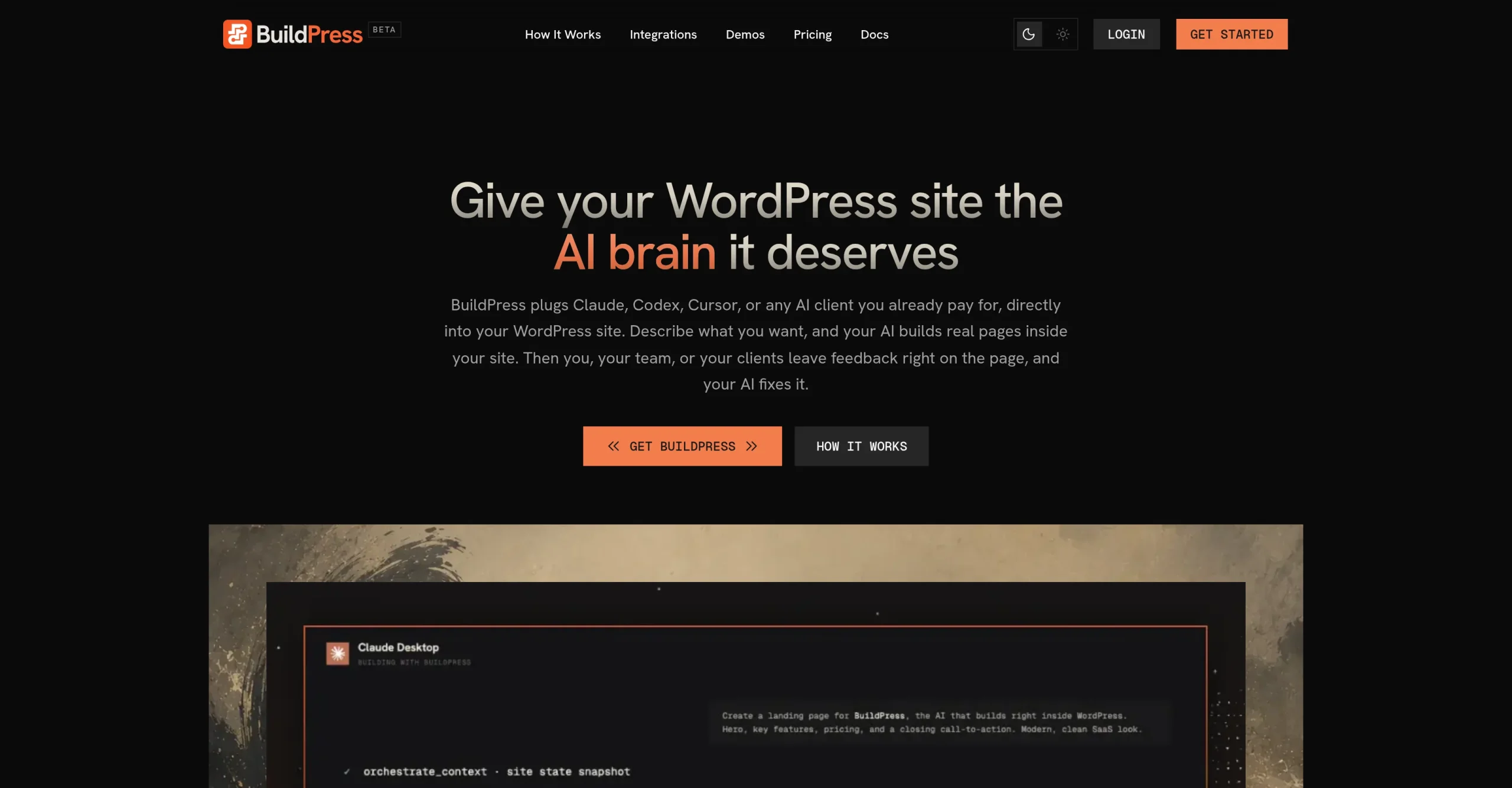
Introduction:BuildPress connects MCP-compatible AI clients directly to WordPress so teams can build, verify, review, and revise real pages through structured site tools.
BuildPress is a paid WordPress plugin that exposes structured site-building capabilities to MCP-compatible AI clients such as Claude, Codex, Cursor, Windsurf, VS Code, and JetBrains. The connected AI can establish a design system, create pages and reusable widgets, work with WordPress content structures, preserve project context in Project Memory, and respond to feedback attached to live pages. BuildPress runs on the WordPress server, supports its native block-backed builder and optional Elementor workflows, and verifies rendered pages by checking items such as HTTP status, expected widgets, dynamic content, and PHP errors.
The plugin provides controlled access to a real WordPress installation, so configuration and review remain important. Administrators should use HTTPS, dedicated WordPress Application Passwords, least-privilege accounts, backups, staging environments, and an approved MCP client before enabling build tools. Every AI-generated page, content model, style change, integration, and feedback fix should be reviewed for accuracy, accessibility, security, licensing, responsive behavior, performance, and consistency with the site brief. BuildPress also requires a separate subscription to the chosen AI client, because the plugin supplies site tools rather than its own AI processing service.
Research basis:
This is a source-based directory listing prepared from public product information; it is not represented as a hands-on test. Last updated August 8, 2026. Read our methodology.
How to use this tool
Define the owner, success measure, approval boundary, and rights before providing an approved site brief, brand assets, pages, domain, integrations, analytics, and publishing permissions to BuildPress.
Configure a limited pilot using MCP access that connects compatible AI clients directly to WordPress. and Native block-backed builder with optional Elementor workflow support. with minimum permissions and non-sensitive material.
Test Build a branded WordPress landing page from an approved design brief. and Create reusable sections and components for a multisite delivery workflow., recording inputs, settings, usage, expected results, and source references.
Review responsive WordPress pages, content, components, forms, and published websites for accuracy, privacy, security, originality, accessibility, policy compliance, and commercial rights.
Monitor prices, limits, integrations, and product changes; Review mobile layout, accessibility, privacy, security, SEO, plugins, forms, integrations, costs, and launch settings.
Core Features
✓MCP access that connects compatible AI clients directly to WordPress.
✓Native block-backed builder with optional Elementor workflow support.
✓Reusable server-rendered widgets and AI-built design systems.
✓Project Memory for retaining site identity, requirements, and decisions.
✓Render verification for page status, widgets, dynamic content, and PHP errors.
✓Located feedback threads with status, priority, assignee, and screenshots.
✓WordPress REST passthrough, integrations, audit logging, and domain locking.
✓Widget import, export, composition manifests, and unlimited component libraries.
Use Cases
#1Build a branded WordPress landing page from an approved design brief.
#2Create reusable sections and components for a multisite delivery workflow.
#3Translate client feedback on a live page into reviewable site revisions.
#4Maintain project context across separate AI-assisted development sessions.
#5Verify generated pages before handing them to editors or publishing them.
Frequently Asked Questions
BuildPress connects MCP-compatible AI clients directly to WordPress so teams can build, verify, review, and revise real pages through structured site tools.
MCP access that connects compatible AI clients directly to WordPress., Native block-backed builder with optional Elementor workflow support., Reusable server-rendered widgets and AI-built design systems., Project Memory for retaining site identity, requirements, and decisions., Render verification for page status, widgets, dynamic content, and PHP errors..
Build a branded WordPress landing page from an approved design brief., Create reusable sections and components for a multisite delivery workflow., Translate client feedback on a live page into reviewable site revisions., Maintain project context across separate AI-assisted development sessions..
An approved site brief, brand assets, pages, domain, integrations, analytics, and publishing permissions.
Responsive WordPress pages, content, components, forms, and published websites.
Annual Solo is $49, Team $129, and Agency $199.
No verified ongoing free plan is recorded; check the official product for a current trial or promotion.
Confirm billing, renewal, taxes, credits, usage limits, support, cancellation, refunds, data handling, commercial rights, and external costs on the official checkout.
Review mobile layout, accessibility, privacy, security, SEO, plugins, forms, integrations, costs, and launch settings.
No. Responsible use still requires source permission, factual and quality review, privacy and security checks, policy compliance, and final human approval.
BuildPress Support Email & Customer service contact & Refund contact etc.