Login
BestPhotoAI BE

BestPhotoAI

Open site
☆☆☆☆☆ New ·25 Saved
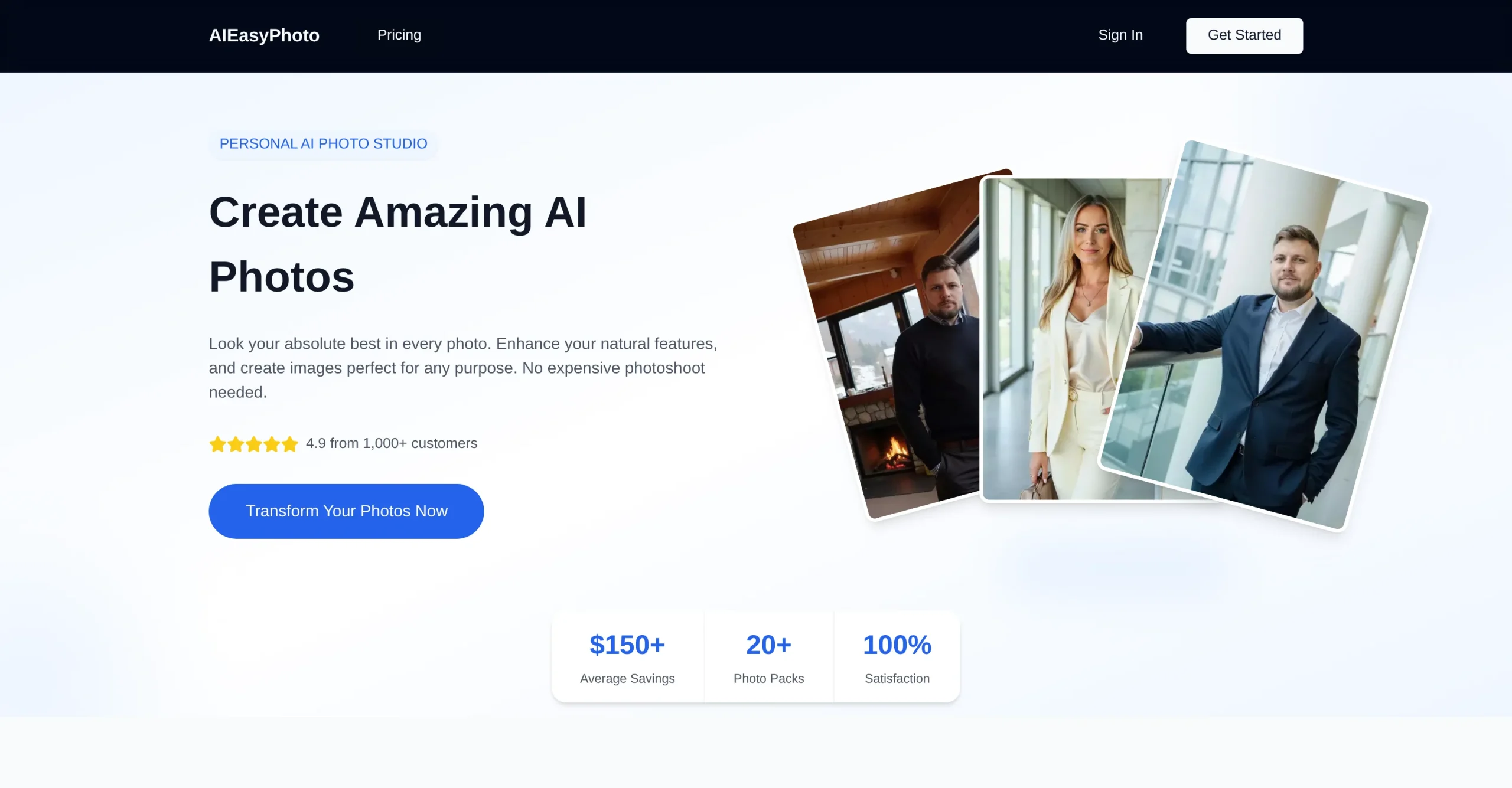
Introduction: BestPhotoAI turns ordinary selfies into professional-quality images: pick a style pack, upload your photos, and the AI returns transformed shots ready to download in roughly 30 minutes.
Added on: 2026-08-01
Monthly Visitors: 80.7K
Social & Email:
BestPhotoAI screenshot
Freemium
199
25
New
Product Information FAQ Reviews Pricing Embed Alternatives
BestPhotoAI Product Information

What is BestPhotoAI?

BestPhotoAI enhances ordinary photos and returns professional-quality images, using AI to work with the natural features already present in a picture rather than replacing them. For most people it removes the need for a paid photoshoot.

The process has three steps. You select a style or theme from the available photo packs, upload your photos, then wait while the AI applies that style. Transformed images are usually ready to download in around 30 minutes.

Uploading supports multiple files at once through a straightforward drag-and-drop, and images are handled securely.

The output covers several purposes: a selfie can become a LinkedIn-ready professional headshot, dating app photos can be enhanced for appeal, and generic profile pictures or posts can be upgraded for any social platform. It suits job hunting, dating, and building a personal or business brand alike.

Research basis: This is a source-based directory listing prepared from public product information; it is not represented as a hands-on test. Last updated September 20, 2026. Read our methodology.

How to use this tool

  1. Browse the photo packs and select the style or theme you want.
  2. Upload your photos, using drag-and-drop for several at once.
  3. Let the AI apply the chosen style across the uploaded set.
  4. Come back in roughly 30 minutes, when the transformed images are ready.
  5. Download the results and use them wherever the profile needs updating.

Core Features

  • Transforms ordinary photos into professional-quality images
  • A library of style and theme photo packs to choose between
  • Three-step process: pick a style, upload, download the result
  • Results typically ready in around 30 minutes
  • Multiple file upload through drag-and-drop, handled securely

Use Cases

#1 Produce a LinkedIn-ready headshot from a selfie instead of booking a photoshoot
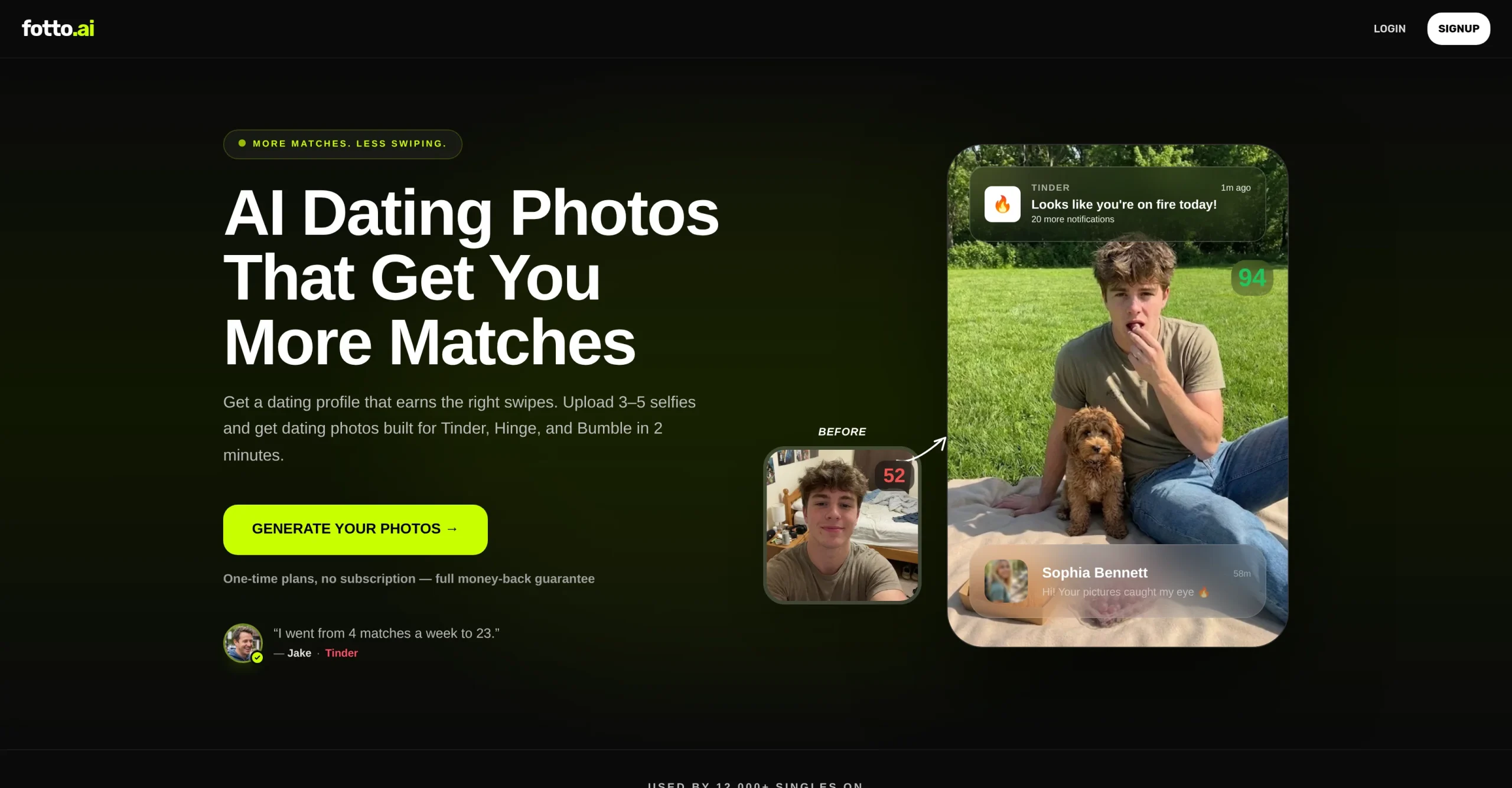
#2 Improve dating app photos before putting a profile live
#3 Refresh profile pictures across social platforms in a single pass
#4 Build a consistent image set for a personal or business brand

Frequently Asked Questions

BestPhotoAI Support Email & Customer service contact & Refund contact etc.

More Contact, visit the contact us page.

BestPhotoAI Login

BestPhotoAI Login Link: https://aieasyphoto.com/

BestPhotoAI Sign up

BestPhotoAI Sign up Link: https://aieasyphoto.com/
BestPhotoAI Reviews
Would you recommend BestPhotoAI? Leave a comment:
★ ★ ★ ★ ★
BestPhotoAI Pricing

Exact feature availability by plan was not specified in the source.

Free
  • Deploys chatbots across messaging platforms.
  • An AI-powered tool that enhances ordinary photos, transforming them into professional-quality images.
  • Its applications are versatile, allowing the creation of professional headshots, improving dating.
Paid Plan
$9.99/month
  • Uses artificial intelligence to enhance natural features within images, often removing the.
  • BestPhotoAI operates through a simple three-step process: users select a preferred style.
  • Provides convenience and security, including multiple file support, safe image upload, and.
BestPhotoAI Launch embeds
Use website badges to drive support from your community for your TaskBoosters launch. They're easy to embed on your homepage or footer.
TaskBoosters Featured on TaskBoosters
Copy the embed code, then paste it into your website footer, homepage, or a custom HTML block. The badge links back to this TaskBoosters tool page.
Alternative of BestPhotoAI
Explore more Daily Life AI tools
BestPhotoAI's Tags
Image Edit › image generation › Image Understanding ›