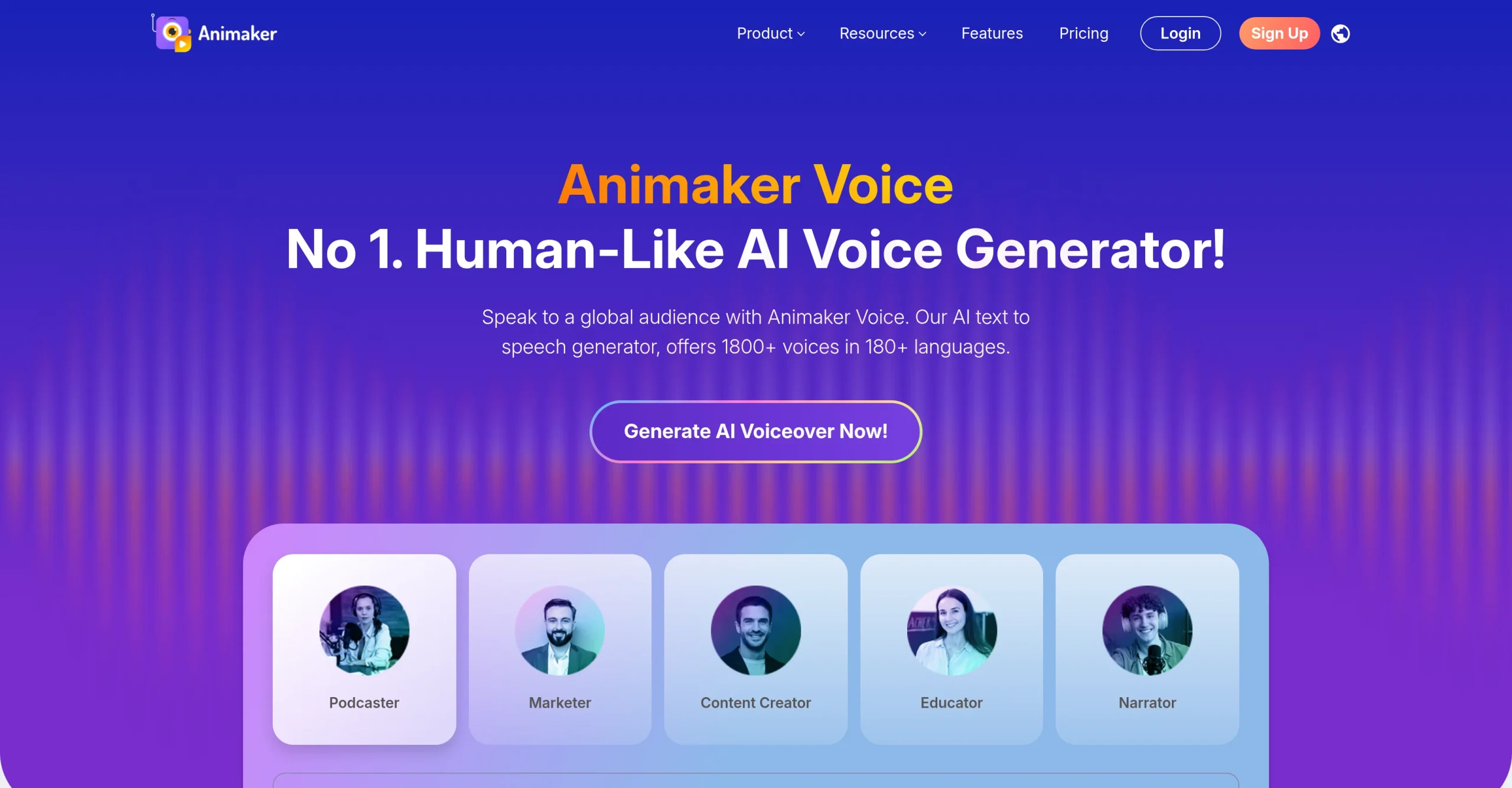
Introduction:Animaker Voice Generator converts scripts into multilingual speech with selectable AI voices, pronunciation controls, pacing, pitch, emphasis, pauses, and downloadable audio for videos, presentations, training, and marketing.
Animaker Voice Generator is a browser-based text-to-speech tool within Animaker’s creative platform. Users can paste a script, choose a language and voice, tune delivery with controls such as speed, pitch, emphasis, pauses, and pronunciation, preview the narration, and download or place it into an animation or video project.
Synthetic narration still needs editorial and rights review. Use voices permitted for the intended purpose, avoid impersonating identifiable people, verify names and specialized terms, listen for misleading emphasis, add captions to video, and confirm the current commercial-use conditions before distributing client, advertising, or monetized work.
Research basis:
This is a source-based directory listing prepared from public product information; it is not represented as a hands-on test. Last updated August 8, 2026. Read our methodology.
How to use this tool
Define the owner, success measure, approval boundary, and rights before providing an original brief, authorized source assets, format, brand constraints, and usage rights to it.
Configure a limited pilot using AI text-to-speech generation and Multiple languages and voice options with minimum permissions and non-sensitive material.
Test Narrate an explainer video and Create multilingual training audio, recording inputs, settings, usage, expected results, and source references.
Review reviewable visual, audio, or marketing assets for accuracy, privacy, security, originality, accessibility, policy compliance, and commercial rights.
Monitor prices, limits, integrations, and product changes; Generated media requires rights, originality, quality, accessibility, disclosure, and brand review before release.
Core Features
✓AI text-to-speech generation
✓Multiple languages and voice options
✓Voice gender and style selection
✓Speed and pitch controls
✓Word-level emphasis
✓Pause insertion
✓Pronunciation customization
✓Audio preview and download
Use Cases
#1Narrate an explainer video
#2Create multilingual training audio
#3Voice a presentation
#4Produce accessibility-friendly spoken copy
#5Test alternative deliveries for an advertisement
Frequently Asked Questions
It converts scripts into multilingual speech with selectable AI voices, pronunciation controls, pacing, pitch, emphasis, pauses, and downloadable audio for videos, presentations, training, and marketing.
AI text-to-speech generation, Multiple languages and voice options, Voice gender and style selection, Speed and pitch controls, Word-level emphasis.
Narrate an explainer video, Create multilingual training audio, Voice a presentation, Produce accessibility-friendly spoken copy.
An original brief, authorized source assets, format, brand constraints, and usage rights.
Reviewable visual, audio, or marketing assets.
Free includes 15 voice minutes monthly; annual-billed Voice Plus is $15 and Voice Pro $21 monthly.
Yes. The current record includes Free; verify live limits before relying on it.
Confirm billing, renewal, taxes, credits, usage limits, support, cancellation, refunds, data handling, commercial rights, and external costs on the official checkout.
Generated media requires rights, originality, quality, accessibility, disclosure, and brand review before release.
No. Responsible use still requires source permission, factual and quality review, privacy and security checks, policy compliance, and final human approval.
Animaker Voice Generator Support Email & Customer service contact & Refund contact etc.