×
Login
Grammarly - AI Tool Review, Pricing & Alternatives | TaskBoosters
Grammarly GR

Grammarly

Open site
★★★★★ 4.7 ·0 Saved
Introduction: Grammarly is a writing assistant that helps improve grammar, spelling, tone, clarity, concision, and professional communication across browsers, documents, email, and workplace tools. Its AI writing features help...
Added on: 2026-07-11
Monthly Visitors: 80M
Social & Email:
Grammarly screenshot
us United States
Released 17 years ago
Free + premium plans
7
0
4.7
Product Information Reviews Pricing Embed Alternatives
Grammarly Product Information

What is Grammarly?

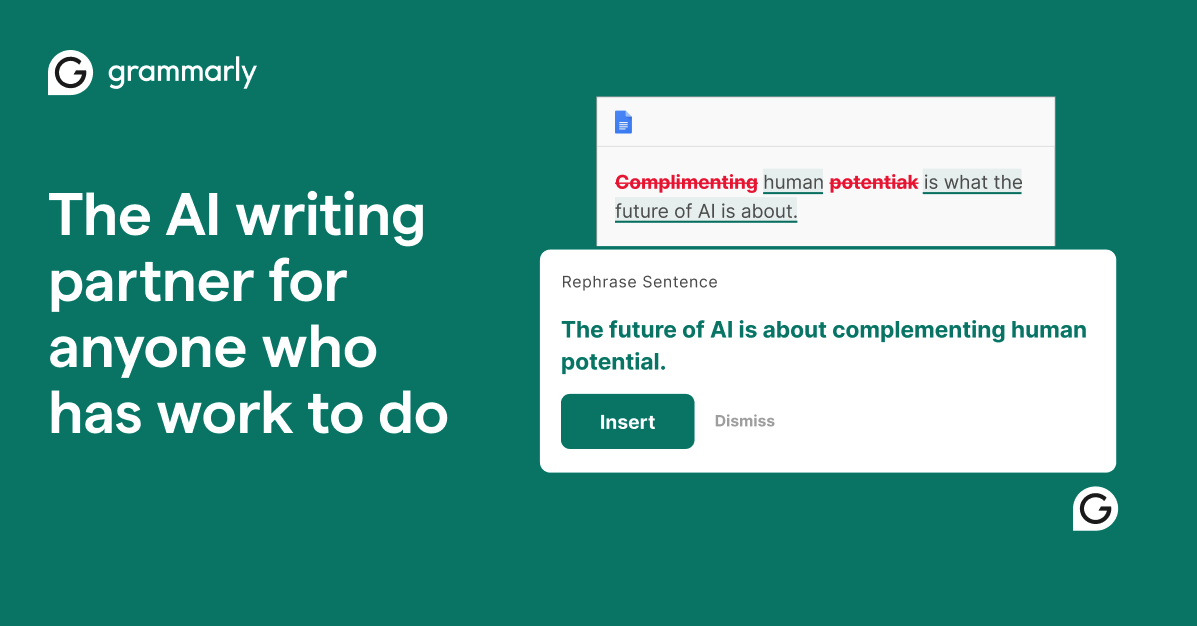
Grammarly is a writing assistant that helps improve grammar, spelling, tone, clarity, concision, and professional communication across browsers, documents, email, and workplace tools. Its AI writing features help users draft, rewrite, polish, and adapt messages for different audiences.

Free to try when you sign up.

How to use Grammarly?

Use Grammarly by installing the browser extension or opening the editor, then writing or pasting your text and reviewing suggestions for grammar, clarity, tone, and style. For professional work, choose the tone you want, review each suggestion carefully, and use the AI rewriting tools to make the final message clearer and more appropriate for the reader.

Grammarly's Core Features

  • Grammar and spelling checks
  • Tone suggestions
  • Clarity improvements
  • AI rewriting
  • Browser and app integrations
  • Business style controls
  • Plagiarism checks on selected plans

Grammarly's Use Cases

#1 Proofread emails
#2 Improve essays
#3 Rewrite business messages
#4 Polish website copy
#5 Check tone
#6 Create clearer documents

Grammarly's Pros and Cons

Pros

  • Works across many apps
  • Strong everyday writing support
  • Good for professionals and students
  • Helpful tone suggestions

Cons

  • Advanced writing features require premium access
  • Suggestions may not always match intended style
  • Not a full content strategy tool

FAQ from Grammarly

What is Grammarly best for?+
Grammarly is best for proofreading, improving tone, rewriting text, and making everyday writing clearer.
Does Grammarly work in email?+
Yes. Grammarly works across many web apps and writing surfaces, including email tools.

Grammarly Prompts

Professional Rewrite
Rewrite this message to sound clear, polite, and confident: [paste text].
Tone Check
Review this email and suggest changes to make it sound warmer but still professional: [paste email].

Grammarly Support Email & Customer service contact & Refund contact etc.

More Contact, visit the contact us page.

Grammarly Company

Company name: Grammarly
Founded: 2009
More about Grammarly, Please visit the about us page.

Grammarly Login

Grammarly Login Link: https://www.grammarly.com

Grammarly Sign up

Grammarly Sign up Link: https://www.grammarly.com

Grammarly Pricing

Grammarly Pricing Link: https://www.grammarly.com/plans
Grammarly Reviews
★★★★★ 4.7 point out of 5 point
Would you recommend Grammarly? Leave a comment:
Grammarly Pricing
Free
$0
/month
  • Basic writing suggestions
  • Grammar and spelling help
Premium
Varies
/month
  • Advanced suggestions
  • Tone and clarity features
  • More AI support
Business
Varies
/user/month
  • Team controls
  • Style guides
  • Admin features

For the latest pricing, please visit this link: https://www.grammarly.com/plans

Grammarly Launch embeds
Use website badges to drive support from your community for your TaskBoosters launch. They're easy to embed on your homepage or footer.
TaskBoosters Featured on TaskBoosters
Copy the embed code, then paste it into your website footer, homepage, or a custom HTML block. The badge links back to this TaskBoosters tool page.
Alternative of Grammarly
Grammarly Alternatives
Grammarly's Tags